The goo.gl shutdown: what Google said, replacing links, and alternatives
Google's goo.gl timeline to the August 2025 update, which links stopped working, how to replace them, and Google URL shortener alternatives with free plans.
Key takeaways
- goo.gl stopped accepting new links in stages: new users from 13 April 2018, and the console and API closed on 30 March 2019.
- Google's July 2024 plan to switch off every goo.gl link after 25 August 2025 was narrowed on 1 August 2025 to links with no activity in late 2024.
- Google's own test: if a goo.gl link redirects you without a message, it will keep working. Links made by Google apps such as Maps sharing are not affected.
- Google still recommends moving goo.gl links to another shortener, and nobody but Google can redirect a goo.gl code, so replacement means editing wherever the link is used.
- Put the replacements on a domain you own, so the next provider change is a DNS update instead of another hunt.
For years goo.gl was the default way to shorten a link for free, so its links are everywhere: old blog posts, PDFs, slide decks, printed brochures, app settings. Google has wound the service down in several steps, and the last one broke a large set of old links in August 2025. This guide sets out exactly what Google announced, which links still work as of 23 October 2026, and how to find and replace the ones you depend on. For what a shortener does and how to choose one, see the complete guide to URL shorteners.
What did Google announce about goo.gl?
All dates below come from Google’s own posts on the Google Developers Blog.
| Date | What happened |
|---|---|
| 30 March 2018 | Google announces the transition of Google URL Shortener to Firebase Dynamic Links and says existing links will continue to redirect |
| 13 April 2018 | Anonymous users, and users who had never created short links, can no longer create goo.gl links |
| 30 May 2018 | Only projects that already used the URL Shortener APIs can create short links through the API |
| 30 March 2019 | The goo.gl console and the URL Shortener APIs are discontinued; existing links keep redirecting |
| 18 July 2024 | Google announces that goo.gl links “will no longer return a response after August 25th, 2025” |
| 23 August 2024 | An interstitial warning page starts appearing on a percentage of goo.gl links |
| 1 August 2025 | Google updates the plan to “preserve actively used links”: only links that showed no activity in late 2024 are targeted |
| 25 August 2025 | The targeted, inactive links stop working |
The 1 August 2025 update is the one that matters today. Google wrote that it had redirected “URLs that showed no activity in late 2024” to a message saying the link would be deactivated, and that “these are the only links targeted to be deactivated.” It added: “All other goo.gl links will be preserved and will continue to function as normal.”
We found no newer announcement from Google on 23 October 2026. Its post still recommends “transitioning these links to another URL shortener provider.”
Which goo.gl links still work?
Three groups, based on Google’s post:
- Links that redirect without a message keep working. Google’s own rule of thumb: “If your link redirects you without a message, it will continue to work.”
- Links that showed the warning (“This link will no longer work in the near future”) were the inactive ones, and were deactivated after 25 August 2025. Google said they return a 404 after the shutdown.
- Links made by Google apps, such as Maps sharing, “will continue to function.” Those are a different system from the old URL Shortener.
Google also noted that adding si=1 to a goo.gl link suppressed the interstitial while it was being shown, which is useful when testing a list of links by script.
“Still working” is not the same as “safe to rely on”. The service accepts no new links, has been narrowed twice, and the remaining links exist at Google’s discretion. Treat any goo.gl link in material you care about as a link to replace.
How do I find my old goo.gl links?
Site crawlers find links on web pages, but goo.gl links tend to hide in places a crawler never visits. Search each place on this list for the text goo.gl:
| Where links hide | How to find them | How to replace them |
|---|---|---|
| Website pages and posts | Search the CMS database or an export for goo.gl | Edit the page; put the full URL or a new short link |
| Email templates and automations | Search the template library of your email platform | Update the template; future sends use the new link |
| PDFs, decks and documents | Search Google Drive or your file server for goo.gl | Update the source file and re-export |
| Social bios, video descriptions, pinned posts | Check each profile by hand | Edit in place |
| App configuration and code | Search the repository for goo.gl | Ship an update; old app versions keep the old link |
| Printed material and QR codes | Scan stock you still hand out; decode codes with our QR code scanner or the QR code decoder on b1.lc | Reprint, or add a sticker with a new code |
| Partner and third-party sites | Ask partners, or search the web for your goo.gl codes | Send partners the new links |
Then test what you found:
- Expand each link to see its destination. Opening it in a browser works; for a long list, a script that requests each URL and records the status and final address is faster.
- Mark each as working, warning or dead. Dead links (404) are urgent; working ones are still on the list.
- Check the destinations too. Many old goo.gl links point to pages that have moved or vanished. Fixing the short link alone will not help those. The URL parser is handy for cleaning up long destination URLs full of old tracking tags.
Testing a long list at once
If you found hundreds of links, test them by script rather than by hand. A one-line loop with curl prints each link’s HTTP status and where it redirects:
while read u; do curl -s -o /dev/null -w "%{http_code} %{redirect_url} $u\n" "$u?si=1"; done < googl-links.txtA 301 or 302 with a destination means the link still redirects. A 404 means it is gone. Save the output next to your spreadsheet: the redirect URL column is the destination you need to recreate, which saves looking each one up again. Run it from a normal connection, and keep the pace gentle if the list is long.
How do I replace goo.gl links?
You cannot redirect a goo.gl code yourself; only Google controls it. So replacement means creating a new link and editing every place the old one appears. Do it once, properly:
- Choose a domain you own for the new links, such as
go.yourbrand.com. If you ever change shortener again, you repoint the domain and import your links; nothing printed breaks. See use your own domain for short links. - Build a spreadsheet with one row per old link: the goo.gl URL, the destination you want now, a title and where it is used.
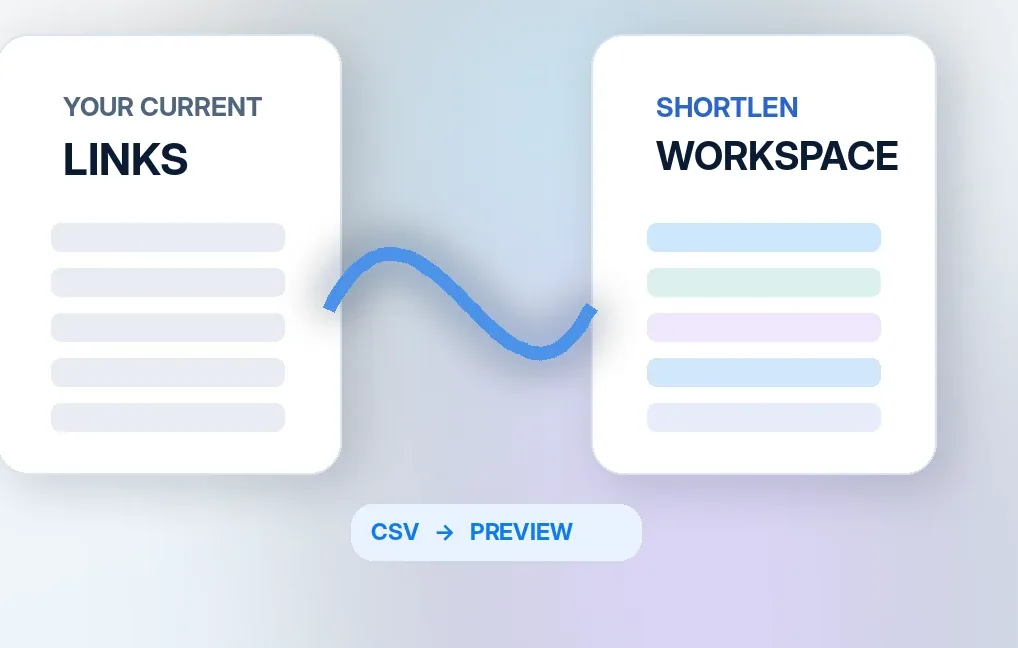
- Create the new links in bulk. BN Shortener (the service behind Shortlen, at b1.lc) imports a CSV from any spreadsheet: it recognises columns such as destination, alias, tags and campaign, takes up to 1,000 rows per import, shows a dry run before anything is created, and every destination is threat-scanned. New accounts can create 25 links a day in their first week, and the Free plan includes 100 new links a month, so plan large migrations accordingly. The steps are in how to bulk shorten links from a CSV.
- Keep readable back-halves where people might type the link, such as
go.yourbrand.com/brochure. - Swap the links in each place from your list, starting with anything printed or high-traffic.
- Use dynamic QR codes for print, so the next change does not need a reprint.
What about printed goo.gl links I cannot change?
Be realistic. A brochure already in circulation will keep sending people to whatever the goo.gl code does. If the link still works, it will keep working for as long as Google keeps it. If it is dead, the only fixes are a sticker with a new code over the old one, or a reprint. For material you print from now on, use a domain you own and a dynamic code, so you never face this again.
What are the best Google URL shortener alternatives?
Google has no public shortener any more, so “Google URL shortener alternatives” means any provider you can trust with links for years. What each one publishes about its free plan, from its own pricing page:
| Alternative | Free plan, as listed | Custom domain on free | Free API | Links expire? |
|---|---|---|---|---|
| BN Shortener | 100 new links a month, 5 dynamic QR codes, click analytics | Yes, 1 | Yes, 1,000 requests a minute | No, unless you set a date; links keep working after a downgrade |
| Bitly | Listed “with ads”; 2 QR codes a month | Check the plan | 1,000 requests a month | No by default (Bitly help centre) |
| TinyURL | Free plan with “Never Expires” links | Check the plan | Not confirmed | Free and Pro never; Bulk 50K 90 days by default |
| Rebrandly | 10 links a month | Check the plan | 100 calls a minute | No, unless you set a date or delete them |
| Short.io | 1,000 branded links over the account’s lifetime | Branded links are its model | 50 requests a second listed | No stated lifetime; expiry is a setting |
Bitly, Rebrandly and Short.io were checked on 24 October 2026 and TinyURL on 23 October 2026; prices and limits change, so check before you move. Link lifetimes come from our do short links expire? guide.
What goo.gl taught is more useful than any single row: choose a provider that lets you use your own domain, export your links and keeps existing links working if you stop paying, and a future shutdown becomes a DNS change instead of a clean-up project. If your old goo.gl links pointed at Google services, the guides to shortening Google Forms, Google Drive and Google Maps links cover the replacements, and our best URL shorteners guide compares the wider field.
What did goo.gl teach us about short links?
The goo.gl story is the clearest case for owning the domain your links live on:
- A free service can change its terms. goo.gl went from “existing links will continue to redirect” in 2018 to deactivating inactive links in 2025.
- Inactivity rules catch archives. The links that died were the quiet ones: old documentation, academic papers, archived posts. Low traffic is not the same as unimportant.
- Its successor shut down too. Google pointed developers to Firebase Dynamic Links in 2018; Firebase’s FAQ says that service shut down on 25 August 2025. If you used it for app links, see Firebase Dynamic Links alternatives.
For how long other shorteners keep links alive, see do short links expire?, and for the wider problem of broken links, link rot and broken links.
Checklist: goo.gl clean-up
- Searched the website, email templates, documents, bios, app code and print stock for
goo.gl. - Tested every link and marked it working, warning or dead.
- Checked that each destination still exists.
- Chose a custom domain you own for the replacements.
- Created the new links in one import, with readable back-halves where people type them.
- Replaced dead links first, then everything else.
- Used dynamic QR codes for anything you print from now on.
- Kept the spreadsheet of old and new links for future reference.
Start free
Moving away from goo.gl is a good moment to put your links on a domain you control. You can start free at b1.lc: the Free plan includes one custom domain and click analytics, and existing links keep working whatever plan you are on. See branded links for how custom domains work.
Sources
- Google URL Shortener links will no longer be available [updated], Google Developers Blog, 2024-07-18, updated 2025-08-01. Checked 2026-10-23.
- Transitioning Google URL Shortener to Firebase Dynamic Links, Google Developers Blog, 2018-03-30. Checked 2026-10-23.
- Dynamic Links Deprecation FAQ, Firebase, updated 2026-10-22. Checked 2026-10-23.
- Bitly pricing, Bitly, as published on 24 October 2026. Checked 2026-10-24.
- TinyURL plans and pricing, TinyURL, as published on 23 October 2026. Checked 2026-10-23.
- Rebrandly pricing, Rebrandly, as published on 24 October 2026. Checked 2026-10-24.
- Short.io pricing, Short.io, as published on 24 October 2026. Checked 2026-10-24.