
Share files by short link, with a password, expiry and download cap
Upload a document, video, audio file or archive and get a short download link you can paste into an email, a message or a QR code. Lock it with a password, give it an end date, cap the downloads and see every download in a log.
Updated
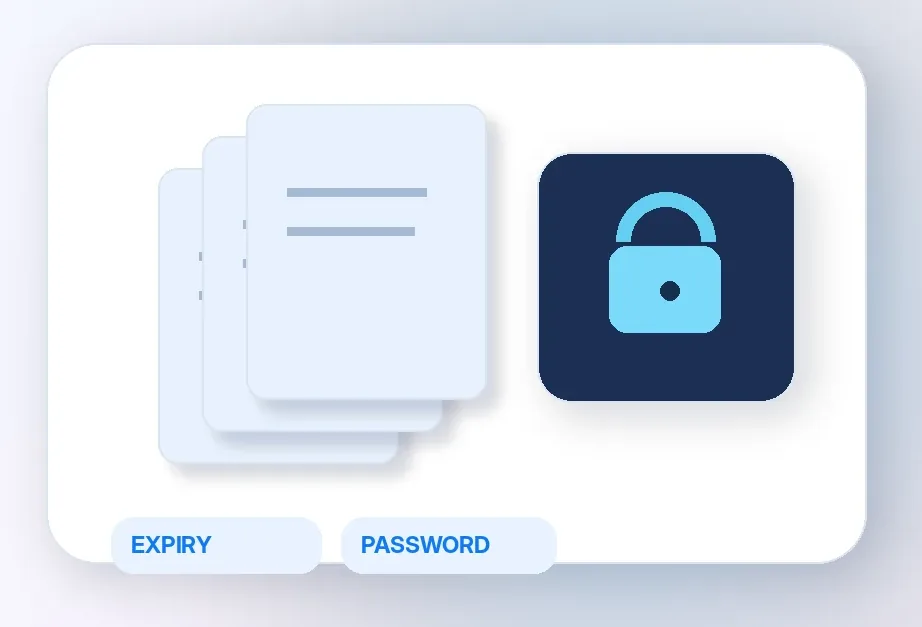
Documents, images, video, audio, text and archives, each behind its own b1.lc/d/ link.
Password, expiry date and a maximum number of downloads on every file.
A download counter and log, plus a webhook each time the file is viewed or downloaded.
HTML, SVG and XML files are always downloaded, never displayed as a page.
What is a file sharing link?
A file sharing link is a short link that points to a file you uploaded instead of a web page. In BN Shortener you upload under Links > Files and get a link that starts with b1.lc/d/. The person you send it to does not need an account, an app or a cloud-drive login: they tap the link and get the file.
It is the simplest way to send something that is too big for an email attachment, or that you want to stop sharing later: a price list that changes every quarter, a press kit, a menu, a contract draft, an event programme or a product manual you want behind a QR code.
Which files can I upload?
Six groups of file types are accepted, and each file type has a size limit. For a very large video, export a smaller version or link to it on a video platform instead.
| Type | Extensions |
|---|---|
| Images | jpg, jpeg, png, gif, webp, svg |
| Documents | pdf, doc, docx, xls, xlsx, ppt, pptx |
| Text | txt, csv, json, xml, html, md |
| Audio | mp3, wav, ogg, m4a |
| Video | mp4, webm, mov, avi |
| Archives | zip, rar, 7z, tar, gz |
How do I control who can open the file, and for how long?
Each file link has four options you set when you upload. Used together they cover most real situations: a password for confidential documents, an expiry date for anything time-bound, and a download limit when a file is meant for a handful of people.
- Title: what you see in your list, so you can find the file later.
- Password: the visitor must type it before the download starts. Send the password through a different channel from the link.
- Expiry date: after this date the link no longer hands out the file. Good for quotes, offers and drafts.
- Maximum number of downloads: the file stops being served once it has been downloaded that many times.
- Private codes: if you make private links your account default, file links get a 9-character code nobody can guess as well.
Can I see whether my file was downloaded?
Yes. Every file link has a download counter and a download log, so you can tell whether the proposal you sent on Monday was opened before the call on Wednesday, or how many people at an event picked up the slides from the QR code on screen.
For automation, the file.downloaded webhook fires each time a shared file is viewed or downloaded. Point it at your own system to notify a sales rep, follow up automatically, or log access to a sensitive document. Webhook deliveries are signed with HMAC-SHA256 and retried if your endpoint is down.
Are shared files safe for the people who receive them?
A file link opens a download, not a web page, for the risky formats. HTML, SVG and XML files are always downloaded, never displayed, so an uploaded file cannot run as a page on the b1.lc domain. That protects your recipients and keeps the short-link domain trustworthy for everyone who uses it.
For the person receiving the link, the usual short-link habits apply: anyone can add + to the end of a b1.lc short link to see where it leads without opening it, and the public Link Checker at b1.lc tests a destination before you click.
When is a file link better than a cloud-drive share?
Cloud drives are built for collaboration: editing, comments, folders shared with a team. A file link is built for distribution: one file, one short address, a clear end date and a count of who took it. Use the one that matches the job.
| You want to… | File sharing link | Cloud-drive share |
|---|---|---|
| Print the link or put it in a QR code | Yes, a short b1.lc/d/ address | Long URL, needs a shortener |
| Stop sharing on a set date | Expiry date on the link | Depends on the drive |
| Cap how many times it is taken | Maximum downloads | Depends on the drive |
| See downloads and react to them | Download log and webhook | Depends on the drive |
| Edit the document together | No, it hands out a copy | Yes |
How to set it up
- Open Files
Sign in at b1.lc and go to Links > Files.
- Upload the file
Choose a document, image, video, audio file, text file or archive within its type's size limit.
- Set the protection
Add a title, and if needed a password, an expiry date and a maximum number of downloads.
- Copy the short link
Copy the b1.lc/d/ link into your email, message or a URL QR code.
- Watch the downloads
Check the download counter and log, or connect the file.downloaded webhook to your own system.
Limits by plan
| Free | Pro | Business | Enterprise | |
|---|---|---|---|---|
| File sharing links | — | Yes | Yes | Yes |
| Private links (9-character codes) | — | Yes | Yes | Yes |
Prices and every plan's limits are on the pricing page. Limits only restrict creating new items: what you already made keeps working.
Frequently asked questions
Still unsure? Ask us at sales@shortlen.com.
Is there a maximum file size?
Yes, each file type has its own size limit. For very large videos, export a smaller version or link to the video on a video platform.
Which plan includes file sharing links?
File sharing links are included on Pro, Business and Enterprise. Pro is $15 a month ($144 a year) and Business $49 a month ($468 a year); start free at b1.lc and upgrade any time.
Can I password-protect a shared file?
Yes. Set a password when you upload, and the visitor has to enter it before the download starts. For sensitive files, send the password separately from the link.
Can I make a file link expire?
Yes. Set an expiry date, a maximum number of downloads, or both. After that the link no longer serves the file.
Can I see who downloaded my file?
Each file link has a download counter and a download log. The file.downloaded webhook can also notify your own system every time the file is viewed or downloaded.
Why does my HTML or SVG file download instead of opening in the browser?
For safety, HTML, SVG and XML files are always downloaded and never displayed. That stops an uploaded file from running as a web page on the shared short-link domain.
Can I put a file link in a QR code?
Yes. A file link is a normal short URL, so you can use it as the destination of a URL QR code, for example to hand out a menu, manual or slide deck.
Works well with
Guides
Try file sharing links today
The Free plan includes a custom domain, 5 dynamic QR codes, a bio page and click analytics. No credit card.