
Branded short links on your own domain, with every redirect type
Put your own domain in front of every link (go.yourbrand.com/spring instead of a stranger's domain), pick a readable back-half, and choose exactly how each link redirects. SSL, threat scanning and a check of every link before you send it are built in.
Updated
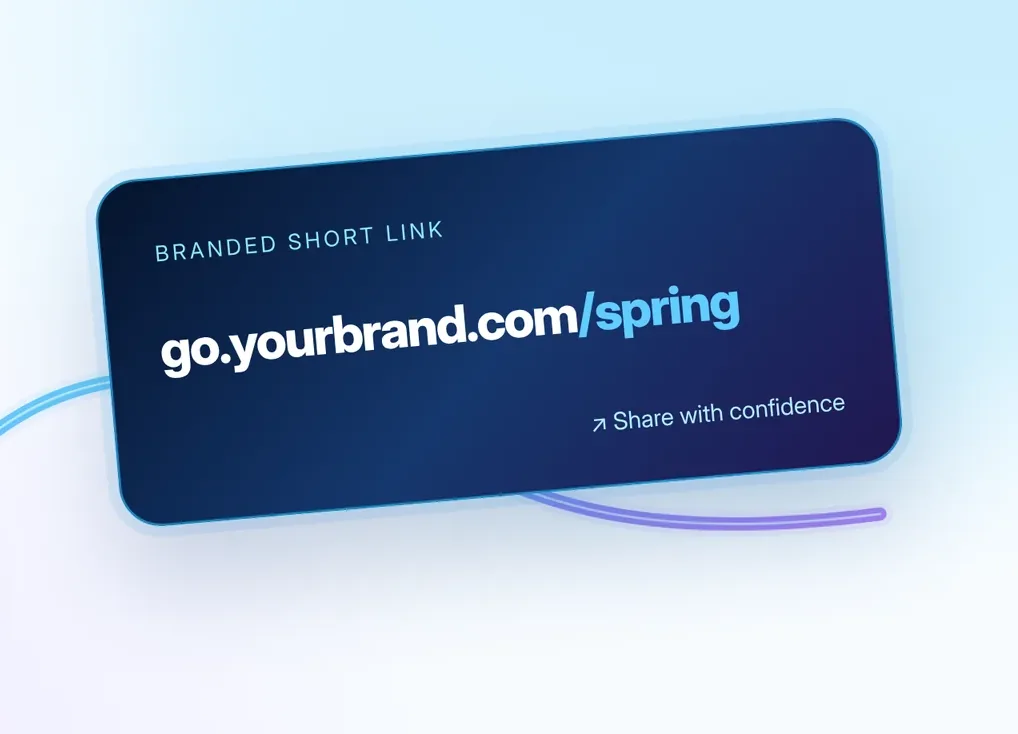
Connect a domain or subdomain with two DNS records. Let's Encrypt certificates are issued and renewed for you.
Use a custom alias of 3-50 characters, a 4-character random code, or a 9-character private code nobody can guess.
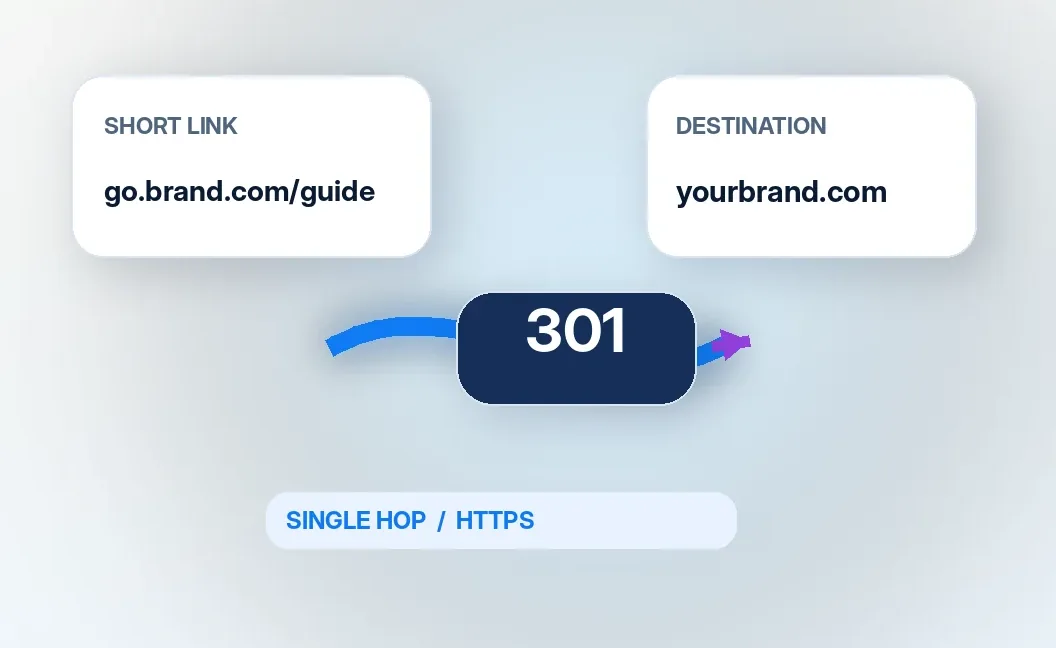
Standard, 301, 302 or 307, per link. Change the destination any time and it takes effect at once.
Import your Bitly, Rebrandly, Short.io, TinyURL or Dub links and export everything as JSON or CSV.
What does a short link look like in BN Shortener?
On the shared domain a standard link looks like b1.lc/AbC9: a 4-character random code, 10 characters in total, short enough for an SMS, a slide or a printed flyer. Codes are case-insensitive, so nobody gets lost over a capital letter.
On your own domain the same link becomes go.yourbrand.com/spring: people see who sent it before they tap, and every link carries your name instead of someone else's.
| Back-half type | Format | Best for |
|---|---|---|
| Random code | 4 characters, letters and digits (about 1.68 million per domain) | Everyday sharing, SMS, social posts |
| Custom alias | 3-50 characters: letters, digits, hyphen, underscore | Campaigns people should read and remember: /spring, /webinar-oct |
| Private link (Pro and higher) | 9 random characters a-z and 0-9 (about 10^14 combinations) | Invoices, documents, personal offers |
How do I connect my own domain?
Add the domain under Integrations > Custom Domains. Point it at b1.lc with a CNAME record (or the A record the dashboard shows), then prove you own it with a TXT record at _bn-verify.yourdomain with the value bn-verify plus your code. You can delete the TXT record once the domain is verified.
The SSL certificate is issued automatically by Let's Encrypt and renewed for you. The dashboard shows the SSL status (pending, provisioning, active or failed) with a Retry SSL button if something on the DNS side was not ready yet. Verify promptly: an unverified claim on a domain can be taken over by another account after 72 hours.
- A link on your custom domain answers only on that domain; b1.lc answers for every link.
- Custom domains share one code namespace with b1.lc: an alias already used on b1.lc or any other custom domain is refused, so pick a specific back-half (for example /spring-menu) if a common word is taken.
- Set your own Home page (where https://yourdomain/ goes), Link not found page and Expired link page for each domain. Left empty, visitors see BN's standard pages.
- A custom domain enables cloaking, App Links files for Universal Links and Android App Links, and GS1 Digital Links for product barcodes.
- The shared domain b0.lc is a second domain for extra 4-character room, not a mirror: b0.lc/AbC9 and b1.lc/AbC9 are two different links. A domain you chose never changes.
Which redirect type should I use?
Each link has its own redirect type in the editor's Settings tab. Every answer is sent with no-store, so repeat visits are always counted and a destination change takes effect at once, even on a 301.
One caution for SEO: if you set a custom preview card on a link, search crawlers get the preview page instead of the 301. Leave the card off links where the 301 matters for SEO.
| Redirect type | What it is | Choose it when |
|---|---|---|
| Standard (recommended) | A redirect page that forwards with JavaScript, with a meta-refresh fallback | You want screen size and language in analytics, retargeting pixels or Open in App; choose 301 for SEO-critical links |
| 301 Permanent | A plain server redirect, best for SEO | The link replaces a page for good, or search engines should pass it straight through |
| 302 Temporary | A plain server redirect | A temporary destination, such as a seasonal page |
| 307 Temporary | A plain server redirect that keeps the request method | Forms or API calls that must not turn a POST into a GET |
What else can I control on each link?
The link editor has ten tabs: Basic Info, Settings, History, Smart Rules, Pixels, A/B Tests, Social, App, Schedule and Rotation (spread visitors over several destinations; see link rotation). The options most people use on branded links:
- Change the destination after you share it; the new address is re-scanned and re-checked.
- Change the code and tick Keep old code as redirect to new code, so printed or shared copies still work.
- Password protection and an expiry date (a date means 23:59:59 that day). A default expiry can be set in Settings.
- Click limit from 1 to 100,000,000 people; bots and link previews do not count. After that the link counts as expired and, on your domain, shows your Expired link page.
- Schedule a start and end time in any time zone, with a fallback URL for visitors who arrive early or late.
- Social preview: your own title, description and image for Facebook, LinkedIn and X, with a live preview card. Leave it off links where the 301 matters for SEO: with a custom card, search crawlers get the preview page instead.
- Cloaking keeps your short address in the browser bar. It works only on your own domain, and BN warns you on save if the destination refuses to be framed.
- History logs every change with old and new value, who and when, with one-click rollback per field.
- Forward the visitor's query parameters to the destination, so tags added to the short link reach your page.
- Link folders keep My Links tidy on every plan; campaigns (Pro and higher) group links for reporting.
- Spreadsheet edit: download your links as a CSV, change them in a spreadsheet and upload the file back, with a dry run that shows every change first.
- Expiry reminder emails warn you before a link with an expiry date stops working, so you can extend it.
Are branded short links safe for the people who click them?
Every destination is threat-scanned before the link goes live and rescanned daily, against PhishTank, URLhaus, SURBL, urlscan.io and AlienVault OTX (and Google Web Risk when enabled); dangerous destinations are refused. A Launch Check runs automatically on every link you create and tests the whole path a visitor will take, including your domain's verification and SSL.
Anyone can preview a link before opening it: add + to the end (b1.lc/AbC9+) to see the status, destination and title without being counted. A guessing guard blocks any visitor who requests more than 200 unknown codes in 10 minutes, for 15 minutes, so nobody can walk through your codes. Redirects run as their own service, and if the database is unavailable short links keep working from a cached copy while clicks are queued and recorded afterwards.
Can I move my existing links, and take them with me later?
Yes, both ways. Import a CSV from Bitly, Rebrandly, Short.io, TinyURL, Dub or any spreadsheet, preview it with a dry run, keep old codes when they are free and download an old-to-new mapping file (up to 1,000 rows per import). A folder column becomes a campaign, not a link folder. See switching to Shortlen.
Export is open on the way out too: a full JSON export of links, campaigns, custom domains and QR codes, or a CSV with one row per link. And plan limits never hold your links hostage: after a downgrade or cancellation every link you made keeps working and stays editable, with no ads added.
How to set it up
- Create a free account
Sign up at b1.lc. No credit card is needed for the Free plan, which includes one custom domain.
- Add your domain
Go to Integrations > Custom Domains and enter the domain or subdomain, for example go.yourbrand.com.
- Add two DNS records
At your DNS provider, add a CNAME pointing to b1.lc (or the A record shown) and the TXT record at _bn-verify.yourdomain with your bn-verify code.
- Wait for SSL to turn active
Once the domain verifies, the certificate is issued automatically. Use Retry SSL if the status shows failed.
- Create a link on your domain
In Create Short Link, paste the destination, pick your domain, and type a custom alias or leave it empty for a random code.
- Pick the redirect type and send
In the editor's Settings tab choose Standard, 301, 302 or 307, then check the Launch Check verdict before you share the link.
Limits by plan
| Free | Pro | Business | Enterprise | |
|---|---|---|---|---|
| Custom domains | 1 | 3 | 10 | Unlimited |
| New links per month | 100 | 1,000 | 10,000 | Unlimited |
| Private links (9-character codes) | — | Yes | Yes | Yes |
| Automatic SSL on custom domains | Yes | Yes | Yes | Yes |
Prices and every plan's limits are on the pricing page. Limits only restrict creating new items: what you already made keeps working.
Frequently asked questions
Still unsure? Ask us at sales@shortlen.com.
Do I need to buy an SSL certificate for my short domain?
No. BN Shortener issues a Let's Encrypt certificate automatically once your domain is verified and renews it for you. The Custom Domains page shows the SSL status and has a Retry SSL button.
Should I use a subdomain or a separate short domain?
Both work. A subdomain such as go.yourbrand.com reuses the domain people already know and only needs a CNAME. A separate short domain gives you the shortest possible links. Connect it with the CNAME or the A record shown in the dashboard.
Which redirect type is best for SEO?
Choose 301 Permanent, a plain server redirect. Standard is a redirect page that forwards with JavaScript (with a meta-refresh fallback) and records screen size and language, runs pixels and Open in App. Links with pixels or an app keep the redirect page even when 301 is chosen, and a custom preview card sends search crawlers to the preview page, so leave the card off SEO-critical links.
Can I change where a link goes after I have shared it?
Yes. Edit the destination at any time; because every answer is sent with no-store, the change takes effect immediately, even for 301 links. The new address is threat-scanned and Launch Check runs again.
Can someone guess my short links?
Random 4-character codes are short by design, so a guessing guard blocks any visitor who tries more than 200 unknown codes in 10 minutes. For invoices and personal documents, use a private link with a 9-character code (Pro and higher).
What happens to my branded links if I downgrade or cancel?
They keep working. Plan limits only restrict creating new items, never serving existing ones, so every link stays live and editable and no ads are added.
Works well with
Guides
Try branded short links today
The Free plan includes a custom domain, 5 dynamic QR codes, a bio page and click analytics. No credit card.