
QR codes and short links for real estate listings
A buyer standing at the curb has a phone, not a brochure. Give them a code that opens the listing, the floor plan or the open-house time, and see which properties and which signs get scanned.
Updated
Repoint a yard sign's code to your other listings when the home goes under contract.
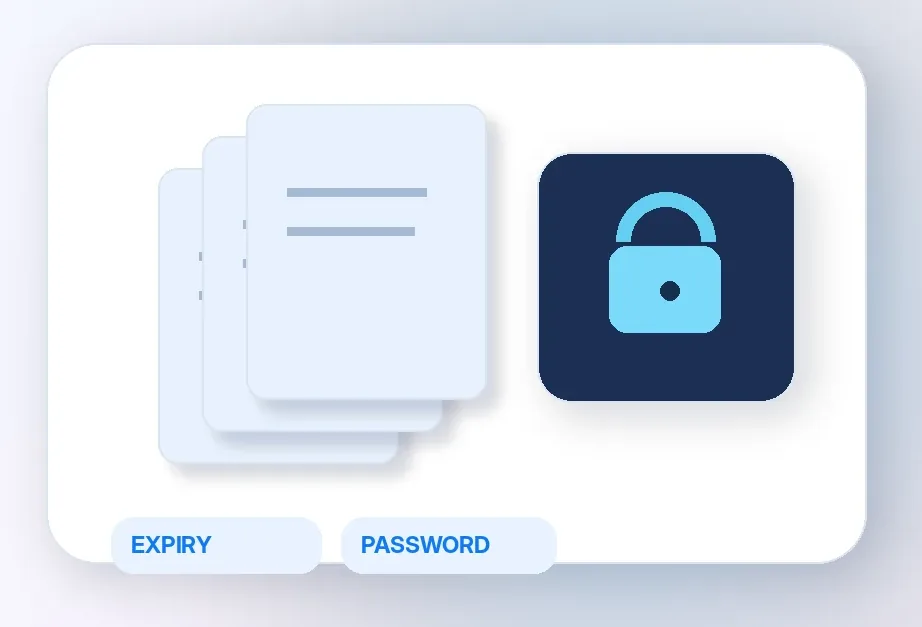
Floor plans, brochures and tour videos behind a short link with a password and expiry.
Scans and clicks per listing, per sign and per flyer, by day and hour.
Phones get the mobile tour, computers get the full listing with the floor plan.
What should the QR code on a listing sign open?
The page a passer-by wants in the next ten seconds: photos, price, the key facts and a way to contact you. A mobile listing page or a short video tour works better than a PDF on a small screen. Make it a dynamic QR code, because a sign stays up longer than the listing it was printed for. When the home goes under contract, change the destination to your other listings or a "just sold" page, and the sign keeps working for you while it is still in the ground.
Give each sign, flyer and window card its own code if you want to compare them. A frame such as Scan Me or Visit Website tells people what the code does, and a vector download (SVG, PDF or EPS) stays sharp at sign size. Leave the expiry empty: printed codes usually should not expire.
| Job | Feature | Plan |
|---|---|---|
| QR code on a sign or flyer that you can repoint | Dynamic QR codes | Free (5), Pro (250), Business (2,500) |
| Brochure, floor plan or tour video behind a link | File links | Pro and higher |
| Password or expiry on private documents | Password and expiring links | Pro and higher |
| Mobile visitors to the tour, desktop to the full listing | Smart links | Pro and higher |
| A listing page with photos, map and contact form | Bio pages | Free (1), Pro (10), Business (50) |
| Several agents in one brokerage account | Team workspace | Business (5 seats) |
How do I share brochures, floor plans and disclosures?
Upload the file under Links > Files and you get a short link such as b1.lc/AbC9 (and a direct download address) that you can text, email or print as a QR code. Add a title, a password, an expiry date or a maximum number of downloads, and the download log shows when the file was opened. Use a password for documents meant for one buyer, such as an offer pack, and an expiry date for anything that is only valid until a deadline. File links are on Pro and higher.
| What you share | File types |
|---|---|
| Brochure, floor plan, disclosure pack | PDF, DOC, DOCX, XLS, PPT |
| Listing photos | JPG, PNG, WEBP |
| Walkthrough video | MP4, WebM, MOV, AVI |
| Full photo set or document bundle | ZIP, 7Z |
How can I tell which listing gets the most interest?
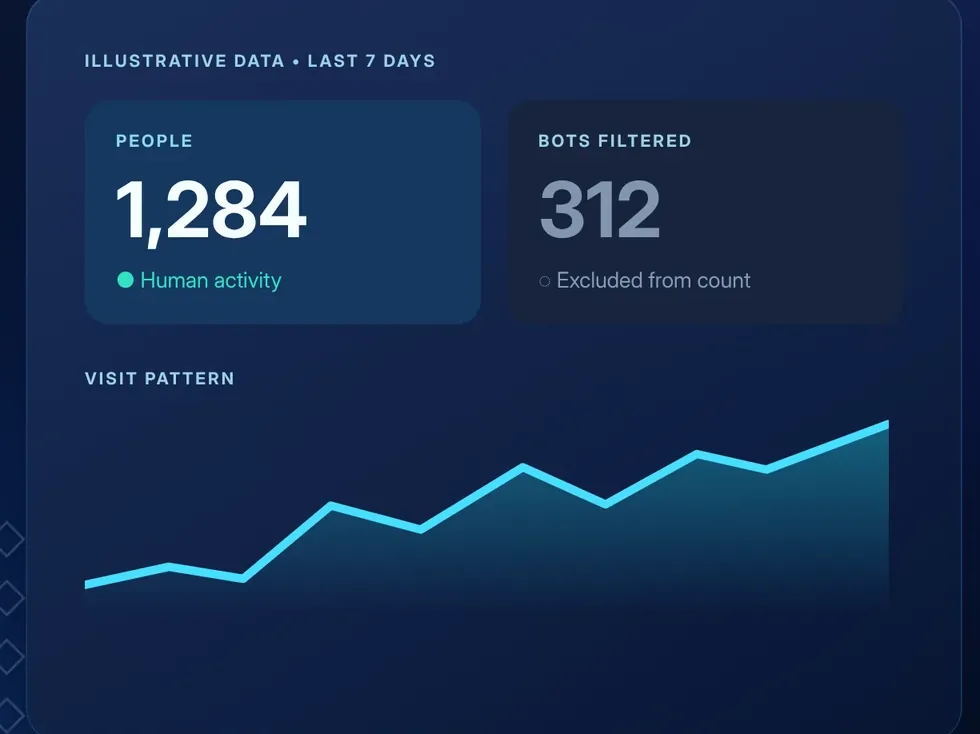
Every link and dynamic code has its own analytics: scans or clicks, unique visitors, mobile and desktop, by date and hour, with country and city. Bots, crawlers and link previews are kept out of the numbers, so a listing shared in a group chat does not look busier than it is. Compare the sign code with the flyer code and the portal link for the same home, or compare homes with each other.
Sellers like to see that their home is being marketed. Turn on a shared stats page for the listing's link and send the seller the address: it shows totals, a daily chart and top countries and devices, never IP addresses or click rows. You can switch it off or change its address at any time. On Pro and higher, a PDF report of the link's numbers is also available.
Can one link open a different page on a phone and on a computer?
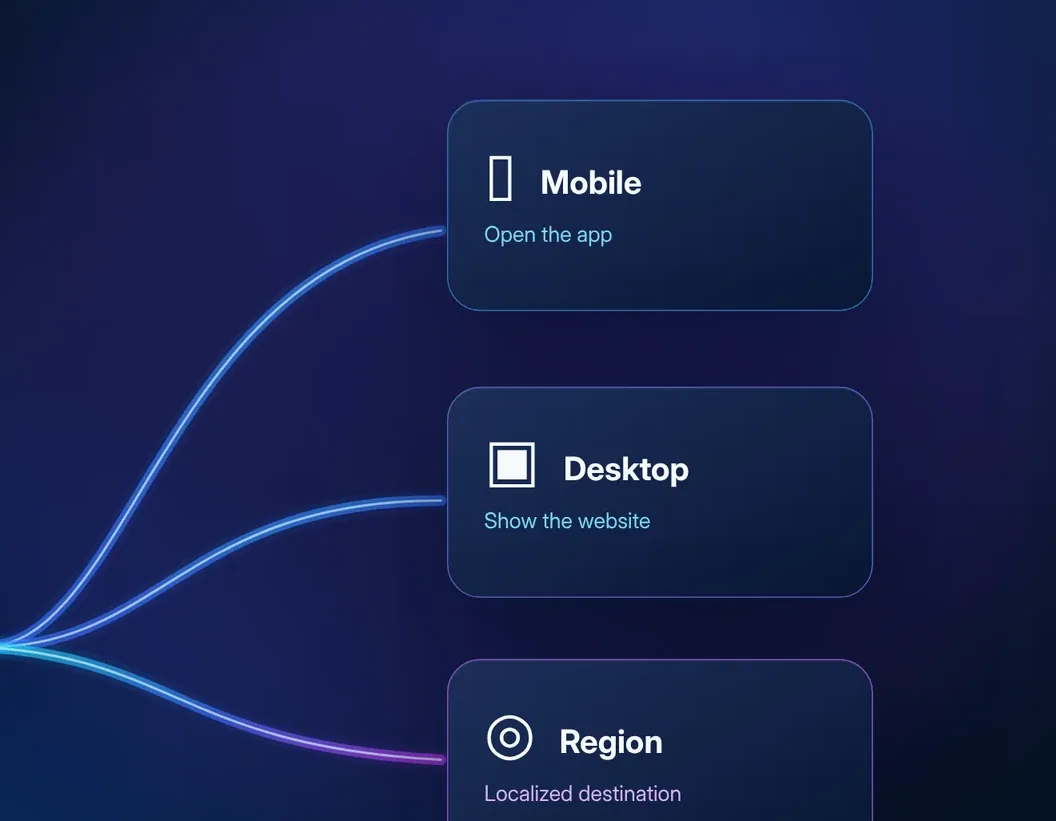
Yes. A smart link checks each visitor against your rules and sends them to the first match. Send phones to the video tour or the mobile listing page and computers to the full listing with the floor plan and mortgage calculator. For buyers abroad, a rule on the browser language can open a translated brochure. Anyone who matches no rule goes to the main destination, and the rule tester shows which page a pretend visitor would get before you print.
What about open houses and business cards?
The QR builder has types for both. An Event code holds the title, start, end, location and description, so a buyer can save the open house to their calendar in one scan. A vCard code on your business card saves your name, phone, email and website straight to the phone; the free vCard QR code generator makes one without an account. A Location code opens the address in maps.
For a listing that needs more than one page, build a bio page for it: an image grid of up to 12 photos, a video embed, a Google Map, a countdown to the open house and a contact form whose messages are emailed to you. A link's Schedule tab can open a registration page at a set time and send early visitors to a fallback page.
Get started
- Start free
Create an account at b1.lc. No card is needed.
- Make one code per listing
In Links > QR Codes, create a dynamic URL code that opens the listing page, and add your logo and a Scan Me frame.
- Add the documents
On Pro, upload the brochure and floor plan as file links, with a password for private documents.
- Check before you print
Run Launch Check for contrast and mobile problems, then test-scan the proof with two phones.
- Repoint when it sells
Change the sign code's destination to your other listings, and send the seller a shared stats page.
Frequently asked questions
Still unsure? Ask us at sales@shortlen.com.
What happens to the QR code on a sign after the home sells?
With a dynamic code, you change its destination in the dashboard, for example to your other listings or a sold page. The printed sign keeps working and the scans keep counting.
Can I password-protect a brochure or disclosure pack?
Yes, on Pro and higher. Upload it as a file link and add a password, an expiry date or a maximum number of downloads. The download log shows when it was opened.
Which video files can a file link hold?
Video file links take MP4, WebM, MOV and AVI files, and each file type has a size limit. For long tours, link to the video on your website or video host instead.
Can I show a seller how many people scanned their sign?
Yes. Turn on a shared stats page for the link and send the seller its address. It shows totals, a daily chart and top countries and devices, never personal data, and you can switch it off at any time.
Do I need a separate QR code for each sign?
Only if you want to compare them. One code per listing is enough to count interest; one code per sign or flyer tells you which placement works best.
Can my whole brokerage share one account?
Yes. The Business plan includes a team workspace with 5 seats and owner, admin, editor and viewer roles, plus an audit log of who changed what.
Free tools for this
Features you will use
Guides
Try it on your next link
The Free plan includes a custom domain, 5 dynamic QR codes, a bio page and click analytics. No credit card.