
Launch Check: automatic pre-send testing for short links and QR codes
A broken link in a sent email or a printed flyer cannot be recalled. Launch Check walks the path your visitors will take, in 13 checks, and gives one plain verdict: Ready to send, Ready, with warnings, or Not ready.
Updated
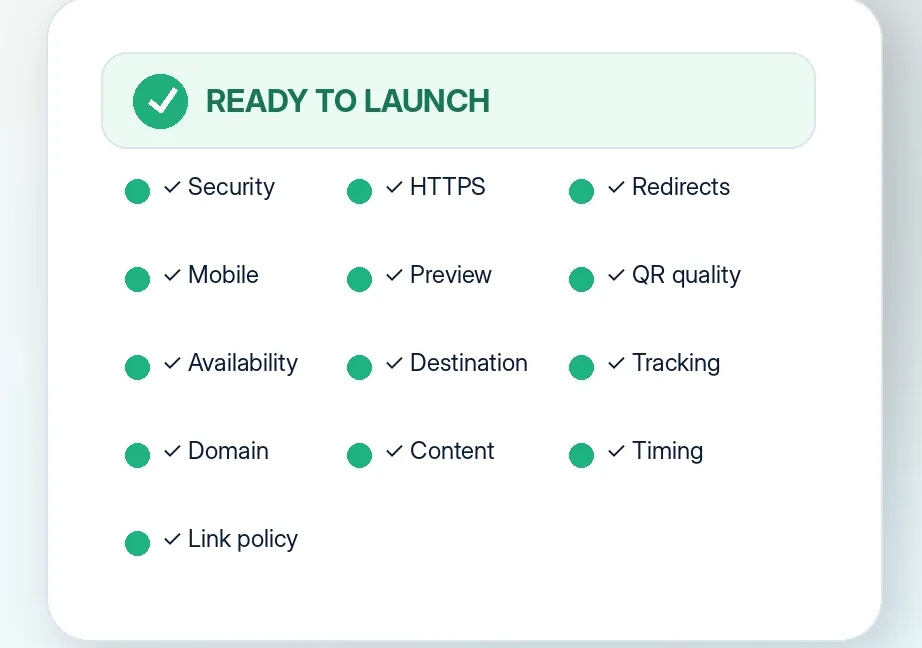
Ready to send, Ready, with warnings or Not ready. Deliberately no 0-100 score.
In the background when a link is created and again whenever its destination changes.
Bulk runs of up to 200 links continue on BN's servers even if you close the tab.
Paste a message to check its encoding, parts, links, opt-out wording and quiet hours.
What does Launch Check test?
Every check returns Pass, Warning, Fail, Unknown or Info, with a plain-language summary, the evidence it saw and how to fix it. Together they cover the link, the destination and everything the visitor meets on the way.
| # | Check | Fails or warns when |
|---|---|---|
| 1 | Link is active | The link is disabled, expired or its schedule ended; warns if it stops within 7 days |
| 2 | Security reputation | A fresh threat scan blocks it; warns on a medium or high rating from threat feeds |
| 3 | Destination is reachable | Network errors or HTTP 400+; warns on soft 404s, parked pages and loads over 3 seconds |
| 4 | Redirect chain is safe | Loops (more than 10 hops) or HTTPS-to-HTTP downgrades; warns at 4+ hops |
| 5 | HTTPS and certificate | An invalid certificate; warns if not HTTPS or the certificate expires within 14 days |
| 6 | Works on mobile | The page fails as an iPhone while desktop works; warns without a mobile viewport |
| 7 | Smart rules, A/B and fallback URLs | Any of up to 8 extra destinations fails |
| 8 | Branded domain | The custom domain is unverified or inactive, or its SSL is not active |
| 9 | Campaign tracking (UTM) tags | Warns on duplicate or empty tags, a missing source, medium or campaign, or tags off the preset |
| 10 | Social & messaging preview | Warns on a broken preview image for WhatsApp, Slack and social posts |
| 11 | QR code print quality | Contrast below 3:1; warns below 4.5:1, on inverted colours or an oversized logo |
| 12 | Monitored by Link Guardian | Notes whether the link is monitored and has a backup URL |
| 13 | Ready for SMS | Warns if the destination passes through a public shortener; phone spam filters often flag public shorteners such as bit.ly |
Why test more than "does the page load"?
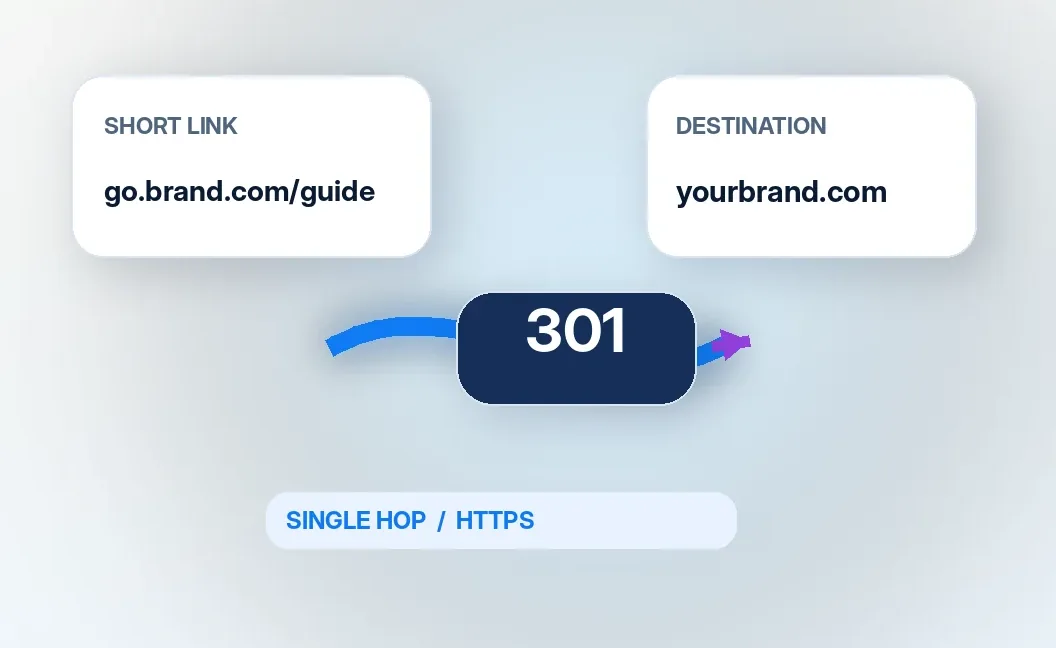
A page that loads on your laptop can still fail the people you send it to. The phone version might be broken (check 6). A redirect inside the destination might drop to plain HTTP (check 4). The certificate might expire in the middle of the campaign (check 5). The WhatsApp preview might show a missing image (check 10). The regional page behind a smart link might be gone (check 7). And a QR code in brand colours might be too pale to scan in a dim shop (check 11, which also advises a test scan from about 30 cm with two phones).
Launch Check reports "unknown" rather than a false failure when a site blocks automated checks, and adds a note when the destination changed since the last check. For a full pre-send routine, see how to check a link before you send it.
When does Launch Check run?
Automatically, in the background, when a link is created from the dashboard, the UTM builder or the API, and again whenever its destination changes (an edit, a history rollback or an API update). Bulk imports are not checked automatically, so run a bulk check after an import.
Manually, for one link, a selection or a whole campaign: up to 200 links per run, 3 at a time. Bulk runs continue on BN's servers if you close the tab, can be stopped, and resume by themselves if interrupted. The last 20 results per link are kept; a result counts as stale after 24 hours or when the destination changes.
How does sign-off work for teams?
A reviewer can sign off the latest result with a note of up to 500 characters, so the person who sends the campaign knows someone checked it. A Not ready result can only be signed off with an explicit override and a note of at least 10 characters, which leaves a record of why the risk was accepted. A sign-off becomes invalid when the result goes stale or the destination changes, and can be withdrawn.
For automation, the link.launch_check webhook fires after every run and launch_check.run_completed when a bulk run ends, and API v3 can run checks and read results.
What does the SMS message check do?
On the same page, paste the full text of an SMS (up to 5,000 characters). It is checked as you type, and nothing is sent anywhere. Example: "Our sale ends Sunday: 20% off at https://b1.lc/AbC9 Reply STOP to opt out".
- Encoding: GSM-7 (160 characters, 153 per part) or Unicode (70, 67 per part). It names the characters that forced Unicode, such as curly quotes or long dashes, and offers Replace all with GSM-safe equivalents. Extended GSM characters count double.
- Length: characters, parts, and "Shorten by N to send one part less". Each part is billed as one SMS.
- Links: your own links with their Launch Check verdict. Fails on 41 known public shorteners (for example bit.ly, tinyurl.com and t.co), unknown, trashed, disabled or Not ready links; warns on http:// or more than one link.
- Opt-out wording: looks for STOP, unsubscribe or opt-out, in English and Arabic.
- Route: with a country, sender ID, promotional flag and send time, it checks the UAE "AD-" prefix and Saudi "-AD" suffix, and promotional quiet hours (UAE 21:00-07:00; Saudi Arabia 22:00-09:00, during Ramadan 01:00-12:00).
How to set it up
- Open Launch Check
In the dashboard, go to Protect > Launch Check.
- Pick what to check
Choose one link, a selection of links, or a whole campaign (up to 200 links per run).
- Read the verdict
Open any Warning or Fail to see what was found, the evidence and the suggested fix.
- Fix and re-run
Fix the destination, preview, UTM tags or QR colours, then run the check again on the current destination.
- Sign off
Have a reviewer sign off the result with a note, so the sender knows it was checked.
Limits by plan
| Free | Pro | Business | Enterprise | |
|---|---|---|---|---|
| Launch Check (13 checks) | Yes | Yes | Yes | Yes |
| Checks per hour per user | 120 | 120 | 120 | 120 |
| Links per bulk run | Up to 200 | Up to 200 | Up to 200 | Up to 200 |
| SMS message check | Yes | Yes | Yes | Yes |
| Link Guardian monitored links (check 12) | — | 25 | 250 | Unlimited |
Prices and every plan's limits are on the pricing page. Limits only restrict creating new items: what you already made keeps working.
Frequently asked questions
Still unsure? Ask us at sales@shortlen.com.
Is Launch Check free?
Yes. Launch Check is on every plan, including Free. Without an account, the free Link Checker runs 7 of the checks (security, destination, redirects, HTTPS, mobile, preview and UTM), up to 10 checks per hour.
Why is there no score out of 100?
A score hides the one problem that matters. Launch Check gives a verdict you can act on, Ready to send, Ready, with warnings or Not ready, and shows every finding with its evidence and fix.
Does it check a link again when I change the destination?
Yes. A new check runs in the background when the destination changes, from the editor, a history rollback or the API. The old result counts as stale, and any sign-off on it becomes invalid.
Why does a check say Unknown?
Some sites block automated checks. Launch Check then reports unknown instead of a false failure. Open the destination yourself on a phone to confirm it works for visitors.
Can I check a whole campaign at once?
Yes. Select links or a campaign and run a bulk check of up to 200 links. It runs 3 at a time on BN's servers and keeps going if you close the browser tab.
Why does the SMS check fail on bit.ly links?
Phone spam filters often flag public shorteners such as bit.ly, and a link on your own domain also shows recipients who sent it, so the check fails on 41 known ones, including bit.ly, tinyurl.com and t.co. Use your own BN Shortener links, ideally on a branded domain.
Is there a limit on how many checks I can run?
Up to 120 checks per hour per user, counting manual and automatic checks together.
Works well with
Guides
Try launch Check today
The Free plan includes a custom domain, 5 dynamic QR codes, a bio page and click analytics. No credit card.