
Smart links: one short link, the right page for every visitor
Smart rules turn one short link into a router. A visitor on an iPhone, a visitor in Riyadh and a visitor clicking at 2 a.m. can each land on a different page, while you print, post and share a single link.
Updated
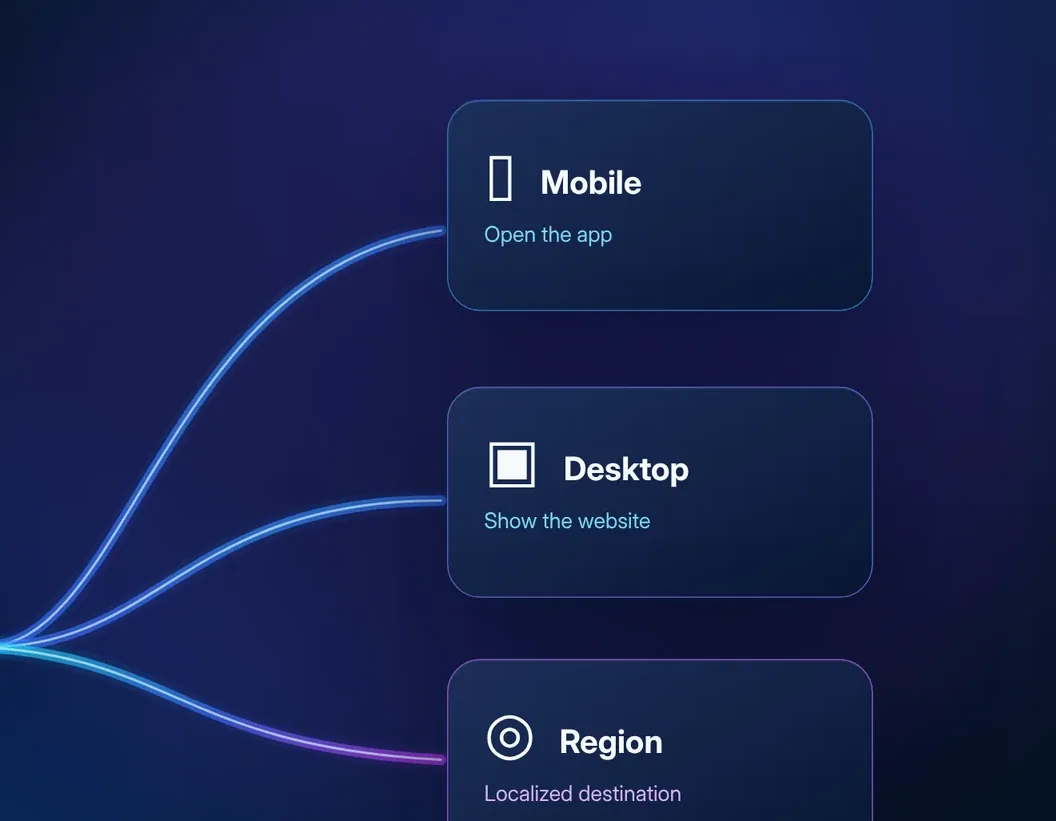
Device, OS, browser, country, city, language, referrer, UTM source and medium, hour, weekday and weekend.
Checked in priority order; through the API, up to 10 conditions per rule joined with AND or OR.
The API rule tester plays a pretend visitor and shows which rule matches. Nothing is counted.
Each target URL is threat-scanned, and Launch Check tests every rule's destination.
How does a smart link decide where to send someone?
When someone clicks, BN Shortener reads what the click itself tells it: the device type, operating system and browser, the country and city from the IP address, the visitor's first browser language (for example en-us), the referrer, the UTM source and medium, and the hour and day in the rule's time zone. Country and city lookups run on BN's own servers against local databases; the IP address is not sent to an outside lookup service.
Rules are checked from the highest priority down, and the first matching rule wins. A visitor who matches no rule goes to the link's normal destination, so the link always has a sensible default. Matching ignores case, and a list can hold up to 100 values, so one rule can cover every Gulf country or every Spanish-speaking market.
Which conditions can a rule use?
The API exposes 14 condition fields. The dashboard offers the 8 that cover most campaigns, with four operators (Equals, Not Equals, Contains, In List). The full set of fields and operators is available through API v3.
| Field | Example value | Where |
|---|---|---|
| Device type | mobile, tablet, desktop | Dashboard and API |
| Operating system | iOS, Android, Windows | Dashboard and API |
| Browser | Chrome, Safari | Dashboard and API |
| Country code | AE, SA, US (2-letter) | Dashboard and API |
| Language | en-us, ar | Dashboard and API |
| UTM source / UTM medium | newsletter / email | Dashboard and API |
| Hour of day | 0-23, in the rule's time zone | Dashboard and API |
| Country name, city | Germany, Dubai | API |
| Referrer | where the click came from | API |
| Is mobile | yes / no | API |
| Day of week, is weekend | 1-7 (Monday = 1), yes / no | API |
How do priority, AND/OR and time zones work?
In the dashboard's Smart Rules tab each rule has one condition, and time rules use your account's time zone. Through the API a rule holds up to 10 conditions joined with AND (all must match) or OR (any may match), with its own time zone. A link can carry up to 50 rules. Priority decides the order: higher numbers are checked first (0-100 in the dashboard, 0-1,000 in the API, default 10). Put narrow rules, such as "iPhone visitors in the UAE", above broad ones, such as "all visitors in the UAE", or the broad rule will catch everyone first.
Through the API, text fields also take not in list, starts with and exists; numbers take at least, at most and between. There is deliberately no regular-expression operator, because a slow pattern on the redirect path would slow down every click. Through the API each rule can have its own time zone (default: your account's), so a "business hours" rule for New York and one for Dubai can live on the same link.
- Matching ignores case: ios and iOS are the same value.
- Lists hold up to 100 values per condition.
- Each rule shows how often it matched (the API also gives the time of the last match).
- The smart_rule.matched webhook fires when a rule chooses the destination for a click.
What do people use smart links for?
The pattern is always the same: one link in the place you cannot change (a printed flyer, a podcast mention, a bio, an SMS), and rules that adapt it to the person on the other end. A few setups that work well (the guide smart links by device and country goes deeper):
| Goal | Rule | Target |
|---|---|---|
| Send phones to the right app store | Operating system Equals iOS / Equals Android | App Store page / Google Play page |
| Regional pricing or shipping pages | Country code In List AE, SA, KW, QA, BH, OM | go.yourbrand.com/gulf |
| Arabic speakers to the Arabic page | Language In List ar, ar-ae, ar-sa | yourbrand.com/ar/ |
| Out-of-hours visitors to a booking form | Hour of day In List 18-23 and 0-7 (each hour listed) | yourbrand.com/book |
| Newsletter readers to a members' offer | UTM source Equals newsletter | yourbrand.com/members |
| Desktop visitors to the long-form demo | Device type Equals desktop | yourbrand.com/demo |
Smart rules, A/B tests or rotation: which one decides?
On every visit BN Shortener checks them in a fixed order: first Link Guardian's failover (if the destination is down), then smart rules, then a running A/B test, then link rotation. Rotation is off while an A/B test runs on the same link.
Use smart rules when the visitor's device, place, language or time should decide; an A/B test when you want to know which page converts better; and rotation when you simply want to share visitors between several destinations, by turns, at random or by weight.
How do I know every branch of the link works?
A smart link has several destinations, and a broken one is invisible until the wrong visitor finds it. BN Shortener closes that gap in three places. Every rule's target URL is threat-scanned like any other destination. Through the API, the rule tester (POST /api/v1/links/{id}/smart-rules/test) takes a pretend visitor (device, browser, OS, country, language, time) and shows which rule matches, without counting a click. And Launch Check check 7 loads up to 8 extra destinations on the link (smart rule targets, A/B variants, schedule fallback and app fallbacks) so a dead regional page shows up before you send.
To open a screen inside your app rather than its store page, use app links. To spread visitors over several equal destinations, such as WhatsApp agents, use link rotation instead of rules. If a link should only work between two dates rather than for certain visitors, use the link's Schedule tab instead: a start and end time in any time zone, with an optional fallback URL for visitors who arrive too early or too late.
How to set it up
- Open the link
In Links > My Links, find the link and choose Edit. Create a new link first if you need one.
- Add a rule
On the Smart Rules tab, add a rule and pick its condition: field, operator (Equals, Not Equals, Contains or In List) and value. For several conditions joined with AND or OR, use the API.
- Set the target and priority
Enter the target URL (it is threat-scanned), and a priority (higher is checked first). Hour-of-day rules use your account's time zone.
- Test it
Open the link from the devices and places your rules cover, or have a developer call the API rule tester with a pretend visitor, for example an Android phone in Saudi Arabia with an Arabic browser.
- Run Launch Check
Run Launch Check on the link: check 7 loads every rule's destination and flags any that fail.
Limits by plan
| Free | Pro | Business | Enterprise | |
|---|---|---|---|---|
| Smart rules | — | Yes | Yes | Yes |
| Rules per link | — | Up to 50 | Up to 50 | Up to 50 |
| Conditions per rule | — | Up to 10 | Up to 10 | Up to 10 |
| Values in one list | — | Up to 100 | Up to 100 | Up to 100 |
| New links per month | 100 | 1,000 | 10,000 | Unlimited |
Prices and every plan's limits are on the pricing page. Limits only restrict creating new items: what you already made keeps working.
Frequently asked questions
Still unsure? Ask us at sales@shortlen.com.
Which plan includes smart links?
Smart links are listed on Pro and higher, together with A/B tests and pixels. Pro is $15 a month ($144 a year) and Business $49 a month ($468 a year); see pricing. Start free at b1.lc and upgrade any time from Plan & Billing.
What happens if a visitor matches no rule?
They go to the link's main destination. Rules only change the destination for visitors who match them, so the link always has a default.
What if a visitor matches two rules?
Rules are checked in priority order, highest first, and the first match wins. Give narrow rules a higher priority than broad ones so they get the chance to match.
Can I route by city or by referrer?
Yes, through API v3. The API has 14 condition fields, including country name, city, referrer, day of week and weekend. The dashboard offers the 8 most used fields: device type, country code, browser, OS, UTM source, UTM medium, language and hour of day.
Can I use regular expressions in a rule?
No. There is deliberately no regular-expression operator, to keep the redirect path fast and safe. Use In List (up to 100 values), Contains, or the API's starts with operator instead.
Do smart links work with QR codes?
Yes. Add smart rules to the QR code itself, with the same fields and limits as on links. That makes a single printed code work for phones in several countries and languages. See dynamic QR codes.
Can I see which rule each visitor hit?
Each rule shows how many times it matched; the API also gives the time of the last match. For automation, the smart_rule.matched webhook fires whenever a rule chooses the destination for a click.
Works well with
Guides
Try smart links today
The Free plan includes a custom domain, 5 dynamic QR codes, a bio page and click analytics. No credit card.