
Short links and QR codes for events, checked before attendees click
An event sends the same few links to hundreds of people on a deadline, and a broken one costs registrations. Build them once, check them all before the invitation goes out, and let them open and close on schedule.
Updated
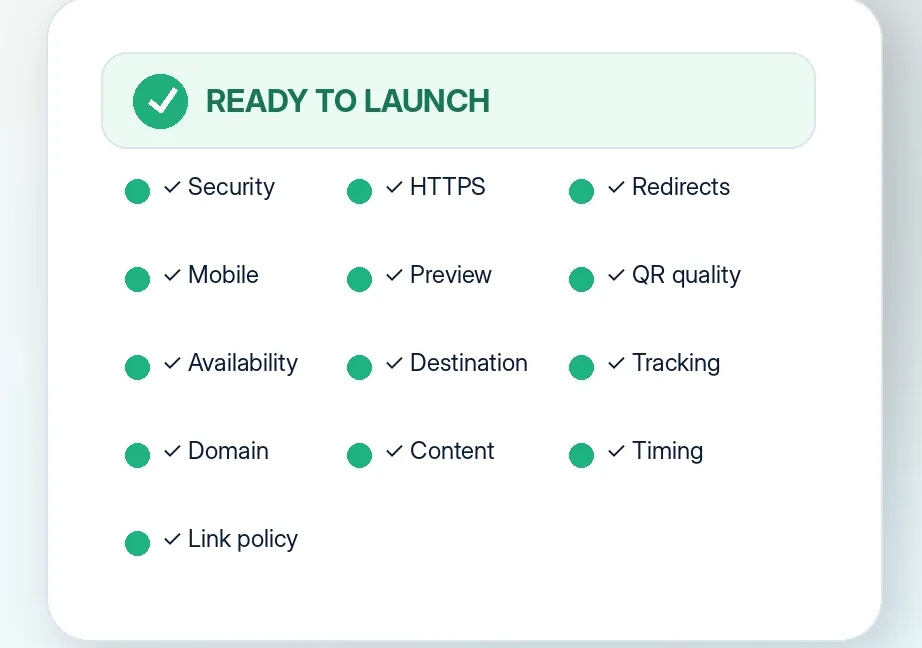
Launch Check tests every link in the campaign for safety, reachability, mobile and previews.
Start and end times per link, with a fallback page before and after.
Venue Wi-Fi, the schedule, the map and check-in, each one scan away.
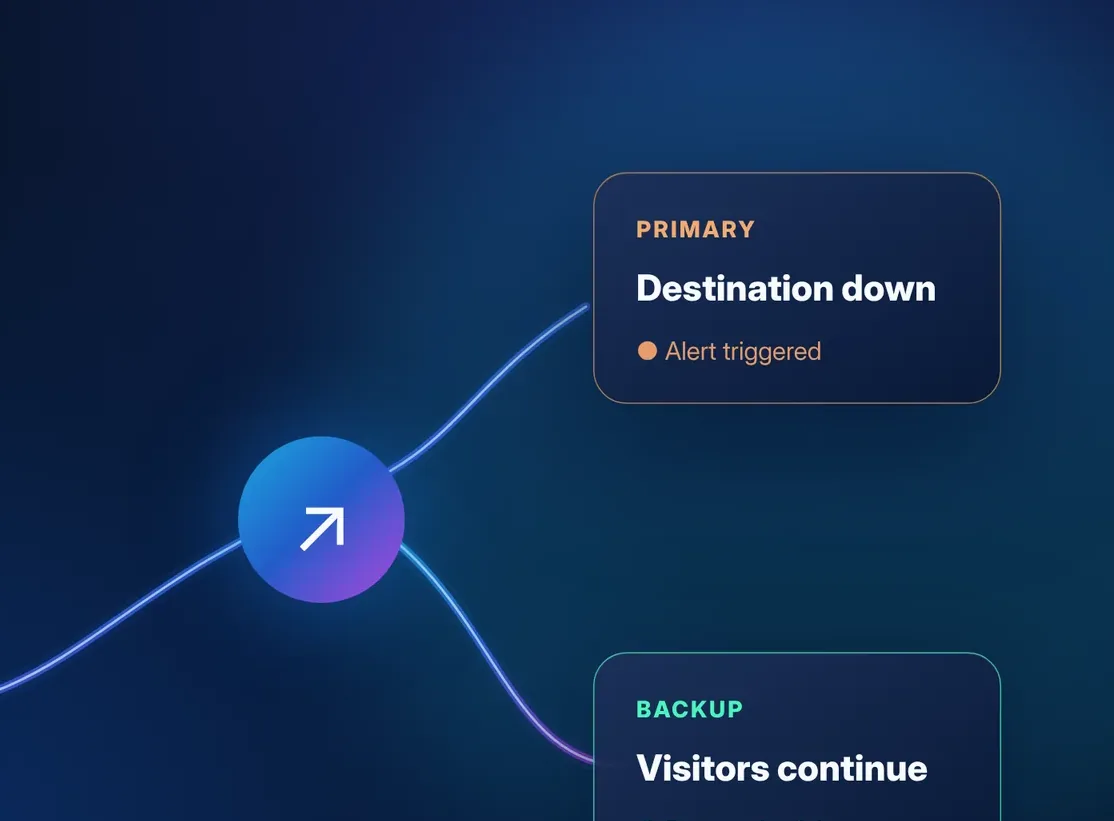
Link Guardian moves visitors to a backup page if registration goes down.
Which links and QR codes does an event need?
Plan the set before you design anything, so every item gets the same domain, naming and tags. Group them in one campaign (the Event template sets a goal of 2,000 clicks, which you can change) and the campaign's analytics show totals, daily clicks and the top links in one place.
| Job | Feature | Plan |
|---|---|---|
| Registration and ticket links on your domain, such as go.yourevent.com/tickets | Branded links | Free (1 custom domain) |
| Badge, poster and signage codes you can change late | Dynamic QR codes | Free (5), Pro (250) |
| Check every link before the invitation goes out | Launch Check | Free |
| One page with schedule, map, Wi-Fi and countdown | Bio page | Free (1) |
| Early-bird or speaker links that expire, or need a password | Password and expiring links | Pro and higher |
| Slides and recordings to download after the event | File links | Pro and higher |
| Backup page if registration goes down | Link Guardian | Pro (25 links) |
| All event links in one campaign | Campaigns | Pro and higher |
How do I check every link before it goes to attendees?
Launch Check runs by itself when a link is created and again when its destination changes. Before the invitation goes out, run it on the whole campaign: up to 200 links per run, which carries on at BN's servers if you close the tab. Each link gets a clear verdict, Ready to send, Ready, with warnings or Not ready, with the evidence and how to fix it. There is no score to argue about.
A reviewer can sign off a result with a note, and a Not ready link can only be signed off with an explicit override. The sign-off lapses when the destination changes, so a late edit is checked again. Sending reminders by SMS? Paste the text into the SMS message check on the same page to count characters and parts before you send.
| Check | What it catches before attendees do |
|---|---|
| Link is active | A link that is disabled, expired, or whose schedule has not started or ends within 7 days |
| Destination is reachable | Errors, page-not-found pages, parked domains and pages slower than 3 seconds |
| Works on mobile | A registration page that fails on an iPhone or has no mobile viewport |
| HTTPS and certificate | A missing or invalid certificate, or one that expires within 14 days |
| Social and messaging preview | A missing or broken title, description or image in WhatsApp, Slack and social cards |
| QR code print quality | Low contrast, inverted colours, transparent backgrounds and large logos on badge codes |
How do I make links that open and close on time?
Use the link's Schedule tab. Set a start time ("Link activates at this time") and an end time in the event's own time zone, so a 09:00 start in New York opens at 09:00 New York time, wherever you are. Add a fallback URL and visitors who come early see a "registration opens soon" page, while late ones see the waiting list or the recordings, instead of an error.
For other limits: an expiry date (Pro and higher) ends early-bird pricing on the day you choose, a click limit closes a link after a set number of people (bots and link previews do not count), and a password keeps speaker or sponsor pages private. On your own domain, an Expired link page tells late visitors what to do next.
What if the registration page goes down on launch day?
Link Guardian checks a monitored link's destination every 15 minutes and confirms an outage after two failed checks in a row. You set a backup URL, such as a simple form or a waiting-list page. Fail over by hand, or turn on auto-failover and Guardian moves visitors to the backup and back again after two good checks, without changing the link itself. Alerts go by email and to a Slack-compatible webhook, with escalation if nobody acknowledges.
On the day, the dashboard's live view shows clicks from the last few minutes, so you can see whether the reminder email is being opened before the doors open.
Turn on traffic alerts for the busiest links too: an email (or the link.traffic_spike and link.traffic_drop webhooks) tells you when a link's clicks from people suddenly jump or drop, which is often the first sign that the page behind it broke.
Which QR codes are worth printing at the venue?
Keep the signage short: one code per job, each with a frame that says what it opens. A static Wi-Fi code lets attendees join the network in one scan; the free Wi-Fi QR code generator makes one without an account. A static Event code saves a session to the phone's calendar (keep Wi-Fi and Event codes static: only then does the phone offer to join or save), or point a dynamic URL code at a session page with add-to-calendar buttons from the free add-to-calendar link generator. A check-in code at the door opens your registration tool's check-in page. And one code on the badge can open a bio page with the schedule, venue map, Wi-Fi details and a countdown to the keynote.
Because badge and poster codes are dynamic URL codes, you can repoint them after the event to the feedback survey or the recordings without reprinting anything. Each code's scan analytics then tell you which signage people actually used.
Get started
- Start free and add your domain
Create an account at b1.lc and add a domain such as go.yourevent.com.
- Build the link set
Create registration, ticket, schedule, Wi-Fi and check-in links and codes, tagged with the same UTM campaign.
- Schedule them
Set start and end times and fallback pages for links that should only work during registration.
- Run Launch Check on the set
Fix every Not ready result, and sign off warnings you accept with a note.
- Send, then watch
Send the invitation, keep an eye on live clicks, and repoint badge codes to the survey after the event.
Frequently asked questions
Still unsure? Ask us at sales@shortlen.com.
Can a link open at a set time and close after the event?
Yes. The Schedule tab sets a start and end time in any time zone, with an optional fallback page for visitors who arrive before or after.
Can I check all my event links at once?
Yes. Run Launch Check on a selection or a whole campaign, up to 200 links per run. The run continues on BN's servers if you close the browser tab.
Should QR codes on badges and posters expire?
Usually not. Printed codes outlive the event, so it is better to repoint them to the recordings or survey afterwards than to let them fail.
Can I limit an early-bird link to the first 100 people?
Yes. Set a click limit on the link. After that many people have clicked (bots and link previews do not count), the link counts as expired, and raising the limit opens it again.
How do attendees join the venue Wi-Fi with a QR code?
Print a Wi-Fi QR code with the network name, password and encryption type. Most phones join in one scan. Make it with the free Wi-Fi QR code generator.
Can I share slides only with people who attended?
Yes, on Pro and higher. Upload the slides as a file link with a password and an expiry date, then send the link to attendees.
Free tools for this
Features you will use
Guides
Try it on your next link
The Free plan includes a custom domain, 5 dynamic QR codes, a bio page and click analytics. No credit card.