
Short links and QR codes for schools, colleges and universities
Students, parents and staff get dozens of links every week, and the ones that look official get opened. Put yours on the school's own domain, print codes you can update every term, and keep class material behind a password.
Updated
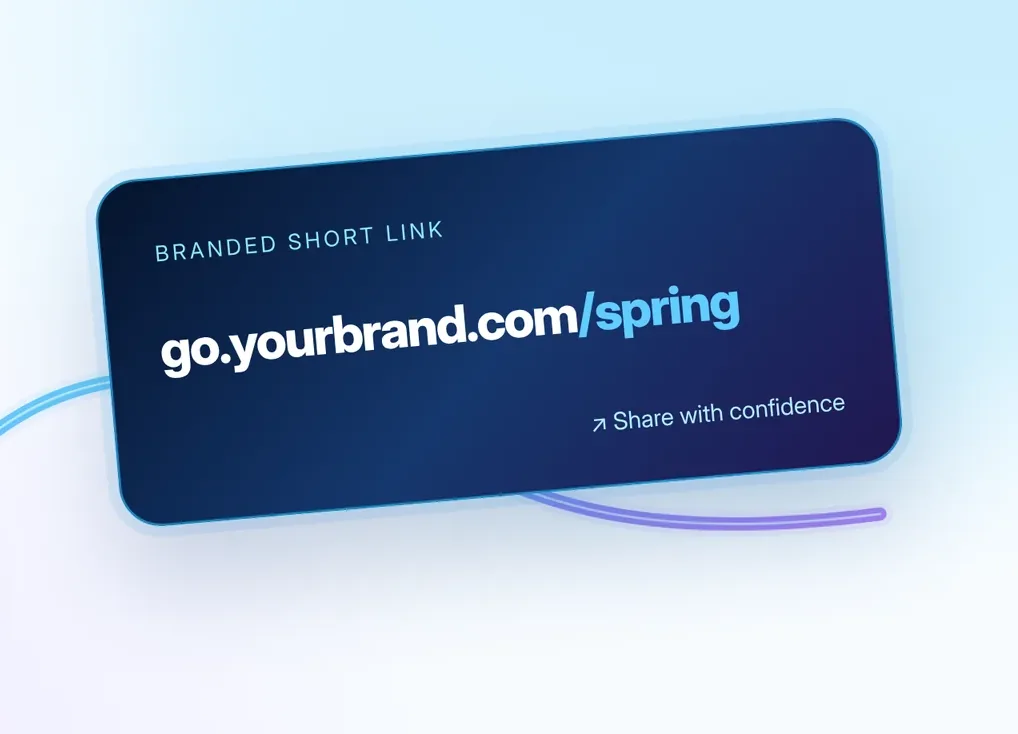
Every link on the school's own domain, so students and parents can tell it is genuine.
Dynamic QR codes you can point at next term's page without reprinting.
Passwords, expiry dates and download limits on links and files.
Shared workspaces with roles, and single sign-on on Enterprise.
Why should a school use its own domain for short links?
Schools teach students to check a link before they click it, so the school's own links should pass that test. A branded link such as go.yourschool.edu/apply shows who sent it, while a random code on a public shortener could have come from anyone. Add the domain once (a CNAME to b1.lc and a TXT record to prove ownership) and the SSL certificate is issued and renewed automatically. The Free plan includes one custom domain.
Each domain can have its own home page, Link not found page and Expired link page, so a mistyped or out-of-date link lands on a school page rather than an error. Every destination is checked against threat databases before the link goes live and rescanned daily. And anyone can add a + to the end of a short link to see where it goes before opening it.
Which links does a school or university need?
The same few jobs come up in every school year. The table maps each one to the feature that does it and the plan it needs.
| Job | Feature | Plan |
|---|---|---|
| Course pages, forms and enrollment on the school's domain | Branded links | Free (1 domain, 100 new links a month) |
| QR codes on posters, handouts and noticeboards | Dynamic QR codes | Free (5), Pro (250), Business (2,500) |
| Class material behind a password or expiry date | Password and expiring links | Pro and higher |
| Syllabus, slides or recordings as a download | File links | Pro and higher |
| One page for a club, department or open day | Bio pages | Free (1), Pro (10), Business (50) |
| Parents' page in their own language | Smart links by browser language | Pro and higher |
| Several staff in one account | Team workspace | Business (5 seats) |
| Sign in with the school's identity provider | SSO and SCIM | Enterprise |
How do QR codes on posters and handouts work?
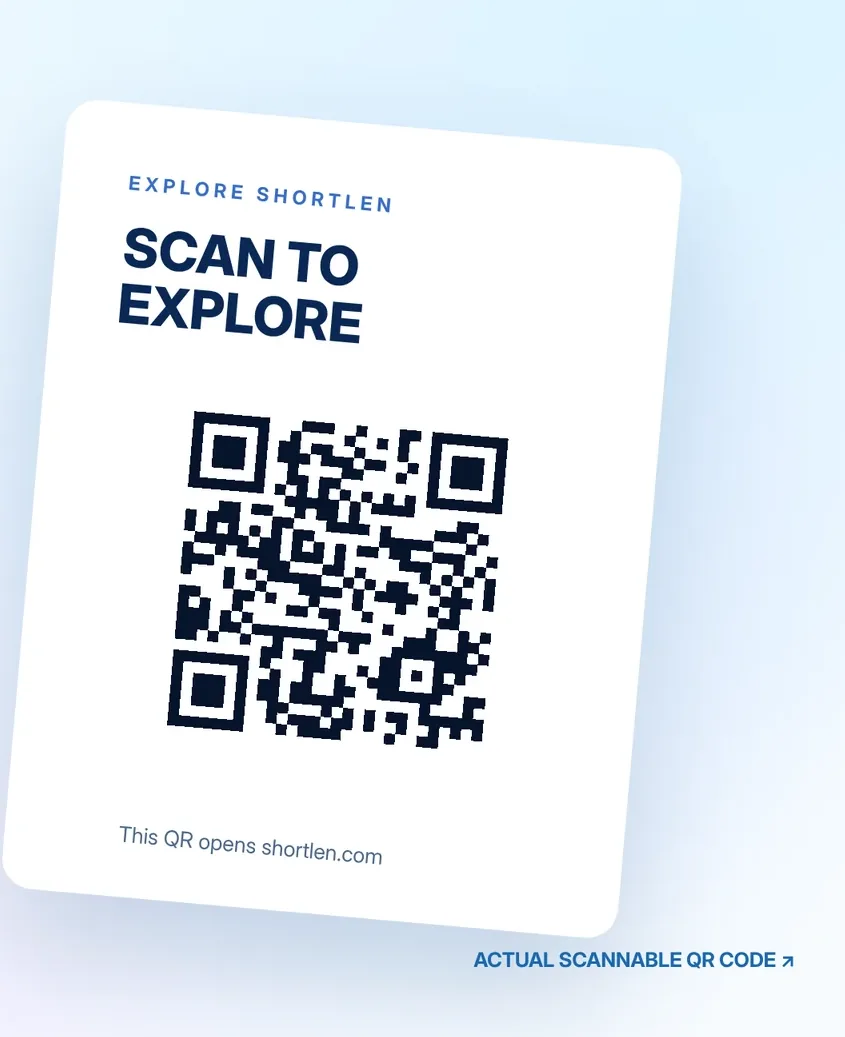
Use dynamic codes. The printed code holds a short address, so when the club meeting moves, the form closes or next term's timetable is out, you change the destination and every poster and handout follows. Give the poster in each building its own code and the scan counts show which noticeboards students actually read. For a stack of handouts, a CSV of up to 2,000 rows (links or vCards) creates one code per row in a single design. Download 200 at once, or up to 5,000 as a background export, each ZIP with a codes.csv.
Print from SVG, PDF or EPS so codes stay sharp on A3 posters, add a short frame such as Scan Me, and run Launch Check before printing: it flags low contrast and destinations that fail on a phone. Leave printed codes without an expiry; plan limits never switch off codes you already made.
How do I keep course material private?
On Pro and higher, a link can have a password (stored only as a hash) and an expiry date, so last year's exam papers are not still open next year. A private link uses a 9-character random code nobody can guess, instead of the usual 4 characters. Files such as a syllabus PDF, lecture slides or a recorded lesson can be shared as file links with a password, an expiry date and a maximum number of downloads; the download log shows when each was opened.
These controls are for sharing; they are not a records system. Keep student records and grades in your school's own systems, and use links to point people to them.
Can several departments share one account?
Yes. On Business, a team workspace holds 5 seats with owner, admin, editor and viewer roles: the communications office can own the domain and settings, while teachers and admissions staff create links and codes as editors. Every action is recorded under the person who did it, and the audit log shows who changed what. Campaigns keep each department's links apart, with their own analytics.
Larger institutions can use Enterprise: single sign-on with SAML 2.0 or OpenID Connect providers such as Microsoft Entra ID and Okta, and user provisioning built to the SCIM 2.0 standard for Microsoft Entra ID and Okta, so staff who leave lose access. Public mailbox domains cannot be claimed for SSO; your school's own domain must be verified. Talk to sales about Enterprise.
Get started
- Start free
Create an account at b1.lc with a school email address.
- Add the school's link domain
Use a subdomain such as go.yourschool.edu: a CNAME to b1.lc and a TXT record to verify it.
- Create the first links
Make readable links for enrollment, the timetable and key forms, with aliases such as /apply and /timetable.
- Print codes for posters
Create dynamic QR codes, check them with Launch Check, and download SVG or PDF for printing.
- Protect class material
On Pro, add passwords and expiry dates to private links and upload files as file links.
Frequently asked questions
Still unsure? Ask us at sales@shortlen.com.
Is there a free plan for schools?
The Free plan is free for everyone: 100 new links a month, 5 dynamic QR codes, one custom domain and one bio page, with no card needed.
Can students see where a short link goes before they open it?
Yes. Adding a + to the end of any short link shows its destination, title and status without opening it. Password-protected links never show their destination.
Can I password-protect a link to class material?
Yes, on Pro and higher. Add a password and, if you like, an expiry date. For files, add a maximum number of downloads too.
Will QR codes on old handouts keep working?
Yes, unless you set an expiry or switch them off. Dynamic codes can be repointed to the current page, and plan limits never stop codes that already exist.
Can teachers each have their own login?
Yes. Business includes 5 seats with roles, and Enterprise has unlimited seats with single sign-on through your school's identity provider.
Does it work for Arabic-speaking schools?
Yes. The whole dashboard is available in Arabic with a right-to-left layout, and QR code frame text in Arabic is shaped correctly in vector files.
Free tools for this
Features you will use
Guides
Try it on your next link
The Free plan includes a custom domain, 5 dynamic QR codes, a bio page and click analytics. No credit card.