
App links: open the right screen in your app, or a web fallback
Register your app once, then point any short link or QR code at a screen inside it. Phones open the app at that screen; people without the app land on the store, your web page or a URL you choose.
Updated
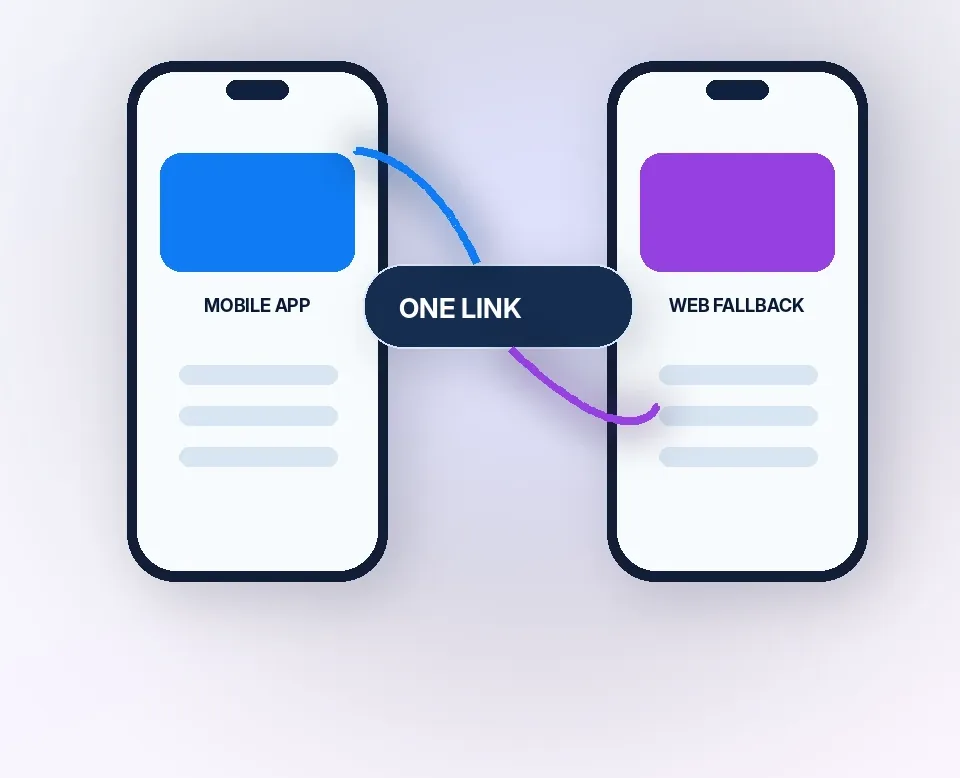
Send people to product/42 or offers?id=7, up to 500 characters of path.
Web page, store page or a custom URL for iOS, Android and desktop, set separately.
On your own domain, BN Shortener serves the apple-app-site-association and assetlinks.json files.
Attempts, opened in the app, fell back and open rate, per app and per link.
How does an app link open the app?
When a phone clicks the link, BN Shortener's redirect page tries to open your app at the chosen screen. On iPhone it uses your app's custom URL scheme; on Android it uses an intent URL, so Chrome opens the app, or the fallback, by itself. If the app has not opened after 1.8 seconds, the visitor is sent to the fallback for their platform. Desktop visitors go straight to the desktop fallback if you set one.
Because this happens on the redirect page, a link with an app always keeps the Standard redirect, even if you chose 301, 302 or 307 for it. Social crawlers still get your preview card, and app opening is never attempted for bots, link previews or messaging links.
What do I need to register an app?
Each app is a record under Integrations > App Links. You can register up to 20 apps per account, and fill in only the platforms you ship.
- The Team ID with the bundle ID identifies your iOS app to Apple; the SHA-256 fingerprints of your signing certificates identify your Android app to Google.
- Add more than one fingerprint if you sign with different keys, for example a debug and a release key (up to 5).
- Unsafe schemes such as http, javascript and data are refused as app schemes.
| Platform | Fields |
|---|---|
| iOS | Bundle ID, Team ID, App Store ID, custom URL scheme, iOS fallback URL |
| Android | Package name, custom scheme, SHA-256 certificate fingerprints (up to 5), Android fallback URL |
| Desktop | Desktop fallback URL |
| Fallback choice | The web page, the store page (built from the App Store ID or package name) or a custom URL, per platform |
Do you support Universal Links and Android App Links?
Yes, on your own custom domain. Apple and Google only trust a domain to open an app when the domain publishes a file that names the app: apple-app-site-association for Universal Links on iOS, and assetlinks.json for Android App Links. Once your domain is verified in BN Shortener, it serves both files for your links and QR codes, built from the IDs and fingerprints you entered. You do not host anything yourself.
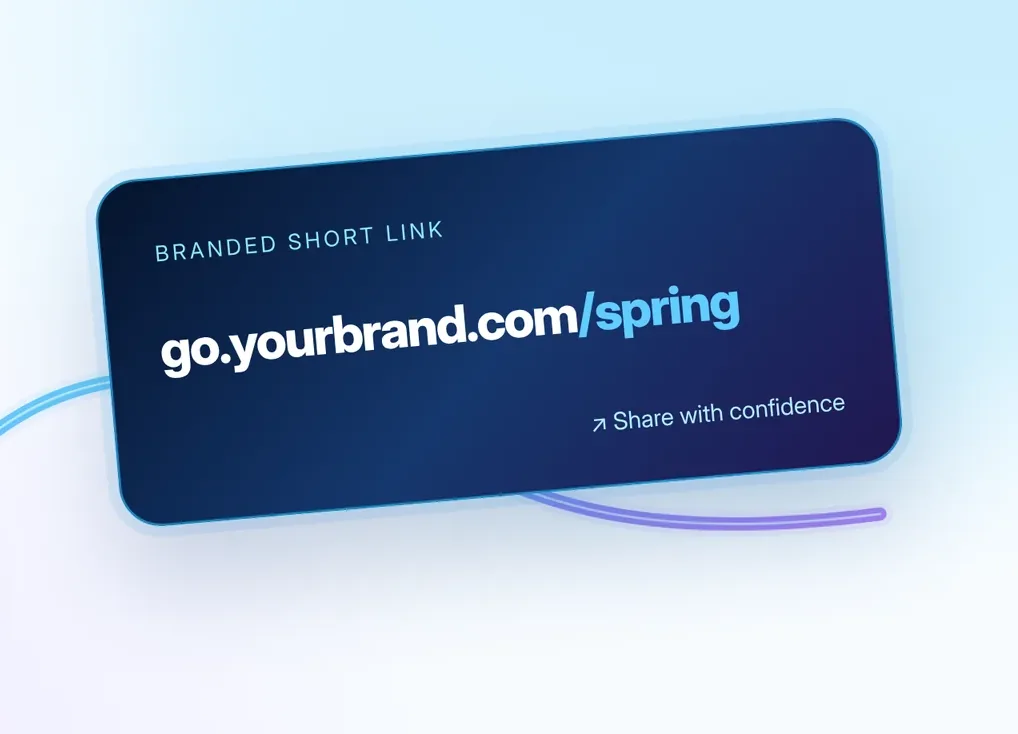
These files are never served on the shared b1.lc and b0.lc domains, because a shared domain cannot speak for one company's app. If app opening matters to you, put the links on a branded domain such as go.yourbrand.com. Every plan includes at least one custom domain.
Where do app links make the biggest difference?
Anywhere the visitor is already on a phone and the app does the job better than the website: a product page with saved payment details, a booking screen, a loyalty card, an offer that only exists in the app. For the background on schemes, Universal Links and App Links, read deep links explained.
- QR codes on packaging, menus and posters. Choose the app in the QR builder's Advanced Settings; scanners land on the right screen.
- Social posts and bios. Send followers to the in-app product, with the web page as the fallback.
- Email campaigns. One link opens the app on phones and the web on desktop.
- Device-specific routing. Combine with smart links to send iPhone and Android visitors to different stores or pages.
How do I know whether people opened the app?
For every app, BN Shortener reports the last 30 days of attempts, opened in the app, fell back and the open rate; the same numbers appear in each link's stats. A falling open rate usually means the app is missing from many phones (consider the store as the fallback) or a release broke the screen path.
Before sending, Launch Check loads the iOS, Android and desktop fallbacks along with the main destination, so a broken store link or retired web page is caught early.
How to set it up
- Register the app
Go to Integrations > App Links and add your app: iOS bundle ID, Team ID, App Store ID and scheme; Android package name, scheme and SHA-256 fingerprints; and a fallback for each platform.
- Use your own domain
For Universal Links and Android App Links, verify a custom domain under Integrations > Custom Domains. BN Shortener then serves the association files for it.
- Point a link at a screen
Edit a link, open the App tab, choose the app and enter the screen in the app, for example product/42. For a QR code, choose the app in the QR builder's Advanced Settings.
- Check the fallbacks
Run Launch Check; check 7 tests the iOS, Android and desktop fallbacks.
- Watch the open rate
After launch, compare opened in the app with fell back in the link's stats and adjust the fallback if needed.
Limits by plan
| Free | Pro | Business | Enterprise | |
|---|---|---|---|---|
| Apps per account | Up to 20 | Up to 20 | Up to 20 | Up to 20 |
| Custom domains (for Universal Links and App Links) | 1 | 3 | 10 | Unlimited |
| Android signing fingerprints per app | Up to 5 | Up to 5 | Up to 5 | Up to 5 |
| Screen path length | 500 characters | 500 characters | 500 characters | 500 characters |
Prices and every plan's limits are on the pricing page. Limits only restrict creating new items: what you already made keeps working.
Frequently asked questions
Still unsure? Ask us at sales@shortlen.com.
What happens if the app is not installed?
The redirect page tries the app for 1.8 seconds, then sends the visitor to the fallback for their platform: your web page, the App Store or Google Play page, or a custom URL you set.
Can I use app links on b1.lc?
Yes, the open-in-app attempt and fallbacks work on any link. Universal Links and Android App Links need your own custom domain, because the association files are never served on the shared b1.lc and b0.lc domains.
Do I need to host apple-app-site-association or assetlinks.json?
No. Once your custom domain is verified and your app is registered, BN Shortener serves both files on that domain for your links and QR codes.
Can a QR code open my app?
Yes. Choose the app and screen in the QR builder's Advanced Settings. Scanners with the app land on that screen; everyone else goes to the fallback. See dynamic QR codes.
Is there an iOS or Android SDK?
Native iOS and Android SDKs are coming soon. Until then, apps can use the REST API with an API key or OAuth 2.1; see the developer docs.
Why does my link use the redirect page even though I chose 301?
Opening an app needs a moment on the redirect page, so links with an app (or with pixels) keep the Standard redirect whatever redirect type is chosen. Links without an app follow the type you pick.
Do app links work in SMS messages?
Not for messaging links created through BroadNet SMS and OmniChannels: those answer with a plain fast redirect, and app links do not apply to them.
Works well with
Guides
Try app links today
The Free plan includes a custom domain, 5 dynamic QR codes, a bio page and click analytics. No credit card.