
Conversion tracking and retargeting pixels for every short link
Clicks tell you who was interested; conversions tell you who bought. Report sales and sign-ups from your website, Shopify, Stripe or your own server, credit them to the link that brought the visitor, and fire retargeting pixels and server-side events with the visitor's consent.
Updated
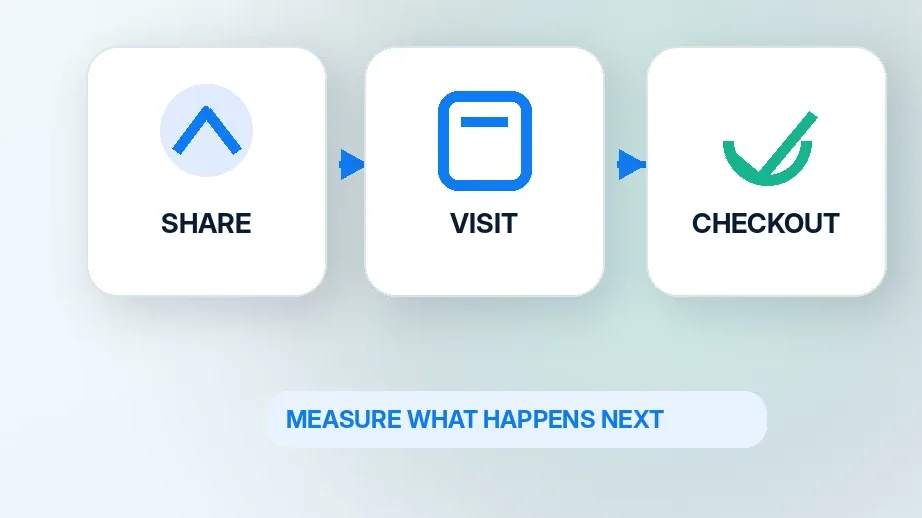
Website script, Shopify custom pixel, Stripe webhook or your own server.
Conversions, value by currency and rate per 100 people, for each link.
Meta, Google Ads, GA4, TikTok, LinkedIn and more, asking EU, EEA, UK and Swiss visitors first.
Meta Conversions API and GA4 Measurement Protocol sent from BN's servers.
How does conversion tracking work?
Switch it on per link (On, Off or your account default) or for the whole account on the Conversions page. From then on, clicks by people carry a signed bn_cid click code to your landing page. Bots never get one, so crawler traffic cannot create fake conversions.
When the visitor buys or signs up, your site reports the conversion with that code. BN credits it to the last click within an attribution window you choose, from 1 to 90 days (30 by default). Conversions outside the window are not thrown away: they are kept as unattributed, so your totals still add up.
How do I report a sale or sign-up?
The Conversions page has a tab for each method. Pick the one that matches your stack; you do not need a developer for the first three.
| Method | How it works | Needs an API key |
|---|---|---|
| Website | Add BN's script tag and one line on your thank-you page, or use a pixel URL | No |
| Shopify | A custom pixel in Settings > Customer events reports completed checkouts with order value and currency | No |
| Stripe | Paste your Stripe webhook signing secret to get a private endpoint; paid Checkout Sessions and successful Payment Intents become conversions | No |
| Your server | POST to /api/v1/conversions from your backend | Yes |
// On your thank-you page, after the script tag shown in the dashboard's Website tab:
bnq.push(['purchase', { event_id: 'order-1042', value: 49.00, currency: 'USD' }]);
What does a conversion record, and where do I see it?
Every conversion has an event id (it de-duplicates, so a refreshed thank-you page counts once; the server API requires one, and the website script falls back to one conversion per event name per click, so send your order number anyway), an event name (conversion by default, or purchase, lead, signup and so on), a value with two decimals, an ISO currency (USD by default) and a time up to 90 days back. The Stripe connection handles zero-decimal and three-decimal currencies, and shows events received, the last event and the last error.
- Reports: conversions, value by currency, and conversion rate per 100 people.
- Links that convert (last 30 days) and Latest conversions on the Conversions page.
- Conversions in each link's analytics and in the link stats API, with the same country, device and referrer filters.
- The link.converted webhook for each counted conversion, and forwarding to the link's server-side pixels.
Which retargeting pixels can I add to a short link?
Add pixels once under Integrations > Pixels, then attach them to links (the editor's Pixels tab) or to whole campaigns, up to 50 per campaign. People who click and allow it then join your retargeting audiences, even when the link points to a site you do not control, such as a marketplace listing or a news article about you. You can set a custom event per pixel or per link (Lead, Purchase) on every platform except LinkedIn and custom scripts, and each pixel shows how often it fired.
Dynamic QR codes can carry pixels too, with the same consent rules, so a scan can join the same audience as a click (see dynamic QR codes).
Pixels run in an isolated sandbox, so pixel code cannot read anything else. They are not available on messaging (SMS) links, and a link with pixels always uses the Standard redirect page, even when 301, 302 or 307 is selected.
| Platform | ID format |
|---|---|
| Facebook / Meta Pixel | 6-20 digits |
| Google Ads | AW-123456789 |
| Google Analytics 4 | G-ABC123XYZ |
| TikTok Pixel | 10-30 letters and digits |
| LinkedIn Insight | Partner ID |
| X (Twitter) Pixel | Pixel ID |
| Pinterest Tag | 10-16 digits |
| Snapchat Pixel | UUID |
| Microsoft Advertising (UET) | 4-12 digits |
| Custom Script | Your own code, up to 10,000 characters |
Do pixels ask visitors for consent?
Yes, and the default is built for European privacy law. On the Pixels page you choose one consent mode for the account: Ask visitors in the EU, EEA, UK and Switzerland (recommended), which is the default; Ask every visitor; or Never ask, for businesses that have their own lawful basis.
Visitors who are asked see two choices, Allow and Continue without, and continue to your page either way. Their choice is remembered for 180 days. A browser that sends the Global Privacy Control signal counts as no. Server-side events and forwarded conversions are sent only for people who allowed them, so the visitor's choice carries over.
What are server-side events, and why use them?
Browser pixels miss visits when ad blockers or privacy settings stop them. Server-side events send the same signal from BN's servers instead. Add a Meta access token or a GA4 API secret to a pixel; it is stored encrypted and never shown again.
- Each visit by a person who allowed it sends Meta a PageView plus your custom event, with the same event id as the browser so Meta counts it once, and sends GA4 a short_link_click event.
- Conversions are forwarded to the pixels the visit went to, with Meta event names mapped for you: purchase to Purchase, lead to Lead, signup to CompleteRegistration, add_to_cart to AddToCart.
- Send test event uses Meta's test event code or GA4's validation endpoint, so you can confirm the setup before a campaign.
- Events are sent within about a minute and retried after 1, 5, 30, 120 and 600 minutes; the platform's error is shown on the pixel.
- IP address and user agent are removed after sending, and event records are deleted after 30 days.
How do conversions help with A/B tests and ad platforms?
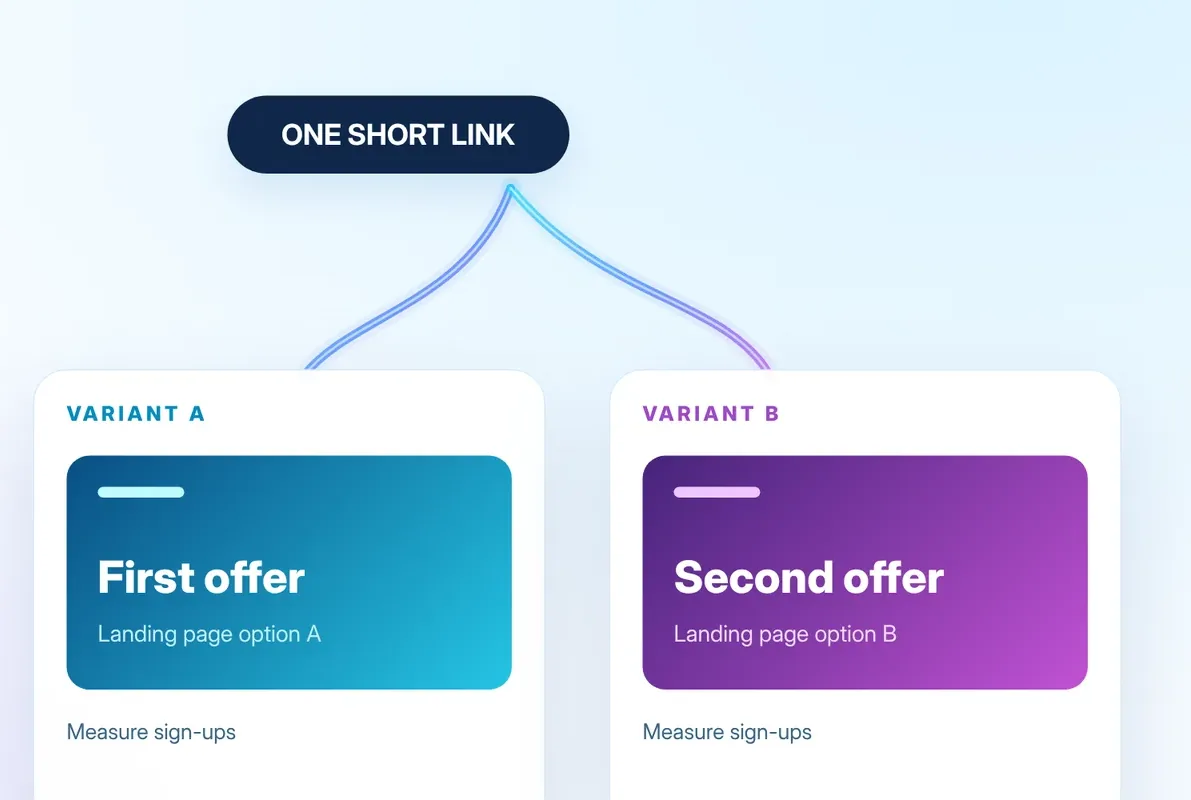
On an A/B test, people's clicks get a signed bn_ab token, and conversions you report from your server or the browser decide which landing page wins, not just which got more clicks. Verified test conversions are also forwarded to the link's server-side pixels.
For paid ads, set the link to pass visitors' link parameters on. Then click IDs such as gclid and fbclid that the ad platform adds to your short link reach your landing page, and Google Ads or Meta can match the conversion to the ad.
How to set it up
- Turn on conversion tracking
Sign in at b1.lc, open Conversions and switch it on for the account, or set it to On in a link's Settings tab. Choose your attribution window (1-90 days).
- Connect your checkout
On the Conversions page pick Website (script tag), Shopify (custom pixel), Stripe (webhook signing secret) or Your server (API) and follow the tab's instructions.
- Add your pixels
In Integrations > Pixels, add your Meta, Google Ads, GA4, TikTok or other pixel IDs and choose the consent mode.
- Add server-side events
Add a Meta access token or GA4 API secret to the pixel and use Send test event to confirm it arrives.
- Attach pixels to links or campaigns
Use the Pixels tab in the link editor, or add up to 50 pixels to a campaign.
- Read what converts
Check Links that convert, Latest conversions and each link's conversions, value and rate per 100 people.
Limits by plan
| Free | Pro | Business | Enterprise | |
|---|---|---|---|---|
| Retargeting pixels and server-side events | — | Yes | Yes | Yes |
| Pixels per campaign | — | 50 | 50 | 50 |
Prices and every plan's limits are on the pricing page. Limits only restrict creating new items: what you already made keeps working.
Frequently asked questions
Still unsure? Ask us at sales@shortlen.com.
Which plan includes pixels and conversion tracking?
Pixels are part of Pro and higher, listed on the pricing page as Smart links, A/B tests, pixels. Pro is $15 a month ($144 a year) and Business $49 a month ($468 a year); start free at b1.lc and upgrade any time. Conversion tracking is not tied to a plan in the plan list; ask us if you need it confirmed for yours.
Do I need an API key to track conversions?
No, not for the Website, Shopify or Stripe methods. Only reporting from your own server with POST /api/v1/conversions needs an API key.
Do pixels fire for visitors in the EU without consent?
Not with the default setting. Visitors in the EU, EEA, UK and Switzerland are asked first and pixels fire only if they choose Allow. A Global Privacy Control signal counts as no, and the choice is remembered for 180 days.
Will Meta count the same visit twice from the browser and the server?
No. The server-side event carries the same event id as the browser pixel, so Meta counts it once.
Which attribution model does BN Shortener use?
Last click, within a window you set from 1 to 90 days (30 by default). Conversions that arrive outside the window are kept as unattributed rather than dropped.
Can bots or link previews create conversions?
No. Only clicks by people receive the bn_cid click code; bots and link previews never get one, and every conversion is de-duplicated by its event id.
Does it work with Shopify and Stripe?
Yes. Shopify uses a custom pixel in Settings > Customer events for completed checkouts. Stripe uses your webhook signing secret, and paid Checkout Sessions and successful Payment Intents become conversions.
Works well with
Guides
Try pixels & conversions today
The Free plan includes a custom domain, 5 dynamic QR codes, a bio page and click analytics. No credit card.