
QR codes for consumer goods packaging
A pack is printed in the hundreds of thousands and sits on shelves for years. Put a code on it that carries the product's GTIN, opens the right page in each market, and can be repointed long after the print run.
Updated
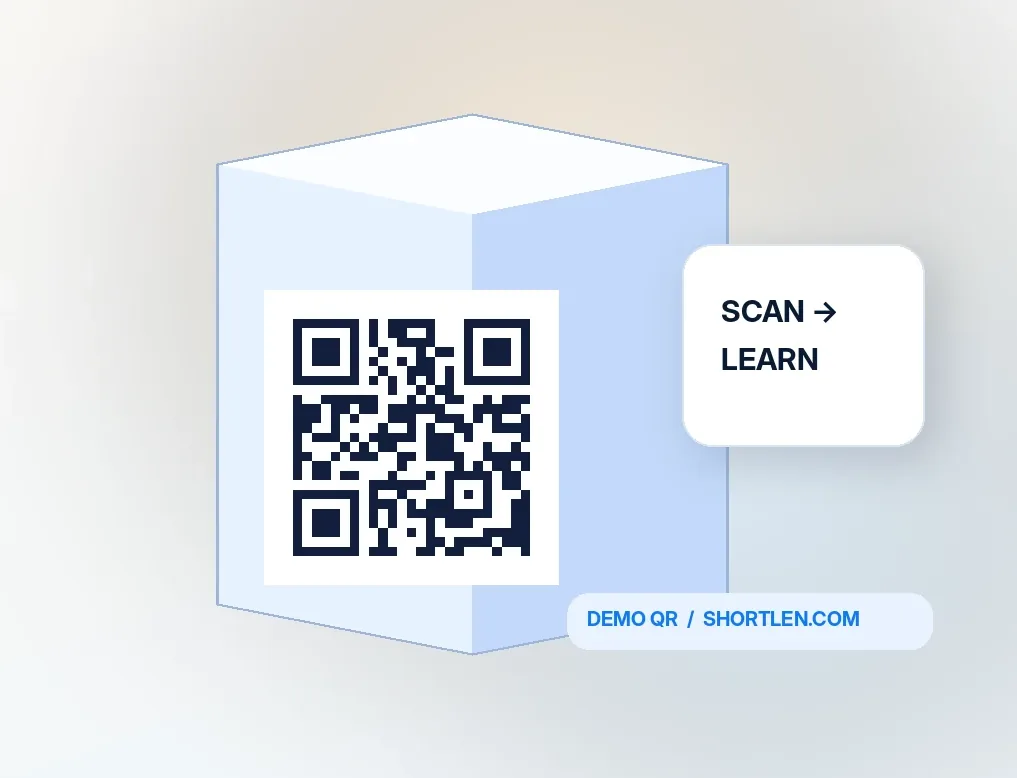
The standard /01/ address on your own domain, check digit verified.
One printed code, routed by country and browser language.
Scans by date, country, city and device, counting people, not bots.
Repoint the destination at any time; printed packs keep working.
Which QR code should go on a product pack?
If the code only needs to open a web page, a dynamic QR code does the job: you can change its destination after printing and count every scan. If the retail world you sell into is moving to 2D barcodes, a GS1 Digital Link code is the better choice, because the same square carries your GTIN in a form a GS1-aware scanner can read. GS1 US describes Sunrise 2027 as "a global transition from 1D UPC barcodes to 2D barcodes", and says that "it is not necessary to implement all the capabilities of 2D by that date" (GS1 US, 2026).
The GS1 Digital Link guide explains the standard and the Sunrise 2027 timeline. Either way, the code points at an address you control, so the page behind it can change with each campaign, recall notice or new market, without touching the artwork.
How does a GS1 Digital Link work in BN Shortener?
Create a short link to the product page and, in the link editor's Settings tab, enter the product barcode: GTIN-8, 12, 13 or 14. BN verifies the check digit and stores it as a GTIN-14. On your own custom domain, such as id.yourbrand.com, the link then answers at the standard address, one link per GTIN per domain. Generate the QR code from that exact address so a scanner finds /01/ and the GTIN in it; the free GS1 Digital Link builder checks a GTIN and builds the address and its QR code.
BN does not issue GTINs or check them against the GS1 registry, so the number must come from GS1 and be right before you print.
| Address form | Example | Use it for |
|---|---|---|
| Standard, on your own domain | id.yourbrand.com/01/09520123456788 | Printed packaging |
| With batch, serial or expiry | id.yourbrand.com/01/09520123456788/10/ABC1 | Accepted, but ignored: every batch and serial opens the same destination and counts as the same link; routing is per GTIN only |
| With a short code | b1.lc/AbC9/01/09520123456788 | Tests and proofs before your domain is set up |
Can one code on a pack open the right page in each country?
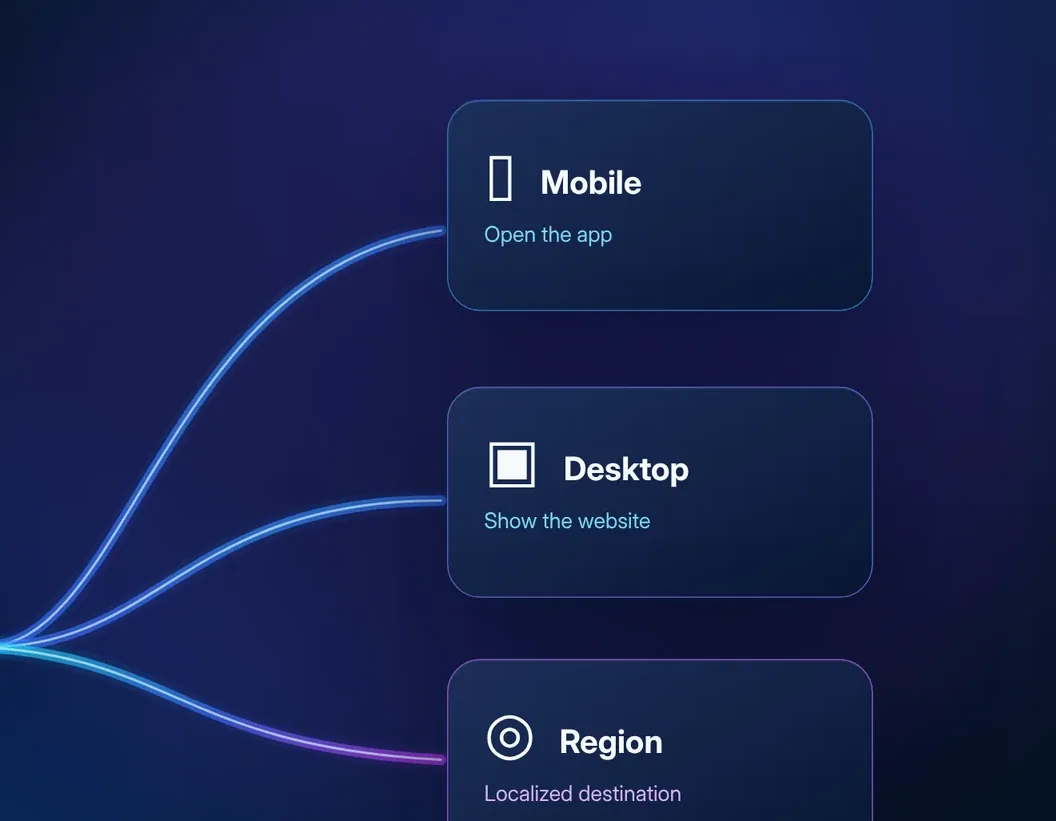
Yes, on Pro and higher. A GS1 scan counts as a click of the link, so smart rules apply: send scans from Germany to the German product page, scans from the UAE to the Arabic page, and everyone else to the global page. Rules can also use the phone's browser language, which helps in countries with more than one language. Matching ignores case and a list can hold up to 100 values, so one rule can cover a whole region.
Check the routing before artwork is signed off. The rule tester plays a pretend visitor from any country or language and shows which page they would get, and Launch Check tests every rule's destination.
What should a pack code open?
The page a shopper or retailer needs while holding the product. What you must publish, such as ingredients, allergens, safety or disposal information, depends on your category and market, so agree it with your regulatory team; BN redirects the scan and does not check the content.
| Job | Feature | Plan |
|---|---|---|
| Product information page per GTIN | GS1 Digital Link on a custom domain | Free (1 custom domain) |
| Different page per country or language | Smart rules | Pro and higher |
| Where to buy, by retailer and country | Smart rules to each market's retailer list | Pro and higher |
| Test two versions of the product page | A/B tests | Pro and higher |
| Backup page if the product site goes down | Link Guardian | Pro (25), Business (250) |
| Promotional pack codes, such as a contest | Dynamic QR codes | Free (5), Pro (250), Business (2,500) |
How do I count scans and keep printed codes working?
Each link's analytics show scans by date, hour, country, city and device, with bots and previews left out, so you can see which products and markets get scanned and when. Pixels, conversions and A/B tests work on GS1 scans too. If you add UTM tags to the destination, packaging traffic shows up separately in your web analytics.
Printed packs outlive campaigns, so plan for years. Leave the expiry empty. Keep the product domain registered and pointed at b1.lc; its SSL certificate renews automatically. Every change to a link is kept in its history with one-click rollback. Plan limits never stop existing links: after a downgrade or cancellation every link keeps working and stays editable.
Get started
- Get your GTINs from GS1
BN does not issue or check GTINs against the GS1 registry, so start with real numbers.
- Add a product subdomain
Start free, add a domain such as id.yourbrand.com, point it with a CNAME to b1.lc and verify it with a TXT record.
- Create a link per product
Point it at the product page and enter the GTIN in the link editor's Settings tab.
- Add market rules
On Pro, add smart rules by country or language and test them with the rule tester.
- Make and check the QR code
Generate the code from the exact /01/ address, run Launch Check, and test-scan the printed proof.
Frequently asked questions
Still unsure? Ask us at sales@shortlen.com.
Do I need GS1 membership for a GS1 Digital Link QR code?
You need real GTINs, and GTINs come from GS1. BN Shortener does not issue them or check them against the GS1 registry.
Can I use my own domain for GS1 Digital Link?
Yes. On a verified custom domain the link answers at the standard form yourdomain/01/GTIN-14, one link per GTIN per domain. The Free plan includes one custom domain.
Does a GS1 code still work as a normal QR code on phones?
Yes. A phone sees an ordinary web address and opens it. The GTIN inside the address matters only to GS1-aware scanners.
Can the code carry a batch number or expiry date?
Yes. Batch (/10/), serial (/21/) and expiry (?17=) qualifiers after the GTIN are accepted, so batch-level codes still resolve, but BN ignores them: they are not stored or reported and cannot be used in rules, so routing and scan counts are per GTIN only. Each extra value also makes the QR code denser.
Can I change where the pack code goes after printing?
Yes. Edit the link's destination or its smart rules at any time. The printed address stays the same.
Can one QR code send each country to its own retailer page?
Yes, on Pro and higher. Add smart rules on the country code, with lists of up to 100 values per rule, and a default page for everyone else.
Free tools for this
Features you will use
Guides
Try it on your next link
The Free plan includes a custom domain, 5 dynamic QR codes, a bio page and click analytics. No credit card.