
GS1 Digital Link QR codes: one code for checkout and for customers
How a GS1 Digital Link QR code puts your GTIN in a web address so one code serves checkout scanners and phones, what Sunrise 2027 means, and how to set one up.
Key takeaways
- GS1 Digital Link is GS1's standard for writing product identifiers, mainly the GTIN, as a web address: /01/ followed by the 14-digit GTIN.
- The same QR code opens a web page on a phone and gives a GS1-aware scanner the GTIN, equivalent to the element string (01) plus the GTIN.
- The standard lets you use any domain you control, so brands can keep codes on their own subdomain, such as id.yourbrand.com.
- Sunrise 2027 is GS1's retail move from 1D barcodes towards 2D codes like QR; GS1 US says not every 2D capability has to be live by then.
- You need a real GTIN from GS1 first; a link service redirects the scan, but cannot issue or validate your GTIN against the GS1 registry.
Product packs have long carried two kinds of codes: a linear barcode for the till and, increasingly, a QR code for customers. GS1 Digital Link merges them. The QR code holds a web address with the product’s barcode number built in, so the same square opens a product page on a phone and identifies the product at checkout. Here is how it works, what Sunrise 2027 changes, and how to set one up on your own domain.
What is GS1 Digital Link?
GS1 is the organisation behind the barcode numbers on retail products. Its GS1 Digital Link standard defines how to write GS1 identifiers as a web address (a URI). GS1 describes the URI Syntax standard as “formal definitions, explanations and examples of how to encode GS1 identifiers in a Web URI structure”, and says the term “GS1 Digital Link” is synonymous with it. The current release is 1.7.0, ratified in August 2026.
The main identifier is the GTIN (Global Trade Item Number), the number under a UPC or EAN barcode. GS1 US defines it as “a GS1 identification key used to identify a trade item”, 8, 12, 13 or 14 digits long. In a Digital Link it follows the application identifier 01:
https://id.gs1.org/01/09520123456788
The standard states this URI is equivalent to the GS1 element string (01)09520123456788, the same data a linear barcode carries. That equivalence is the whole point.
How does one QR code work for both checkout and customers?
A GS1 Digital Link QR code is an ordinary QR code that holds one of these addresses. Two kinds of reader see it differently:
| Reader | What it does with the code |
|---|---|
| A phone camera | Sees a web address and opens it, like any QR code |
| A GS1-aware scanner (till, warehouse) | Parses the address, finds /01/ and extracts the GTIN to look up the product |
The standard puts it this way: a single identification approach can support product identification for supply chain applications and links to online information for consumers and business partners. It contrasts this with brands embedding “an unstructured Web page address” in a QR code, which a till cannot use. It also notes that application identifiers can only be extracted when the address is parsed by a GS1-aware system; to everything else it is just a link.
GS1 has been part of the QR code story for a while: DENSO WAVE, the QR code’s creator, lists a GS1 standard for QR codes on mobile phones in 2011.
What can a GS1 Digital Link contain?
The URI Syntax standard splits the data into three parts:
| Part | Where it goes | Examples |
|---|---|---|
| Primary key | Path, first | GTIN /01/09520123456788 |
| Key qualifiers | Path, after the GTIN, in a fixed order | Batch or lot /10/ABC123, serial number /21/12345 |
| Data attributes | Query string as key=value | Expiry date ?17=271231 |
The standard’s own example combines them: https://id.gs1.org/01/09520123456788/10/ABC1/21/12345?17=180426, an expiry date of 26 April 2018.
Two details trip people up:
- The GTIN is always 14 digits in the link. Since version 1.4.0 the standard expects GTIN-8, GTIN-12 and GTIN-13 to be padded to 14 digits with leading zeros. GTIN-13
9520123456788becomes09520123456788. - More data means a denser code. Every batch, serial or date adds characters, which pushes the QR code to a bigger version with smaller modules. Add qualifiers only when you will use them.
What is Sunrise 2027?
GS1 US describes Sunrise 2027 as “a global transition from 1D UPC barcodes to 2D barcodes, like QR codes”, aimed at greater transparency and traceability in retail. Its retail guidance covers GS1 DataMatrix and GS1 Digital Link URI syntax in QR codes or Data Matrix.
What it is not, on GS1 US’s own page: a rule that everything must change on one day. GS1 US notes that “it is not necessary to implement all the capabilities of 2D by that date”. In practice brands are printing both a linear barcode and a 2D code during the transition. Some vendor articles quote hard deadlines and country counts; check the requirements of the retailers you actually sell to, and your local GS1 organisation, before redesigning packaging.
Can I use my own domain instead of id.gs1.org?
Yes, and for most brands it is the better choice. The standard says a GS1 Digital Link URI “can be constructed in any domain name”, to ensure brands remain in control of their domains. The id.gs1.org form is the canonical one, used only where a single default address is needed.
GS1 Sweden’s setup guide gives practical rules for a brand domain:
- Use a subdomain, for example
https://id.mycompany.com/01/07350140760085, “to avoid the risk of redirecting all traffic to the resolver”. - Serve it over HTTPS with a certificate for a domain your company controls.
- Keep it highly available, because customers can scan the code at any time of day.
- Redirect with the same request path, so
/01/...reaches the service that answers it.
For how brands run codes like this across a product range, see QR codes on consumer goods packaging. The big advantage of your own subdomain: the printed code never names a vendor. If you change the service behind it later, you re-point the subdomain and every pack already on shelves keeps working.
Where do resolvers fit in?
A resolver is the service that answers a Digital Link scan. GS1’s Resolver Standard (release 1.2.1, August 2026) describes a resolver that connects a GS1-identified product to one or more online resources. Each product has a default link, and the resolver redirects to it unless the request asks for something else, for example with a linkType parameter such as instructions or nutritional information.
You can point a Digital Link at a GS1 member organisation’s resolver, at your own web server, or at a link management service that answers /01/ addresses on your domain. If you need the full resolver feature set, such as several typed links per product returned as a linkset, check that the service you choose supports it.
How do I create a GS1 Digital Link QR code?
These steps use BN Shortener, the link service behind Shortlen, as the redirect layer. The GTIN steps apply whatever you use.
- Get a real GTIN. GS1 US offers single GTINs for a few products and a GS1 Company Prefix for larger ranges; outside the US, go to your local GS1 organisation. BN Shortener does not check GTINs against the GS1 registry, so the number must be right before you start.
- Add a product subdomain. In BN Shortener, add a custom domain such as
id.yourbrand.com: point it with a CNAME tob1.lc, prove ownership with a TXT record at_bn-verify.id.yourbrand.com, and the SSL certificate is issued automatically. Our own-domain guide walks through it. - Create the link and attach the GTIN. Create a short link to the product page on that domain. In the link editor’s Settings tab, enter the product barcode (GTIN-8, 12, 13 or 14). BN verifies the check digit and stores it as a GTIN-14.
- Use the standard address. The link now answers at
https://id.yourbrand.com/01/<GTIN-14>, one link per GTIN per domain. It also answers in the formhttps://b1.lc/<code>/01/<GTIN-14>, but for packaging use your own domain: the standard allows extra path segments before/01/, yet it warns that addresses with a custom path fail strict validation. - Generate the QR code from that exact address. The free GS1 Digital Link builder checks the GTIN and draws the code for you. The code must contain the Digital Link itself, so that a scanner finds
/01/and the GTIN. Keep the domain short to keep the code small. - Add qualifiers only if needed. BN accepts batch, serial and expiry after the GTIN (
/10/...,/21/...,?17=...), so batch-level codes still resolve, but it ignores the qualifiers: every batch and serial opens the same destination and is counted as a click on the same link. Routing and counts are per GTIN. - Test on phones and on a scanner. Scan with two phones, and have your printer or GS1 office verify the printed symbol for checkout use.
What else can the link do after printing?
On BN Shortener, a scan of a Digital Link counts as a click of the link, with everything a link supports:
- Change the destination without reprinting: a new product page, a recall notice, a seasonal promotion.
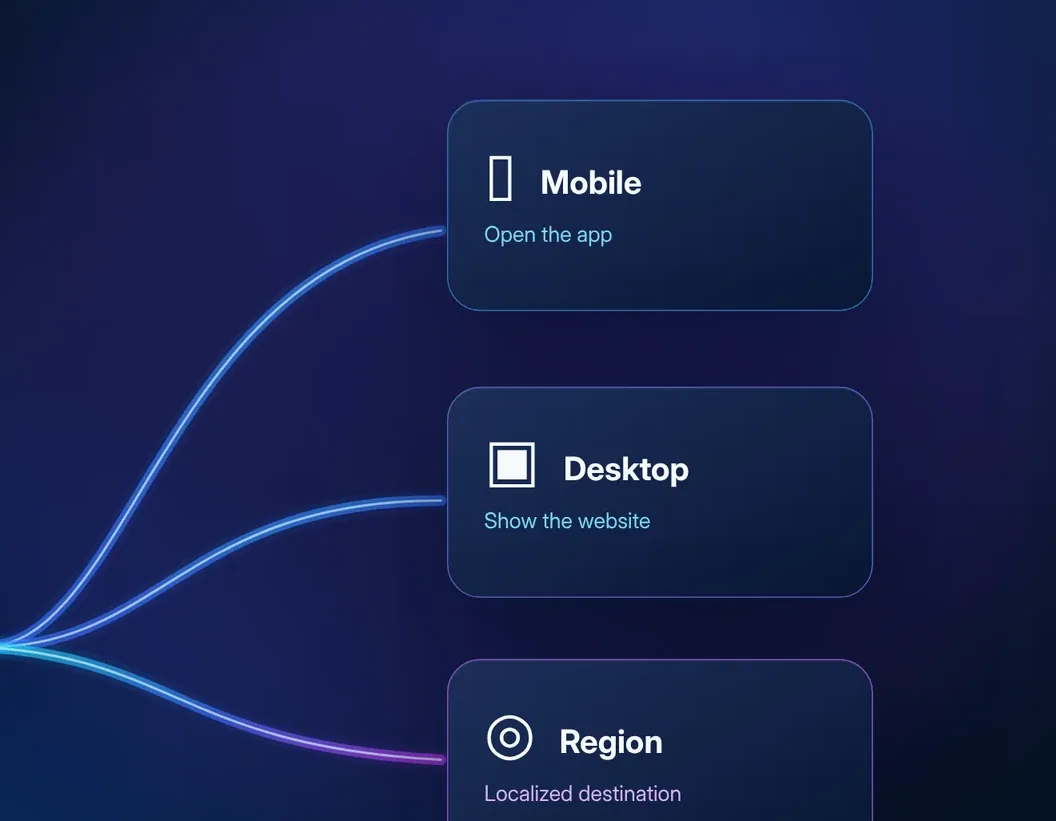
- Route by visitor with smart rules: send phones in Germany to the German page, or iPhone visitors to the App Store listing, using device, country, language or time.
- Measure scans with people-only analytics, by country, city and device; see how to track QR code scans.
- Test and convert with A/B tests, pixels and conversion tracking.
How big should a GS1 Digital Link QR code be?
Codes meant for retail scanners follow GS1’s symbol specifications, which set minimum, target and maximum module sizes (the X-dimension) for each application. Take those figures from the current GS1 General Specifications or your GS1 office; they change between releases. For the general principles, module size, quiet zone and why short addresses scan better, see what size a QR code should be in print.
A checklist before you print
- The GTIN is genuine, licensed from GS1, and its check digit verifies.
- The link uses your own subdomain, over HTTPS, in the form
/01/<GTIN-14>. - The GTIN in the link has 14 digits.
- Qualifiers are included only where you need them, in the standard order.
- The destination works on mobile and has a plan for when the product page moves.
- The printed code is verified for checkout and tested on phones.
- A human-readable label tells shoppers what they get, for example “Scan for ingredients and recipes”.
Start with one product
Set up one product on a subdomain, scan it, and watch the numbers before you roll it out across the range. BN Shortener’s free plan includes 1 custom domain and 5 dynamic QR codes; Pro is $15 a month ($144 a year) and Business $49 a month ($468 a year); start free at b1.lc and upgrade any time. See the QR code features, or start with what a QR code is if you are new to them.
Sources
- GS1 Digital Link Standard: URI Syntax, Release 1.7.0, GS1, 2026-08 (ratified August 2026). Checked 2026-10-23.
- GS1 Digital Link (standards overview), GS1, undated. Checked 2026-10-23.
- GS1-Conformant Resolver Standard, Release 1.2.1, GS1, 2026-08 (ratified August 2026). Checked 2026-10-23.
- Sunrise 2027, GS1 US, undated. Checked 2026-10-23.
- What is a GTIN?, GS1 US, undated. Checked 2026-10-23.
- Get started with GS1 Digital Link with Link management, GS1 Sweden, undated. Checked 2026-10-23.
- Standardization of QR Code, DENSO WAVE (QRcode.com), undated. Checked 2026-10-23.