
A link-in-bio page with buttons, sign-ups, videos and real analytics
One link in your Instagram, TikTok or X profile that opens a page with everything you want people to find: buttons, videos, music, products, a countdown, an email sign-up and a contact form, styled your way.
Updated
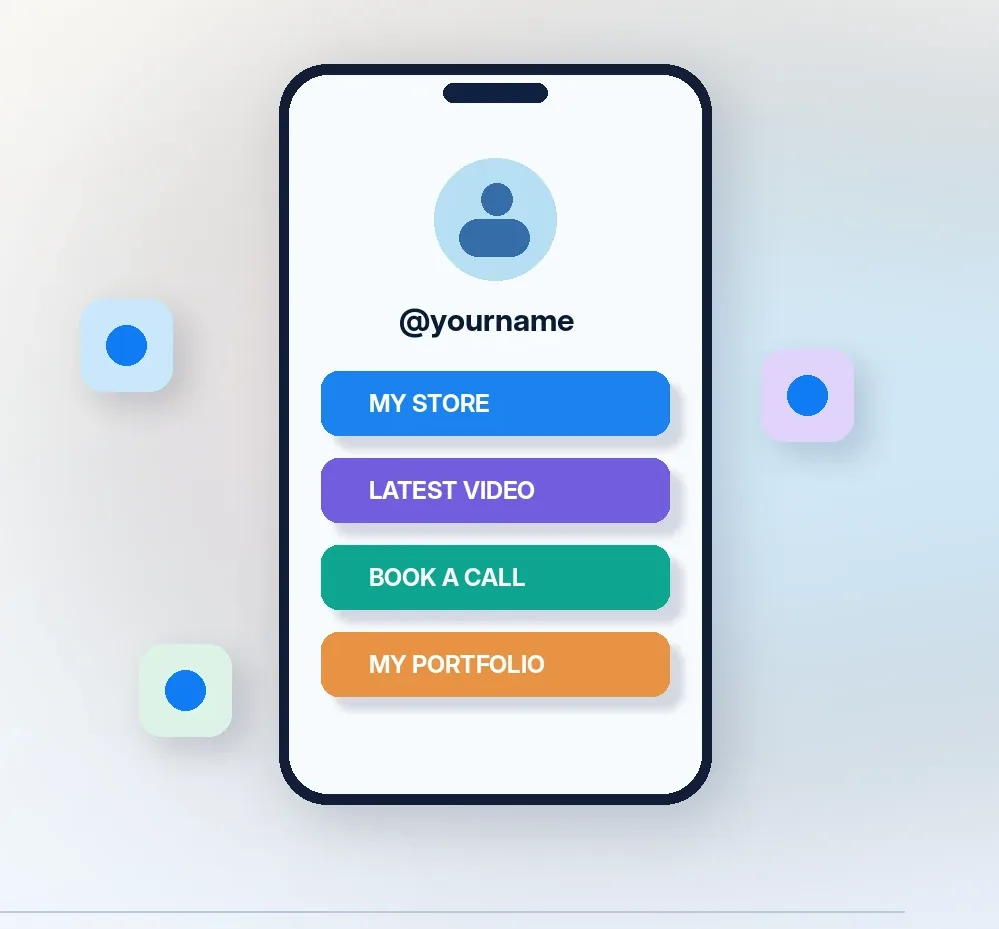
Buttons, images, video, music, maps, products, countdowns, social posts, sign-ups and a contact form.
8 themes, 12 fonts, button styles and solid, gradient or image backgrounds.
Collect email sign-ups and messages on the page, export subscribers as CSV.
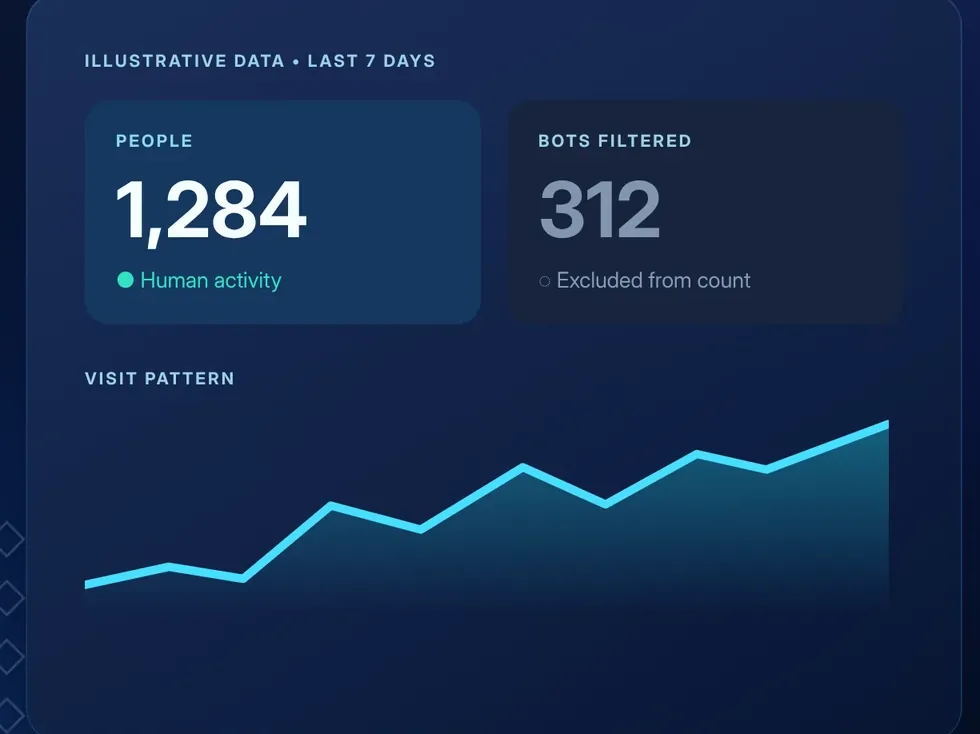
Views, clicks, click-through rate and sign-ups per block, counting people only.
How does a BN Shortener bio page work?
Create a page under Links > Bio Pages, choose its address (b1.lc/@yourname) and add blocks. The editor has seven tabs (Blocks, Appearance, Social, Analytics, Subscribers, Messages, Settings) and a Live Preview that shows unsaved changes. The preview never counts as a view, so testing does not inflate your numbers.
Put the page address in every profile, and in a QR code on your packaging or business card. When your priorities change, you edit the page, not ten profiles.
What can I put on the page?
Fifteen blocks are in the dashboard's Add block list. The API adds two more (Calendar or Booking with Calendly or Cal.com, and Custom HTML shown as text) and per-block options such as a highlight and an entry animation.
Visibility rules decide who sees a block: show it only on certain devices, in certain countries, in certain languages, or on certain days and hours, for example a booking button only during opening hours.
| Block | What it does |
|---|---|
| Link Button | Title, URL, icon and thumbnail; clicks are counted per button |
| Header and Text Block | A section title, or formatted text |
| Image | An image URL or an upload, with an optional link |
| Image Grid | Up to 12 images in 2 or 3 columns, each with a link and alt text |
| Video Embed | YouTube or Vimeo |
| Music Embed | Spotify or SoundCloud |
| Social Post | One public post from Instagram, TikTok, X or Facebook |
| Google Map | An address and zoom level |
| Product Card | Link, price, currency, image, description and a button (default Buy now) |
| Countdown | Days, hours, minutes and seconds to a date in any time zone, with your own text when it ends |
| Email Sign-up | A title, text and a Subscribe button |
| Contact Form | Name, email and message, with your own button and success text |
| Divider and Spacer | Structure and breathing room |
How do I make it match my brand?
Start from one of 8 themes (Clean White, Dark Mode, Sunset Gradient, Ocean Wave, Neon Nights, Soft Pastel, Minimal Gray, Forest Green), then adjust. Choose from 12 fonts, with Inter as the default and options such as Poppins, Montserrat, Playfair Display and Space Grotesk. Buttons can be filled, outline, soft or shadow, with five corner styles from Square to Pill Shape and their own colours.
The background can be a solid colour, a gradient in four directions or an image. Social icons in the dashboard cover Instagram, X, TikTok, YouTube, Facebook, LinkedIn, GitHub, Spotify, Twitch, Discord, Telegram, WhatsApp, Email and Website; the API accepts 29 platforms, including Patreon, Ko-fi and PayPal. The footer reads Powered by b1.lc, and the API has an option to hide it.
Can I collect emails and messages on a bio page?
Yes, without a separate form tool. The Email Sign-up block stores only the email, the block and the time, and each address once per page. The visitor sees the same answer whether or not the address was already on the list, so nobody can use your page to test who subscribed. Export the list as CSV from the Subscribers tab, or connect your Mailchimp audience, Klaviyo list or Kit form so new sign-ups go straight to your email tool.
The Contact Form takes a name, email and message of up to 2,000 characters. Each message is stored in the Messages tab and emailed to your account address only. Both forms have spam protection: a hidden honeypot field and a limit of 5 submissions a minute and 30 an hour per visitor. Developers can react in real time with the bio_page.signup and bio_page.message webhooks.
Which numbers do I see for my bio page?
The Analytics tab shows views, clicks, unique visitors, click-through rate and sign-ups for the period and all time, each compared with the previous period. A daily chart shows when people come; the top 20 blocks by clicks and CTR show what they actually want; and the top 10 countries, devices and referrers show where they come from. Choose 7, 30 or 90 days (the API goes up to 365).
Every number counts people only. Bots, crawlers and link previews are left out, so a burst of preview fetches after you post does not look like a wave of visitors.
How do I make the page look good when it is shared and found?
In Settings you set the page title, the URL slug, a bio of up to 500 characters, a profile image, and an SEO title and description. Open Graph and Twitter card tags are filled in automatically, so the page shows a proper preview card when someone shares it.
- Lead with the one action that matters this week; put evergreen links below it.
- Give each button a verb (Watch, Book, Shop) rather than a bare destination name.
- Use the per-block clicks and CTR to drop buttons nobody uses.
- Switch Page is Active off to take the page down (it answers 404) without deleting it.
- Duplicate a page to start a seasonal or campaign version from your current design.
How to set it up
- Create the page
Sign in at b1.lc, go to Links > Bio Pages and create a page. Pick its slug, which becomes b1.lc/@yourname.
- Add your blocks
Use Add block to place link buttons, a video, a product card, an email sign-up or any of the 15 block types.
- Style it
In Appearance, pick a theme, font, button style and background, and add your social icons.
- Fill in the settings
Add the bio, profile image, SEO title and SEO description. Check the Live Preview.
- Share the address
Copy the page URL into your Instagram, TikTok, X and YouTube profiles, and watch views, clicks and sign-ups in the Analytics tab.
Limits by plan
| Free | Pro | Business | Enterprise | |
|---|---|---|---|---|
| Bio pages | 1 | 10 | 50 | Unlimited |
Prices and every plan's limits are on the pricing page. Limits only restrict creating new items: what you already made keeps working.
Frequently asked questions
Still unsure? Ask us at sales@shortlen.com.
Is the link-in-bio page free?
Yes. The Free plan includes one bio page, with the same editor, blocks and people-only analytics. Pro includes 10 pages, Business 50 and Enterprise unlimited.
What is the address of my bio page?
It lives at b1.lc/@ followed by the slug you choose, for example b1.lc/@yourname. You can change the slug in the page's Settings.
Can I collect email addresses on my bio page?
Yes. Add an Email Sign-up block; subscribers appear in the Subscribers tab and can be exported as CSV, or sent to your Mailchimp audience, Klaviyo list or Kit form when you connect one. Only the email, the block and the time are stored.
Can I sell products from my bio page?
You can show a Product Card with an image, description, price, currency and a button that links to your own checkout or store page. Clicks on it are counted like any other block.
Do bio page analytics count bots?
No. Views, clicks and unique visitors count people only; bots, crawlers and link previews are left out. The editor's Live Preview never counts as a view either.
Can I remove the Powered by b1.lc footer?
The footer reads Powered by b1.lc on pages built in the dashboard. The API has an option to hide the branding.
Can I embed my latest Instagram or TikTok post?
Yes. The Social Post block shows one public post from Instagram, TikTok, X or Facebook. Video Embed handles YouTube and Vimeo, and Music Embed handles Spotify and SoundCloud.
Works well with
Guides
Try bio pages today
The Free plan includes a custom domain, 5 dynamic QR codes, a bio page and click analytics. No credit card.