
How to track SMS links: clicks, delivery and sales per text message
Track SMS links properly: one link per message, previews kept apart from real taps, delivery receipts and conversions in one funnel. Steps and checklist.
Key takeaways
- SMS has no built-in click tracking: a tracked short link records the tap, then forwards the person to your page.
- One link per message beats one link per campaign: you see who was delivered, who tapped and who bought, per message, without storing phone numbers in the link tool.
- Link previews, bots and carrier scanners open links too; count them as previews, not clicks, or your click rate is inflated.
- Delivery receipts turn a click count into a funnel: issued, delivered, clicked, converted.
- Check the message before sending: encoding (GSM-7 or Unicode) decides how many parts you pay for, and a public shortener link says nothing about who sent the message.
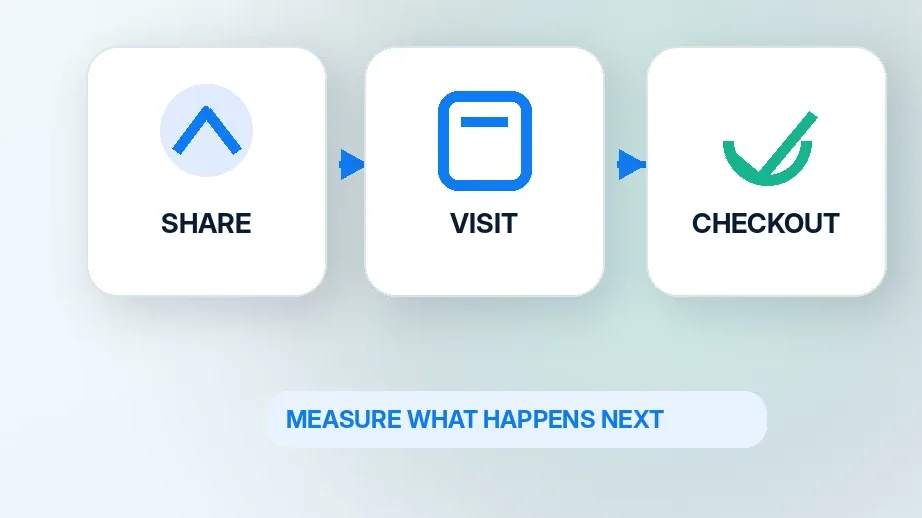
Text messages are read, but they are hard to measure. SMS has no built-in click tracking, so the standard fix is a tracked short link that records the tap and then forwards the person on. That gets you a click count. This guide goes further: how to get clicks per message, keep phone previews out of your numbers, join clicks to delivery receipts, and see the sales each send produced.
Can you track clicks on SMS links?
Yes. Replace the long destination with a tracked short link. When someone taps it, the link service records the click (time, country, device) and redirects to your page. Most SMS platforms work this way. To build a plain sms: link with the number and message filled in, use the free SMS link generator.
There are three levels of tracking, and they answer very different questions:
| Method | What you learn | What you cannot learn |
|---|---|---|
| UTM tags on the destination | Sessions in your web analytics labelled as SMS | Taps that never loaded the page, previews, which message |
| One short link per campaign | Total taps for the send, by country and device | Who tapped, how many messages were delivered |
| One short link per message | Delivered, tapped and converted per message, and the funnel per batch | Nothing important, as long as receipts and conversions flow back |
UTM tags are still worth adding, so the visits land in the right channel in your analytics; keep the values consistent with your UTM naming conventions and build them with the free UTM builder. But for SMS, a link per message is what turns a vanity number into a funnel.
Why give every message its own link?
With one shared link, ten thousand messages produce one click total. You cannot tell whether 400 clicks came from 400 people or from 40 people tapping ten times, and you cannot connect a click to a delivery receipt.
With one link per message:
- each tap belongs to one message, so the first click per message is a clean “this recipient engaged” signal;
- the delivery status of that same message tells you whether it arrived at all;
- a later purchase can be attributed to the message, even if the person typed the address in instead of tapping.
The objection is privacy: per-recipient links sound like per-person tracking. It does not have to work that way. In BN Shortener’s messaging links, each recipient is identified only by the SMS platform’s message ID (plus an optional reference stored as a one-way hash). Phone numbers and email addresses are refused outright, so the link service never stores who received a message. Your SMS platform knows who got message msg-1001; the link tool only knows that msg-1001 was delivered and tapped.
Per-message links must also be impossible to guess, or someone can walk through codes and land on other people’s offers. BN’s messaging links use 9-character codes (about 10^14 possible codes, since codes are matched without regard to case), compared with 4 characters for a standard short link.
Why are SMS click counts inflated?
Before a person sees your message, machines may already have opened the link:
- Link previews. Phones and chat apps fetch the page to show a title and picture next to the link.
- Security scanners. Carrier and device protections open links to check them.
- Bots that scrape and test URLs.
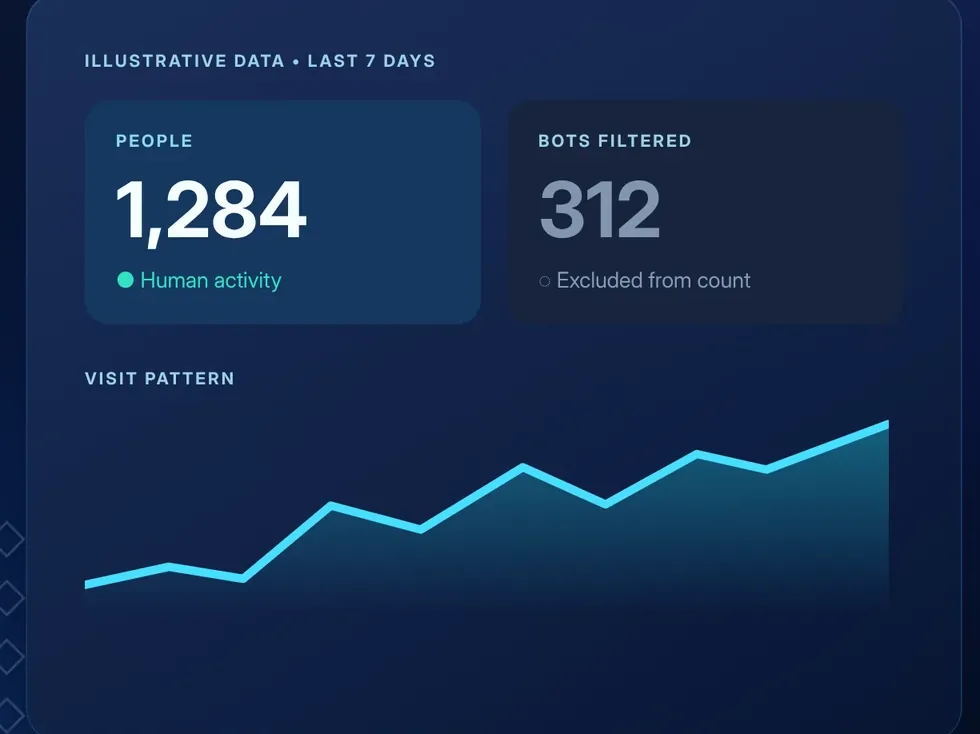
Count those as clicks and an SMS campaign can report a click rate it never earned. The fix is to classify every request. BN Shortener counts link previews, bots and carrier scanners as previews and people as clicks, and reports both, so nothing is hidden and nothing is inflated. The same rule runs through all BN analytics, described in analytics that count people.
How do delivery receipts complete the picture?
A click rate is only meaningful against messages that actually arrived. SMS platforms send delivery receipts (DLRs) with standard SMPP status codes such as DELIVRD, UNDELIV, EXPIRED and REJECTD. Feed them to your link tool and every message gets a status:
issued > accepted > sent > delivered (or undelivered, or failed)
In BN Shortener you give BroadNet a private receipt URL; receipts arrive as JSON, lists, query strings or form posts (up to 5,000 per request), late or duplicate receipts never move a message backwards, and the raw provider status is kept. You can generate a new receipt URL at any time, and the old one stops at once.
The result is a funnel per batch: issued, delivered, not delivered, in flight, previewed, clicked, converted, with the delivery rate, click rate (of delivered messages when receipts exist, otherwise of issued links) and conversion rate. The report adds the top failure codes, first clicks by hour over the first 72 hours, the average time to first click and revenue by currency, which tells you both whether the message landed and when people act on it.
How do I track conversions from SMS?
A click is not a sale. To connect the two:
- Tag the tap. When a person taps, the destination receives a signed click code, by default
?bn_cid=...(it can be switched off). - Report the conversion. From your server, send the purchase with the click token, an event ID (each event ID counts once), the value and the currency. Without a server, a pixel on the thank-you page does the same job.
- Attribute it. If there is a click, the conversion goes to the last click within the attribution window (default 7 days, 1-90). If someone bought without tapping, you can report the message ID instead and the sale is attributed to the message if it falls within the window after sending. Everything else is kept as unattributed rather than guessed.
The general principles are the same as for any link; see how to track conversions from short links. For how this fits a whole texting programme, see short links for SMS marketing campaigns.
What should I check before I send?
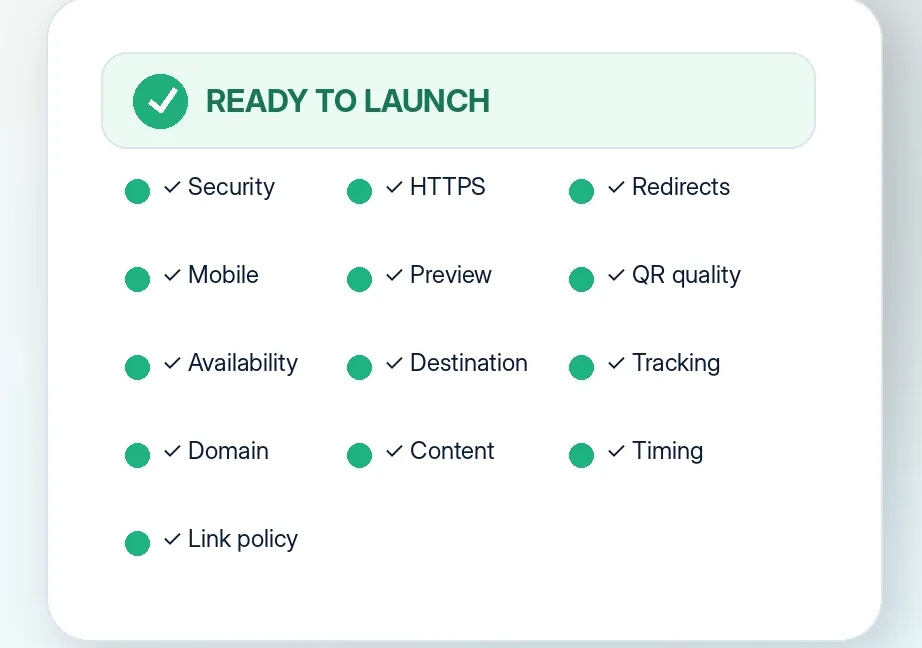
Most SMS problems are visible in the text itself. Check these five things on every send:
1. Encoding and length. Plain GSM-7 text fits 160 characters in one SMS; a single character outside that alphabet (a curly quote, a long dash, an emoji, Arabic text) switches the whole message to Unicode, where one SMS holds 70 characters. Long messages are split into parts, and each part carries a header, so the room per part drops.
| Encoding | One SMS | Per part when split |
|---|---|---|
| GSM-7 | 160 characters | 153 characters |
| Unicode (UCS-2) | 70 characters | 67 characters |
Extended GSM characters such as ^ { } [ ] ~ | \ and the euro sign take two positions. Each part is billed as one SMS, so one stray curly quote can double the cost of a send.
2. The link domain. Public shortener domains are shared with anyone, so the address says nothing about who sent the message, and many people have learned to distrust them. Use your own short domain (see how to use your own domain for short links) or your provider’s tracked links. Keep in mind who controls what: carriers control the sender ID, the name or number a message comes from, not the links inside it. The links are your responsibility.
3. One link, HTTPS, and a working destination. One clear link per message, an https:// address, and a destination that loads on a phone.
4. Opt-out wording. Marketing messages usually need a way to stop them, such as “Reply STOP to opt out”.
5. Timing and sender rules for the route. Some countries have promotional markers on the sender name and quiet hours for promotional messages.
BN Shortener’s SMS message check (on the Launch Check page and in the API) does all of this as you type, without sending anything. It counts characters and parts, names the characters that forced Unicode and offers “Replace all” with GSM-safe equivalents, lists your BN links with their Launch Check verdict, fails on 41 known public shorteners and on unknown, trashed, disabled or “Not ready” links, warns on http:// links or more than one link, and looks for STOP / unsubscribe / opt-out wording in English and Arabic. Pick a route and send time and it also checks the routes BroadNet confirmed in October 2026:
| Route | Promotional marker on the sender name | Promotional quiet hours |
|---|---|---|
| United Arab Emirates | “AD-” prefix | 21:00-07:00 |
| Saudi Arabia | “-AD” suffix | 22:00-09:00; during Ramadan 01:00-12:00 |
| Kuwait, Qatar, Bahrain, Oman | none | none |
The dashboard’s own example passes cleanly: “Our sale ends Sunday: 20% off at https://b1.lc/AbC9 Reply STOP to opt out”.
How do I set up SMS link tracking with BN Shortener?
BN Shortener’s messaging links are built for BroadNet SMS and OmniChannels (SMS, WhatsApp, RCS, Viber and email); BroadNet is the only messaging provider they work with. They are part of the Enterprise plan (“BroadNet SMS & OmniChannels links with delivery and conversion tracking”).
- Save a sender ID (3-11 characters) with its route, whether it is promotional, and optionally your own custom domain for its links. Choose how links appear: a short link on your domain, or a long link (the page itself with a small
?bn_m=tag, where a script on your site reports the visit). - Create a batch with a name, the destination, the channel and one entry per message, keyed by the platform’s message ID. Up to 10,000 recipients per call; every message gets its own 9-character link. Each link counts toward your plan’s monthly links.
- Put each link in its message and send through BroadNet.
- Connect delivery receipts by setting your private receipt URL as the delivery-report URL in your BroadNet account.
- Report conversions from your server or with the pixel.
- Read the funnel in the batch report, or subscribe to the
message.status,message.clickedandmessage.convertedwebhooks.
Creating a batch through the API looks like this (field names from the developer docs; no phone numbers are sent):
curl -X POST https://b1.lc/api/v1/messaging/batches \
  -H "X-API-Key: $BN_API_KEY" \
  -H "Content-Type: application/json" \
  -d '{
    "name": "Spring SMS",
    "channel": "sms",
    "destination": "https://shop.example.com/spring",
    "batch_ref": "spring-sms-1021",
    "recipients": [
      { "external_message_id": "msg-1001" },
      { "external_message_id": "msg-1002" }
    ]
  }'
Retries are safe: the same batch_ref returns the same batch, and sending a message ID again returns the same link. Messaging links answer with a plain fast redirect and stay on the Messaging page rather than in My Links; pixels and app links do not apply to them.
SMS link tracking checklist
- One tracked link per message, matched to the message ID; no phone numbers in the link tool.
- Previews and scanners reported separately from people.
- Delivery receipts connected, so click rate is measured against delivered messages.
- Conversions reported with a click code, with a sensible attribution window.
- Message checked for encoding, parts, opt-out wording, link domain and route rules before sending.
- Link expiry long enough for late readers (BN’s default for messaging links is 90 days).
Talk to us or start free
Messaging links with delivery and conversion tracking are part of BN Shortener Enterprise: talk to sales about your BroadNet SMS or OmniChannels traffic. To try short links, analytics and Launch Check first, start free at b1.lc; the SMS message check is on the Launch Check page.
Sources
- SMS and OmniChannels links (developer guide), BN Shortener docs, undated. Checked 2026-10-23.
- GSM 03.38, Wikipedia, undated. Checked 2026-10-23.
- Concatenated SMS, Wikipedia, undated. Checked 2026-10-23.
- SMS Marketing Links: Best Practices for Tracking Clicks in Text Campaigns, Linkly, 2026-03-02. Checked 2026-10-23.