Do short links expire? How long Bitly, TinyURL and others last, checked
How long do TinyURL, Bitly, shorturl.at and Rebrandly links last, and which URL shortener doesn't expire? Each published policy, dated, and what it depends on.
Key takeaways
- Bitly says its links never expire; you can set an expiry yourself, and deleted links return a 404 (help page updated 11 February 2026).
- TinyURL's pricing page, as published on 23 October 2026, lists 'Never Expires' for Free and Pro and a 90-day default link expiration for Bulk 50K.
- shorturl.at's terms say short URLs without at least one click per month are disabled, and disabled codes may be given to other users.
- 'Never expires' still depends on the provider surviving, your account staying in good standing, your custom domain staying renewed and the destination staying online.
- BN Shortener links never expire unless you set a date or click limit, and they keep working after a downgrade or cancellation; BroadNet SMS links default to a 90-day expiry you can change.
Short links feel permanent until one stops working on a printed flyer. Whether a link lasts depends on three things: the provider’s default policy, the settings you chose, and things outside both, such as the provider shutting down. This guide lists what each major shortener publishes about link lifetime, checked on 23 October 2026, and what you can do to make your own links last. The basics are in our complete guide to URL shorteners.
Do short links expire by default?
Usually not, but there are real exceptions. Here is what each provider says on its own pages, as published on 23 October 2026:
| Provider | Default lifetime, in its own words | Inactive links | Source |
|---|---|---|---|
| Bitly | “Bitly Links never expire. You can, however, set your links and QR Codes to expire.” | No inactivity rule stated | Help centre, updated 11 Feb 2026 |
| TinyURL | Default link expiration: Free “Never Expires”, Pro “Never Expires”, Bulk 50K “90 Days”, Enterprise “Custom” | No inactivity rule on the pricing page | Pricing page |
| shorturl.at | No default expiry date stated | “Short URLs that do not have at least one click per month are disabled” | Terms of service |
| Rebrandly | Links do not expire unless you set an expiration date or delete them | No inactivity rule stated | Help centre, updated 11 Nov 2025 |
| Short.io | Not stated on the terms or docs pages we checked; expiration is a setting “available starting from the Pro plan” | No inactivity rule found | Terms and docs |
| goo.gl (Google) | New links stopped in 2018-2019; links with no activity in late 2024 were deactivated after 25 August 2025 | Inactivity was the deciding test | Google Developers Blog |
| BN Shortener | Expires field empty means never; you can set a date, a schedule end or a click limit | No inactivity rule | Product reference |
A few details from those pages are worth reading twice.
Bitly. Deleting a link is final: “anyone clicking on the link or scanning a QR Code associated with it will get a 404 error message.” Hiding a link keeps it working. Links on your own domain keep working “as long as your DNS settings still point to Bitly and the custom domain is attached to a Bitly account.”
TinyURL. The 90-day default sits on the Bulk 50K plan ($69 a month as listed). If you create links in volume on that plan, check the expiry on each batch rather than assuming they last.
shorturl.at. The free service ties a link’s life to its traffic. Its terms also say that “Short URLs that have been disabled may become available for use by other users”, so an old code could later point somewhere you did not choose. Fine for a one-off share, risky for anything printed.
Rebrandly. Its help article says links keep working after a downgrade to a free account, that “Deleting your account will delete your links”, and that branded links need “your custom domain registration” to stay current with DNS pointing to Rebrandly.
Short.io. We did not find a stated lifetime for links on its terms or documentation pages. Its docs describe expiry as something you set; without an expiration URL, visitors to an expired link see an error page.
How long do TinyURL links last?
On TinyURL’s own pricing page, as published on 23 October 2026, the answer depends on the plan:
| TinyURL plan | Default link expiration |
|---|---|
| Free | Never Expires |
| Pro | Never Expires |
| Bulk 50K | 90 Days |
| Enterprise | Custom |
So a TinyURL link made on Free or Pro lasts until it is deleted, disabled for breaking TinyURL’s rules or TinyURL stops running the service; on plans with the feature, you can also set your own expiration date. Links made in volume on Bulk 50K should be checked batch by batch. To see where a TinyURL link goes without opening it, put preview. in front of it (preview.tinyurl.com/…).
Which URL shortener doesn’t expire?
Among the providers in the table above, these say their links do not expire by default:
| Shortener | Does a link expire by default? | Catch to know |
|---|---|---|
| Bitly | No | A deleted link returns a 404; links on your domain need DNS still pointing at Bitly |
| Rebrandly | No | Links are deleted with the account |
| TinyURL Free and Pro | No | Bulk 50K defaults to 90 days |
| BN Shortener | No | None on Free; links keep working after a downgrade or cancellation |
| shorturl.at | Yes, in effect | Disabled after a month without a click |
No-sign-up shorteners deserve a special note: a link made without an account cannot be edited, has no owner to contact, and lasts exactly as long as the service’s policy says. For anything printed or archived, choose a provider from the top of the table and put the links on a custom domain you own. The guides to shortening Google Drive, Google Forms and Canva links show this for links that tend to live in documents for years.
What does “never expires” actually depend on?
A link that never expires on the provider’s clock can still die. Five conditions have to hold:
- The provider keeps operating the service. Google stopped new goo.gl links in 2018 and 2019 and then deactivated the inactive ones in 2025. Read what happened to goo.gl links for the full timeline.
- Your account stays in good standing. Every provider above can disable links that break its content rules, and some delete links with the account.
- Your custom domain stays renewed and its DNS keeps pointing at the provider. A lapsed domain breaks every link on it at once.
- The destination stays online. The short link can redirect perfectly to a page that no longer exists. That is link rot, and it is the most common way links die.
- You do not delete it by accident. Bulk clean-ups catch live links more often than people expect.
How long do BN Shortener links last?
BN Shortener (the service behind Shortlen, at b1.lc) is clear about it:
- No expiry unless you set one. The Expires field is empty by default, which means never. You can set a date (the link expires at 23:59:59 that day), a default expiry in Settings, a schedule with a start and end, or a click limit from 1 to 100,000,000 that counts people only.
- No hostage rule. Plan limits only restrict creating new items, never serving existing ones. After a downgrade or cancellation every link, QR code and page already made keeps working and stays editable, and no ads are added.
- Deleting is reversible for 30 days. A deleted link goes to Trash and stops redirecting, but keeps its code, analytics and settings. You can restore it within 30 days.
- Your own pages for dead ends. On a custom domain you can set your own Expired link and Link not found pages, so an expired link explains itself instead of showing a bare error.
- Messaging links are the exception. Links in BroadNet SMS batches default to a 90-day expiry, which you can set from 0 (never) up to 10 years when you create the batch.
The dashboard itself advises that printed QR codes and sent SMS links usually should not expire. For deliberate expiry, passwords and schedules, see expiring and password-protected links.
How do I make sure my links last?
The safest links are the ones whose fate you control. Work through this checklist for anything printed, sent or published:
- Read your provider’s help page on link lifetime and inactivity, and note the date you checked it.
- Put important links on a custom domain you own, so you can move them to another provider without reprinting. See use your own domain for short links.
- Set the domain to auto-renew and keep the DNS records documented.
- Do not set an expiry on printed QR codes or SMS links; send old ones to an “offer ended” page instead.
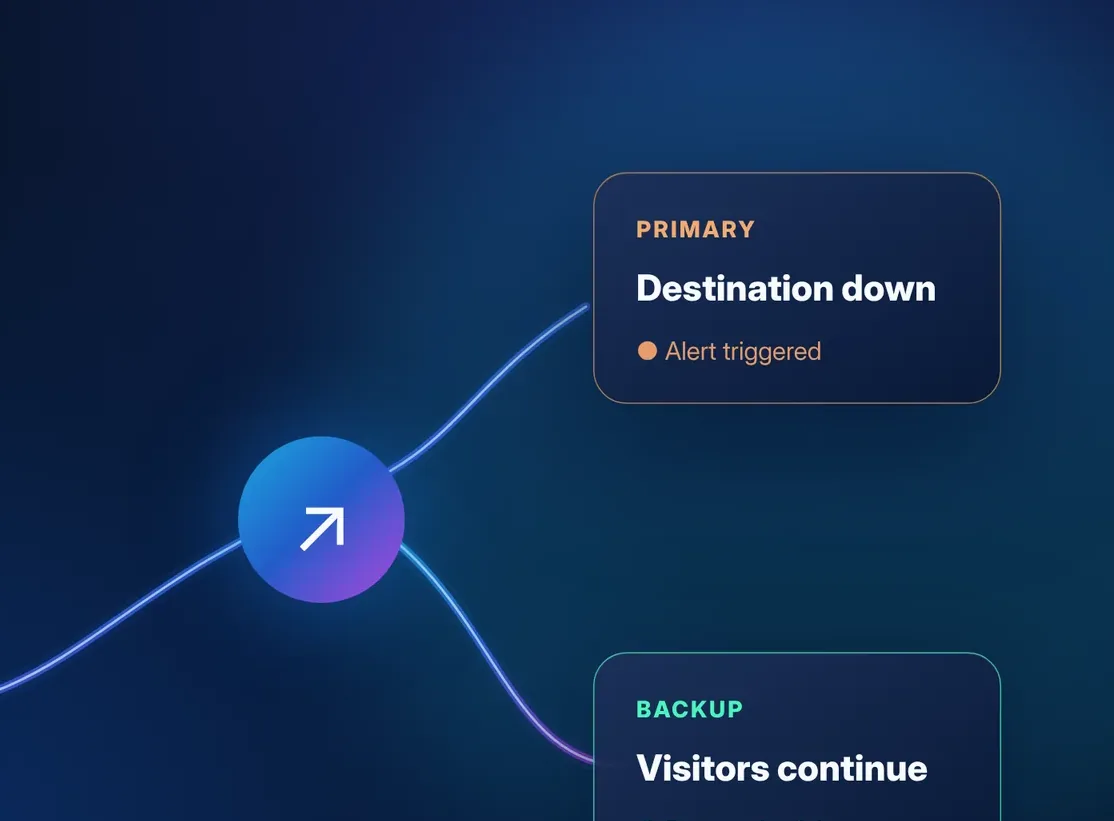
- Monitor the destinations of links that matter. BN’s Link Guardian (Pro and higher) checks them every 15 minutes and can send visitors to a backup page you choose.
- Export your links regularly (CSV or JSON) so you always have a list of codes and destinations.
- Avoid free services that disable inactive links for anything that will be printed or archived.
- Use dynamic QR codes for print, so the destination can change without a new code; see static vs dynamic QR codes.
How do I check whether a short link still works?
Do not wait for a customer to tell you. A quick routine catches most problems:
- Preview the link without opening it. On BN, add
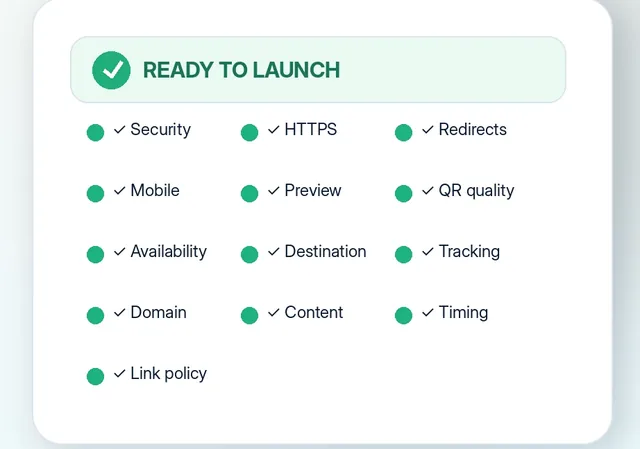
+to any short link (for examplehttps://b1.lc/AbC9+) to see its status (active, disabled, expired, protected or blocked), the destination, the title and the creation date. Nothing is counted. On other providers, look for an equivalent preview or expander. - Check the destination, not just the redirect. The free link checker on b1.lc tests whether a page is safe, reachable, on HTTPS and working on mobile.
- Look for links about to expire. In BN’s My Links, filter by “Expiring in 7 days” or “Expiring in 30 days”, or sort by “Expiring soonest”. Link Health lists links that expire within 7 days and links that expired in the last 30.
- Turn on reminders. BN can email you before links expire, and a weekly Link Health digest lists what needs attention. Both can be switched off in Settings.
- Watch for links that go quiet. A link that had steady clicks and suddenly has none may be broken somewhere you cannot see, such as a page that stopped linking to it. BN’s weekly highlights flag links that have “gone quiet”.
Run the routine before every print order and every large send, and once a quarter for links that live on in documents and printed material.
What if my provider changes its policy?
Policies change, which is why every row in the table above carries a date. If a provider announces a shutdown or a new inactivity rule:
- Export everything while the dashboard still works: codes, destinations, titles and click totals.
- List where each link is used: print, email templates, documents, bios, apps.
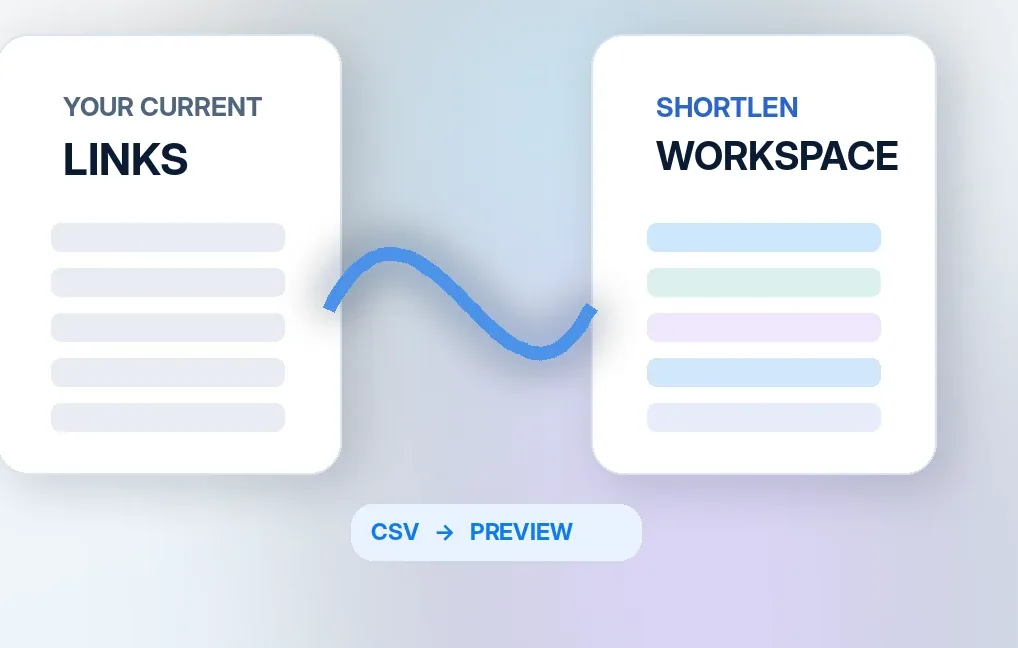
- Move links on your own domain first. Point the domain at a new provider, import the export keeping the same codes, and the printed links keep working. BN imports CSVs from Bitly, Rebrandly, Short.io, TinyURL and Dub, with a dry run before anything is created.
- Replace links on the provider’s own domain wherever you can edit the source; those codes cannot move with you.
Start with links that stay yours
You can start free at b1.lc: links never expire unless you say so, the Free plan includes one custom domain, and nothing stops working if you change plans later. Pro ($15 a month) and Business ($49 a month) add more links, QR codes and domains; the pricing page lists what each plan includes.
Sources
- Will the links I create on Bitly ever expire?, Bitly Support, 2026-02-11. Checked 2026-10-23.
- TinyURL plans and pricing, TinyURL, undated. Checked 2026-10-23.
- Terms of Service, ShortURL (shorturl.at), undated. Checked 2026-10-23.
- How long does a Rebrandly link last?, Rebrandly Support, 2025-11-11. Checked 2026-10-23.
- How to set up link expiration (temporary URL), Short.io docs, undated. Checked 2026-10-23.
- Terms of service (version 4, effective July 20, 2026), Short.io, 2026-07-20. Checked 2026-10-24.
- Google URL Shortener links will no longer be available [updated], Google Developers Blog, 2024-07-18, updated 2025-08-01. Checked 2026-10-23.
- TinyURL (preview feature), Wikipedia, undated. Checked 2026-10-24.