How to name a hyperlink: link text that works for people, screen readers and SEO
Write link text that says where a link goes: rules from WCAG 2.2 and Google's link guidelines, before-and-after examples, and when to show a branded URL.
Key takeaways
- Good link text names the destination or the action: 'see our refund policy' beats 'click here' and 'read more'.
- WCAG 2.2 success criterion 2.4.4 (Level A) requires a link's purpose to be clear from its text or its surrounding context; 2.4.9 (Level AAA) asks for the text alone.
- Screen reader users often browse a page's links as a list, out of context, so each link has to make sense on its own.
- Google describes good anchor text as descriptive, reasonably concise and relevant, and suggests reading it out of context to check it.
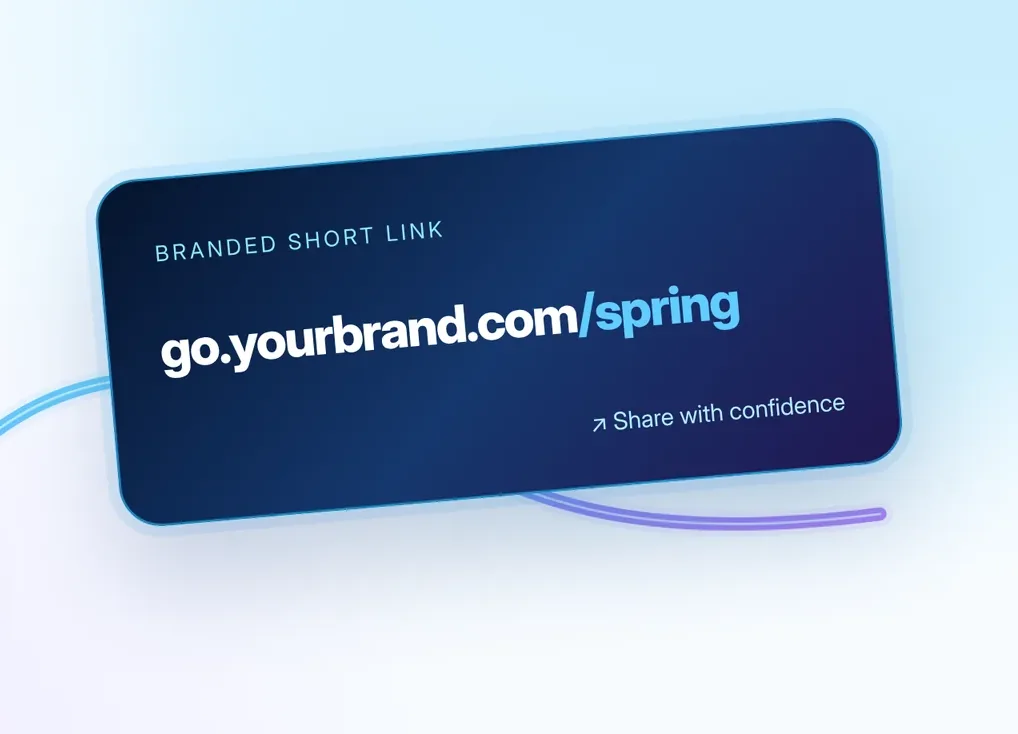
- In SMS, print and anywhere people must type or check a link, show a readable branded short URL such as go.yourbrand.com/spring instead of hiding it.
Every link asks for a click and makes a small promise about what happens next. The words you link carry that promise. Good link text helps everyone: readers scanning a page, people using screen readers, and search engines working out what the destination is about. This guide gives you the rules, the standards behind them, and examples you can copy.
What makes good link text?
Five rules cover nearly every case:
- Name the destination or the action. “See our refund policy”, “download the price list”, “book a demo”.
- Make it make sense on its own. If the link were the only thing someone read, would they know where it goes?
- Keep it short. Link the few words that name the destination, not the whole sentence.
- Make it unique on the page. Two links with the same text should go to the same place.
- Warn about surprises. Say when a link opens a file, starts a download or leaves for another site where that matters.
Here is what that looks like in practice:
| Instead of | Write | Why |
|---|---|---|
| Click here to see pricing | See [pricing] | Names the destination; drops the mouse instruction |
| Read more | [How we calculate shipping] | Makes sense out of context |
| Download here | [Download the 2026 price list (PDF, 2 MB)] | Says what and how big |
https://www.example.com/resources/guides/2026/onboarding-checklist-v3 | [onboarding checklist] | Readable and easy to listen to |
| Learn more / Learn more / Learn more | [Learn about smart links] / [Learn about QR codes] | Each link can be told apart |
| [Best cheap fast URL shortener free online tool] | [our free URL shortener] | Natural words, no keyword stuffing |
What do accessibility standards say?
The Web Content Accessibility Guidelines (WCAG) 2.2 have two criteria on link text:
- 2.4.4 Link Purpose (In Context), Level A. “The purpose of each link can be determined from the link text alone or from the link text together with its programmatically determined link context, except where the purpose of the link would be ambiguous to users in general.” Level A is the baseline most accessibility policies require.
- 2.4.9 Link Purpose (Link Only), Level AAA. “A mechanism is available to allow the purpose of each link to be identified from link text alone”, with the same exception.
The reason is practical. Screen reader users often pull up a list of all the links on a page and move through it out of context. W3C notes that this list “is more useful for finding information because the target of the links are described.” A list that reads “click here, click here, read more, here” is useless.
WebAIM, a long-standing accessibility organisation, adds two useful points: “click here” is “unnecessary, even if it precedes a more meaningful phrase”, and URLs “are not always human-readable or screen-reader friendly”, so screen reader users “must listen to the longer, less intelligible URLs” when a raw address is used as link text.
What does Google say about anchor text?
Google’s link best practices for Search say: “Good anchor text is descriptive, reasonably concise, and relevant to the page that it’s on and to the page it links to.” Its guidance lines up with the accessibility rules:
- “Click here” and “Read more” are its examples of bad anchor text.
- Its test is the same one screen reader users apply: “Try reading only the anchor text (out of context) and check if it’s specific enough to make sense by itself.”
- Sentence-length anchors are too long; aim for concise.
- Writing naturally beats forcing in keywords, and keyword stuffing breaks Google’s spam policies.
- “The words before and after links matter, so pay attention to the sentence as a whole.”
- Google can only follow a link that is an
<a>element with anhref. For image links, it uses the image’salttext as the anchor text, so describe the destination in the alt text.
Good link text, in other words, is one habit that serves readers, accessibility and search at once.
How do I name a link in Docs, Word, email and chat?
Most editors work the same way: select the words, add the link, and the address hides behind the text.
- Google Docs: select the text, choose Insert > Link, check the words in the Text field and paste the address in Link, then Apply.
- Microsoft Word and Outlook: select the text, choose Insert > Link, enter the address, and edit the Text to display box. Avoid relying on the ScreenTip; it only shows on hover.
- Email editors (Gmail, newsletter tools): same pattern. In a plain-text email there is no hidden link, so show a readable URL.
- Markdown (Slack, GitHub, many CMSs):
[see the onboarding checklist](https://go.yourbrand.com/onboard). - Buttons: the button label is the link text. “Start free” or “Get the report” beats “Submit”.
How should I write links in emails and newsletters?
Email adds a few rules of its own, because the reader is deciding fast and often on a phone:
- Put the main link early and make it the clearest one. A button with a verb (“Get the report”) works well for the one action you most want.
- Do not link “here” in a sentence. Link the words that name the thing: “the new [returns process] starts on Monday.”
- Avoid long runs of links with no text between them. Google’s guidance also warns against chaining links together.
- Keep link text and destination honest. If the text says “pricing”, the link should not open a sign-up form. A mismatch is what phishing looks like, and careful readers check.
- Tag links for analytics, not for readers. UTM tags belong in the destination URL, never in the visible text.
Common link text mistakes
- Linking whole sentences or paragraphs, which WebAIM says are hard for screen reader users to use.
- Using the same text, such as “Learn more”, for different destinations on one page.
- Describing the link instead of the destination: “link to our policy” instead of “our refund policy”.
- Linking an image with no alt text, so the link has no name at all.
- Hiding a download: a PDF that opens with no warning on a slow phone connection.
When should I show the URL instead of hiding it?
Hiding the address behind words is right on a web page. In some places the address itself has to be visible:
- SMS and plain-text messages, where there is no way to hide it.
- Print: posters, packaging, business cards, slides. People have to read and type it.
- Spoken channels: podcasts, radio, a speaker on stage.
- When trust matters: people are taught to check where a link goes before tapping. A visible domain they recognise answers that question.
In those places, a long raw URL fails and a generic short link says nothing about who sent it. A branded short link on your own domain does both jobs: it is short enough to type and it names the sender, for example go.yourbrand.com/spring. See what is a branded link and what is a vanity URL.
How do I name the short link itself?
A visible short link has two parts to name: the domain and the back-half after the slash.
- Domain: short, clearly yours.
go.,link.orget.plus your brand works well. - Back-half: a word or two people can say and type, lowercase, with hyphens if needed:
/spring-sale,/menu,/apply. Avoid characters that are easy to confuse, such asland1.
In BN Shortener (the service behind Shortlen, at b1.lc), a custom alias can be 3 to 50 letters, digits, hyphens or underscores and is case-insensitive, so /Spring and /spring are the same link. Without an alias you get a random 4-character code, as in b1.lc/AbC9. Our guide to choosing a good custom back-half goes deeper, and the free slug generator turns a title into a clean back-half.
Links also carry a title you see in the dashboard. BN fills it from the destination page’s title when you leave it empty; a consistent pattern such as “Spring sale, SMS, Oct 2026” makes long link lists easier to search.

Link text checklist
- Each link names its destination or action; no “click here”, “here” or bare “read more”.
- Each link makes sense read on its own.
- Links with the same text go to the same place.
- Link text is a few words, not a sentence.
- Files are flagged with type and size: “(PDF, 2 MB)”.
- Image links have alt text that describes the destination.
- Raw URLs are used only where people must see or type them, and then they are short and branded.
- The page the link opens has a clear title and preview; the Open Graph tag generator helps with share cards.
- You checked where a link really goes before sending it; see how to check a link before you send it.
Unsure about a term? The glossary explains anchor text, back-halves, redirects and more.
Start free
When a link has to be seen, make it one people can read. You can start free at b1.lc: the Free plan includes one custom domain for branded short links, custom aliases and click analytics. See branded links for how to set up your domain.
Sources
- Understanding Success Criterion 2.4.4: Link Purpose (In Context), W3C Web Accessibility Initiative, undated. Checked 2026-10-23.
- Understanding Success Criterion 2.4.9: Link Purpose (Link Only), W3C Web Accessibility Initiative, undated. Checked 2026-10-23.
- Link best practices for Google, Google Search Central, 2025-12-10. Checked 2026-10-23.
- Links and Hypertext: Link Text, WebAIM, undated. Checked 2026-10-23.
- Work with links and bookmarks, Google Docs Editors Help, undated. Checked 2026-10-23.
- Create or edit a hyperlink, Microsoft Support, undated. Checked 2026-10-23.