Short link best practices: 12 rules for links people trust and click
Short link best practices from practitioners: branded domains, readable back-halves, redirect types, previews, per-channel rules and a pre-send checklist.
Key takeaways
- A branded domain such as go.yourbrand.com tells people who the link is from before they click.
- Use a readable back-half for public links and a long random code for anything private; never a guessable one for invoices or documents.
- Tag the destination with UTM parameters first, then shorten, so the tags travel with every click.
- Check the full path (destination, redirects, HTTPS, mobile, preview) before you send, not after the complaints.
- Print and SMS links usually should not expire; repoint a link rather than delete it, because shared copies live for years.
A short link has one job: get the right person to the right page, and make them confident enough to click. Most bad short links fail at the second half. They look anonymous, they break on mobile, they show a blank preview in WhatsApp, or they quietly point at a page that went down last month. These 12 rules come from running links in email, social, SMS and print, and they apply whichever shortener you use. New to short links? Read what a URL shortener is first.
What makes a good short link?
Here are the 12 rules at a glance. Each one is explained below.
| # | Rule | Why it matters |
|---|---|---|
| 1 | Use your own domain | People trust links from a name they know |
| 2 | Make the back-half readable, or unguessable | Readable for public, random for private |
| 3 | Tag the destination before you shorten | Clean campaign data from the first click |
| 4 | Choose the right redirect type | SEO, tracking and caching behave differently |
| 5 | Test the whole path before sending | Broken destinations cost the whole campaign |
| 6 | Control the link preview | Chat apps and social show the card, not the URL |
| 7 | Match the link to the channel | SMS, print and email have different limits |
| 8 | Let people check where a link goes | Transparency beats suspicion |
| 9 | Protect sensitive links properly | Short codes can be guessed |
| 10 | Watch the destination after sending | Pages break; links do not tell you |
| 11 | Repoint links, never delete them | Shared copies live for years |
| 12 | Organise links from day one | You cannot report on what you cannot find |
1. Use your own domain
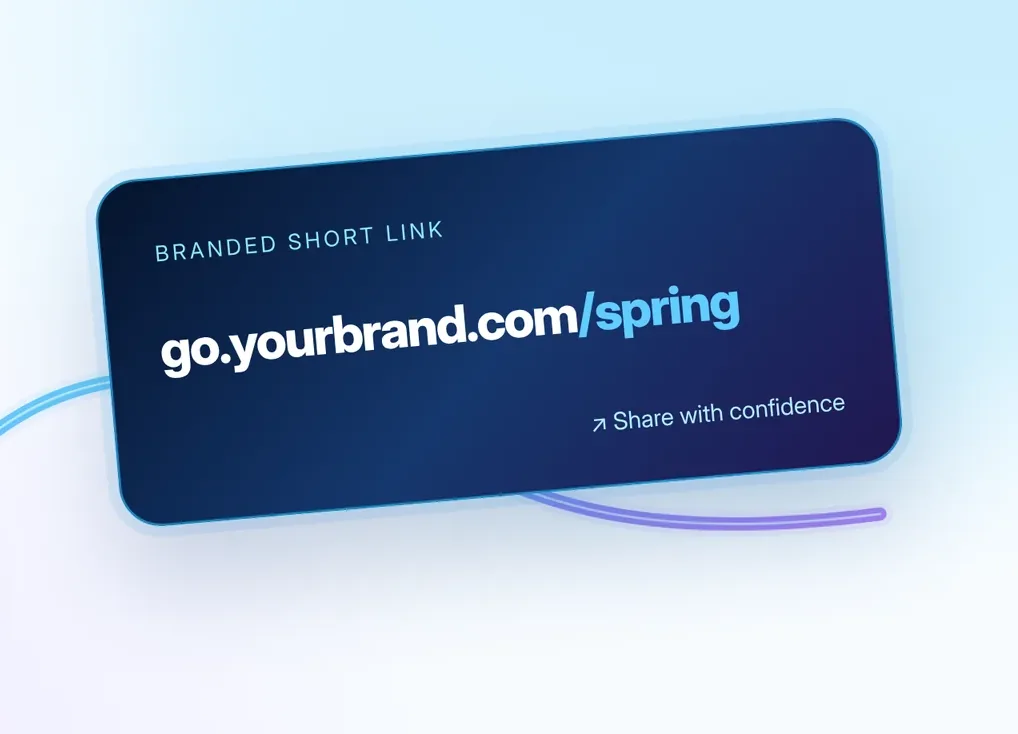
A link on a domain people recognise answers the first question everyone asks before clicking: who sent this? go.yourbrand.com/spring reads as yours; a generic shortener domain could be anyone. Bitly’s own best-practice list includes custom domains for the same reason: trust, recognition and control.
A branded domain also protects you. If you ever change tools, the links stay on your domain, and you are not sharing a domain’s reputation with strangers. In BN Shortener you point a domain (or a subdomain such as go.) at b1.lc with a CNAME, prove ownership with a TXT record, and the SSL certificate is issued automatically. Every plan includes at least one custom domain; see branded short links.
2. Make the back-half readable, or make it unguessable
The back-half is the part after the slash. There are two good kinds and one bad kind.
- Readable, for public links.
go.yourbrand.com/spring-salecan be read aloud on a podcast, typed from a poster and remembered. Use lowercase words and hyphens. Nielsen Norman Group’s long-standing advice still holds: people cannot reliably remember capitalization, so all-lowercase is preferred. - Random, for everyday links. A short random code such as
b1.lc/AbC9(10 characters in total) is fine for links that are clicked rather than typed. - Long and random, for private links. An invoice or a personal offer should not sit at a 4-character code, because short codes can be walked through. BN Shortener’s private links use a 9-character random code nobody can guess (Pro and higher).
The bad kind is a cryptic custom alias like /q4-cmp-v2-fnl. It is neither memorable nor private. For more on picking words, see choosing a good custom back-half. In BN Shortener, custom aliases are 3-50 characters (letters, digits, hyphens, underscores) and case-insensitive.
3. Tag the destination before you shorten
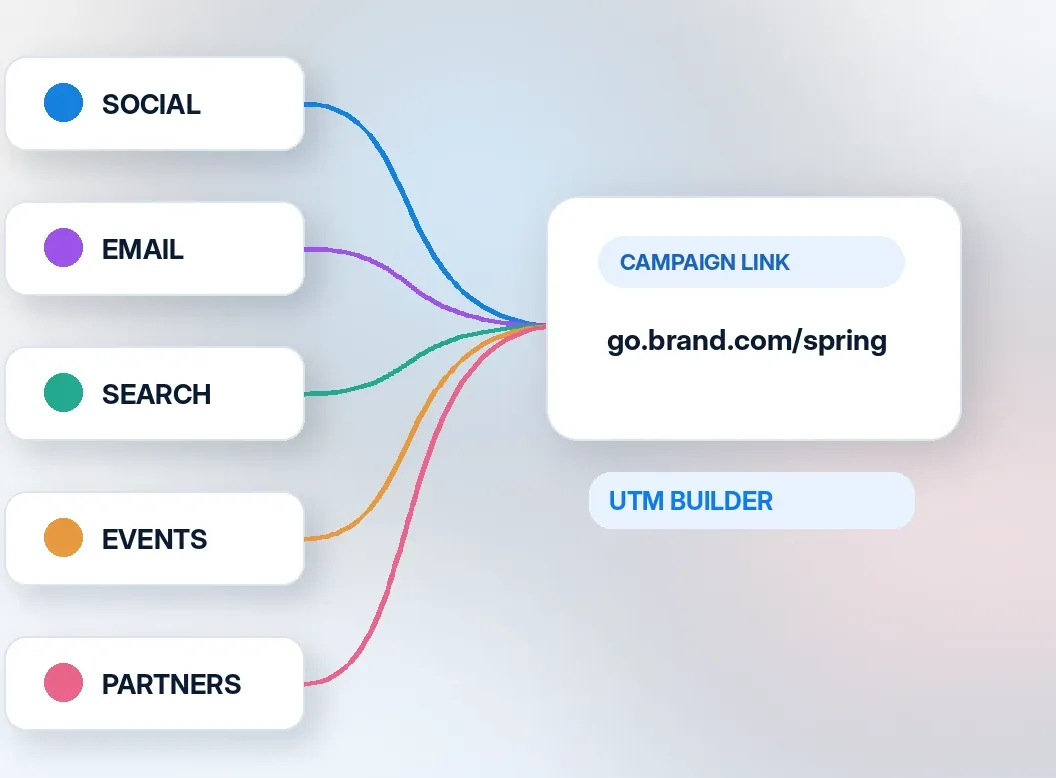
UTM parameters belong on the destination URL; the short link hides them. Build the tagged URL first (?utm_source=newsletter&utm_medium=email&utm_campaign=2026-11-black-friday), then shorten it, and every click carries the tags into your analytics. Google’s help is explicit that values are case sensitive, so agree on a convention before the first campaign. In BN Shortener you can save the convention as UTM naming rules, and Launch Check warns when a link breaks them. Our guide to UTM naming conventions has a template you can copy.
Make one short link per placement. If the newsletter, the Instagram bio and the printed flyer share one link, you have one number for three channels.
4. Choose the right redirect type
Most people never touch this setting, but it changes how search engines, browsers and your analytics treat a link:
| Redirect | Use it for |
|---|---|
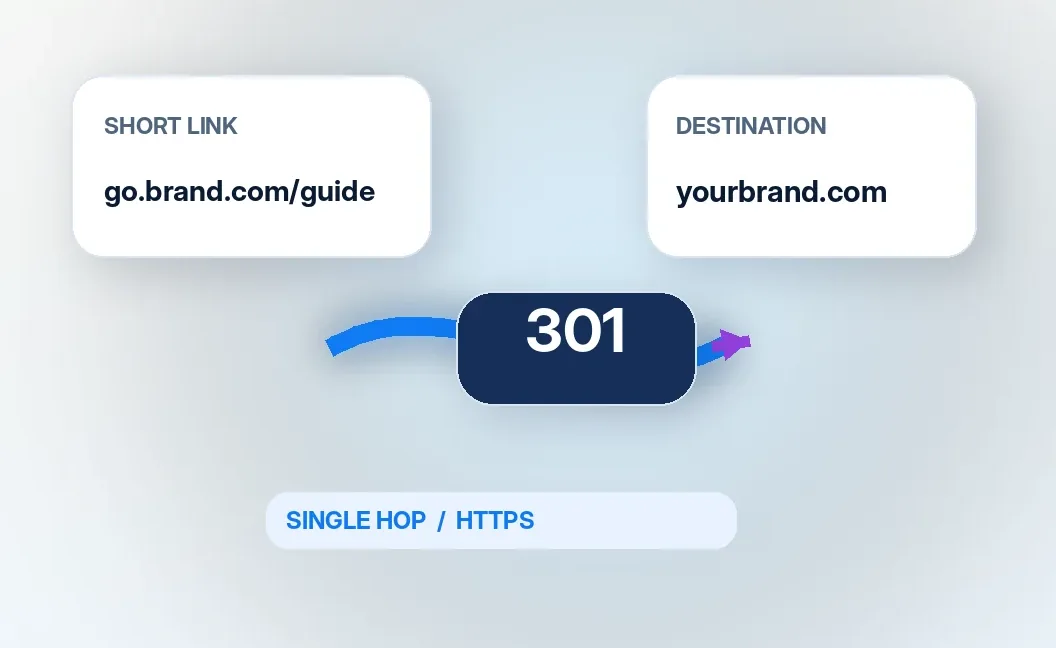
| 301 permanent | Links meant to pass search signals to the destination. Google treats a permanent redirect as a signal that the target should be canonical. |
| 302 or 307 temporary | Links whose destination will change back, such as a seasonal page. Google does not treat the target as canonical. 307 also keeps the request method. |
| A redirect page | When you need pixels, app opening or richer analytics (screen size, language). |
BN Shortener offers all four: Standard (an HTML redirect page, JavaScript with a meta-refresh fallback, that counts screen and language, runs pixels and Open in App; choose 301 for SEO-critical links), 301, 302 and 307. Every answer is sent with “no-store”, so repeat visits are counted and a changed destination takes effect at once, even for a 301. The full comparison is in 301 vs 302 redirects.
5. Test the whole path before you send
Clicking the link once on your laptop is not a test. A real check follows the path a visitor takes: the destination loads, the redirect chain has no loops or HTTP downgrades, the certificate is valid, the page works on a phone, every alternative destination (device rules, A/B variants, fallbacks) works, and the tags are complete.
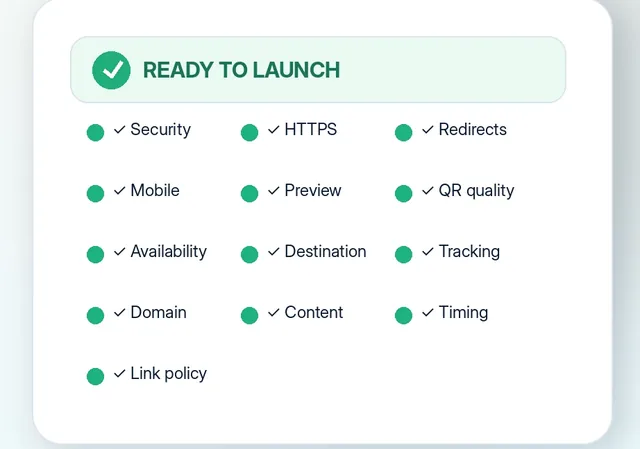
BN Shortener’s Launch Check runs 13 such checks and gives a verdict: Ready to send, Ready with warnings, or Not ready, with the evidence and the fix for each problem. It runs automatically when a link is created and again when its destination changes. Without an account, the free Link Checker at b1.lc runs 7 of the checks.
6. Control the link preview
In WhatsApp, Slack, LinkedIn and most social apps, people see a card (title, description, image), not the URL. A missing image or a generic title costs clicks. Set the preview on purpose:
- A title that says what the page is, not your site name.
- A one-sentence description.
- An image around 1200 x 630 pixels that loads over HTTPS.
BN Shortener lets you set the Open Graph and X (Twitter) card fields per link, and if you set a custom card, social crawlers get it whatever the redirect type (search crawlers then get the preview page instead of a 301, so leave the card off links where the 301 matters for SEO). The free Link Preview Checker at b1.lc shows the card each app will show and what to fix.
7. Match the link to the channel
| Channel | What to do |
|---|---|
Use your branded domain; link text that describes the page; one link per placement with utm_content. | |
| Social | Check the preview card; a readable back-half for bios and captions. |
| SMS | Every character counts: a short link (ideally on your own domain, so people recognise it), opt-out wording for marketing, and no public shortener links, which recipients cannot trace back to you. BN’s SMS message check flags them and counts the message parts. |
| Print and packaging | A dynamic QR code plus a short, typeable link; no expiry date; test a scan from about 30 cm with two phones. |
| Spoken (podcast, video) | One or two real words: go.yourbrand.com/podcast. Avoid characters that sound alike. |
8. Let people check where a link goes
Short links hide the destination, which is exactly why some people hesitate. Make checking easy. On BN Shortener, anyone can add + to any BN short link, on b1.lc or your own domain (https://b1.lc/AbC9+), to see where it goes without opening it: the status, the destination and the creation date. Nothing is counted. Password-protected links never show their destination. Mention it in support pages and security training; transparency is a trust signal.
9. Protect sensitive links properly
Short codes are short, so they can be guessed. For anything personal, combine protections:
- A private link (long random code) instead of a short or readable one.
- A password for documents and client material.
- An expiry date for offers and time-limited access.
Expiry is for content that really ends. The BN dashboard itself advises that printed QR codes and sent SMS links usually should not expire. Expired links can still be pointed somewhere useful: on your own domain you can set an Expired link page.
10. Watch the destination after you send
A short link keeps answering even when the page behind it is gone, so the link looks healthy while visitors hit an error. Monitor the destinations that matter. BN Shortener’s Link Guardian checks a monitored destination every 15 minutes, opens an incident after two failed checks in a row, alerts you, and can send visitors to a backup URL until the page recovers. Link Health lists everything that needs attention, including links expiring within 7 days and busy links without monitoring.
11. Repoint links, never delete them
Links outlive campaigns. They sit in old emails, PDFs, printed brochures and other people’s posts. Nielsen Norman Group put it simply in 1999 and it is still true: make sure URLs live forever and keep pointing to relevant pages. When a campaign ends:
- Point the link at the closest current page (the new collection, the next event, the product’s main page).
- Never reuse an old link for something unrelated; people who saved it expect the original topic.
- If you must stop a link, disable it rather than delete it: it answers “gone” while its settings, history and statistics stay in place.
In BN Shortener every destination change is kept in the link’s history with per-field rollback, deleted links stay in Trash for 30 days, and existing links keep working after a downgrade. Our guide to link rot and broken links covers the clean-up side.
12. Organise links from day one
A link you cannot find is a link you cannot fix or report on. Give every link a title that says what it is, tags for the team or channel, a folder per client or project, and campaign links in a campaign. Bitly’s list recommends reviewing active destinations every quarter; that review takes minutes when links are tagged and grouped, and an afternoon when they are not.
The pre-send checklist
Run this before any link goes into a campaign:
- On our own domain, with an active SSL certificate
- Back-half readable (public) or private code (sensitive)
- UTM tags complete and following the convention
- Redirect type chosen on purpose
- Destination loads on a phone, over HTTPS, without redirect loops
- Preview card shows the right title, description and image
- Alternatives (device rules, A/B variants, fallbacks) all work
- No expiry on print or SMS links unless the offer really ends
- Busy links monitored, with a backup URL
- Titled, tagged and in the right campaign
Make the checklist automatic
Most of this list can run by itself instead of living in someone’s head. Start free at b1.lc: the Free plan includes a custom domain, Launch Check before you send and click analytics that count people. Private links, Link Guardian and more domains come with Pro ($15 a month) and Business ($49 a month); see pricing.
Sources
- 10 Short URL Best Practices Everyone Should Know, Bitly, 2026-04-16. Checked 2026-10-23.
- Redirects and Google Search, Google Search Central, 2026-04-14. Checked 2026-10-23.
- URL as UI, Nielsen Norman Group, 1999-03-20. Checked 2026-10-23.
- URL builders: Collect campaign data with custom URLs, Google Analytics Help, undated. Checked 2026-10-23.