301 vs 302 redirects (and 307): which one should you use?
301 is permanent, 302 is temporary, 307 keeps the request method. What each does for SEO, caching and short links, with Google's own rules and a decision table.

Key takeaways
- 301 and 308 mean moved permanently; 302 and 307 mean moved temporarily. Google treats 301 like 308 and 302 like 307.
- Google uses a 301 as a strong signal to index the target, and a 302 as a weak one that keeps the original URL in results.
- 307 and 308 exist so the request method and body never change; they matter for forms and APIs, rarely for ordinary links.
- A 301 is cacheable by default, so browsers can keep sending people to an old destination; a short link that should stay editable needs no-store.
- Keep redirects direct: Google follows up to 10 hops but recommends going straight to the final URL.
A redirect tells a browser, and every search engine crawler, that the page it asked for lives at another address. The status code you choose says how to treat that move: forever, for now, or for now with the request kept exactly as it was. Pick the wrong one and you can keep an old URL in Google for months, or lock visitors onto a destination you can no longer change. Every short link depends on these codes; the complete guide to URL shorteners explains how.
What is the difference between a 301 and a 302?
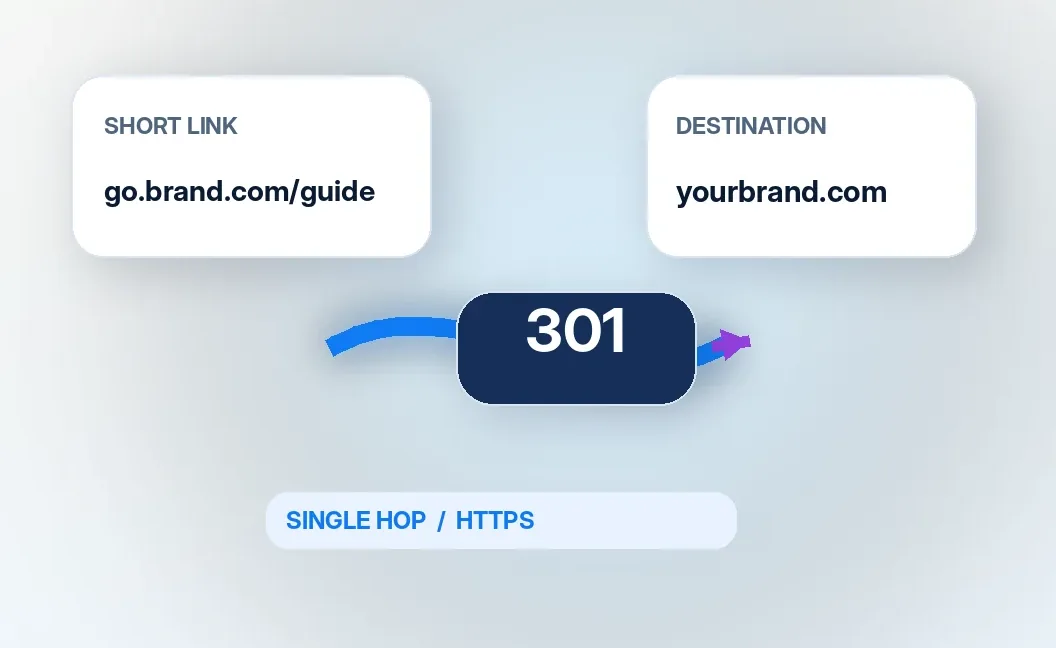
A 301 Moved Permanently says the resource has a new permanent address and future references should use it. A 302 Found says the resource is temporarily somewhere else and clients should keep using the original address. Everything else follows from that one difference: what search engines index, what browsers cache, and how safe the redirect is to change later.
Here is the full family of redirect codes you are likely to meet, with what the HTTP standard and Google say about each:
| Code | Meaning | Request method on the next hop | Cacheable by default | How Google Search treats it |
|---|---|---|---|---|
| 301 | Moved permanently | GET stays GET; some browsers turn POST into GET | Yes | Strong signal that the target should be indexed |
| 308 | Permanent redirect | Method and body never change | Yes | Same as 301 |
| 302 | Found (temporary) | GET stays GET; some browsers turn POST into GET | No | Weak signal; the original URL usually stays in results |
| 307 | Temporary redirect | Method and body never change | No | Same as 302 |
| 303 | See other | Always becomes a GET | No | Treated like 302 |
Sources: RFC 9110 sections 15.4.2 to 15.4.9, Google’s HTTP status code documentation and MDN, all opened 23 October 2026.
How does Google treat 301 and 302 redirects?
Google’s documentation is unusually direct on this:
- For a permanent redirect (301 or 308), Google’s indexing pipeline “uses the redirect as a signal that the redirect target should be canonical”, and the new URL is shown in search results.
- For a temporary redirect (302, 303 or 307), the pipeline “doesn’t use the redirect as a signal that the redirect target should be canonical”. The source URL is usually the one shown in results, although the target can still be indexed if other signals point to it.
- Google treats a 308 exactly like a 301 and a 307 exactly like a 302. It calls the 301 a “strong signal” and the 302 a “weak signal”.
On link equity, Google’s site-move guide says that “301 and other permanent redirects don’t cause a loss in PageRank”. So the old worry that a redirect “leaks” value is not a reason to avoid 301s. The real reason to pick carefully is canonicalization: which URL you want Google to show.
A rule of thumb that follows from this:
- The old URL is gone for good and the new one should rank: 301 (or 308).
- The old URL is coming back, or should keep its place in results: 302 (or 307).
When should you use a 301 redirect?
Use a 301 when the move is permanent and you want search engines and people to update their references:
- You changed a page’s URL, merged two pages, or moved from HTTP to HTTPS.
- You moved to a new domain. Google’s site-move guide recommends server-side permanent redirects and keeping them “for as long as possible, generally at least 1 year”.
- You retired a product and want its old URL to send people to its successor.
- You publish a short link as a permanent pointer to one page, for example on your own site or in a backlink you want credited to the destination.
When should you use a 302 redirect?
Use a 302 when the original URL is the real home and the detour is temporary:
- A page is down for maintenance and visitors should see a notice for a few hours.
- A seasonal promotion takes over a category page for two weeks.
- You send people to a different page by country, device or language, and the original URL should stay the one indexed.
- You expect to change the destination again soon.
The mistake to avoid is the “temporary” redirect that becomes permanent by accident. If a page has moved for good, leaving a 302 in place for months sends Google the wrong signal about which URL to show.
What is a 307 redirect, and when does it matter?
A 307 Temporary Redirect is a 302 with one guarantee: the browser “MUST NOT change the request method”, in the words of RFC 9110. The 308 is the permanent counterpart of the 301 with the same guarantee.
Why the extra codes exist: the specification never intended 301 and 302 to change the method, but some browsers historically turned a POST into a GET on the next request, dropping the form data. MDN notes that 307 and 308 were created to remove that ambiguity. In practice:
- For a normal link click, which is always a GET, 302 and 307 behave the same, and so do 301 and 308.
- For a form submission or an API call that might be redirected, use 307 (temporary) or 308 (permanent) so the POST body arrives intact.
- If you deliberately want a POST to become a GET, for example to show a result page after a form, the right code is 303 See Other.
Why can a 301 be hard to undo?
RFC 9110 says that “a 301 response is heuristically cacheable”, unless explicit cache headers say otherwise. The same applies to 308. In plain terms, a browser that has seen a 301 may remember it and send the visitor straight to the old destination next time, without asking your server. A 302 and a 307 are not cached by default.
This matters a lot for short links. The whole point of a short link printed on a poster or sent in a newsletter is that you can change where it goes later. If the shortener answers with a cacheable 301, some returning visitors will keep landing on the old destination after you edit it, and their repeat clicks never reach the server, so they are not counted either.
The fix is a cache header that forbids storing the answer. BN Shortener sends every redirect with no-store, so repeat visits are always counted and a destination change takes effect at once, even for a link set to 301.
Which redirect type should a short link use?
BN Shortener lets you choose the redirect type per link, in the link editor’s Settings tab. These are the options, in the dashboard’s own words, and when each fits:
| Option in BN Shortener | What it is | Best for |
|---|---|---|
| Standard (recommended) | An HTML redirect page (JavaScript, with a meta-refresh fallback) that counts screen and language and runs pixels and Open in App; for SEO-critical links choose 301 | Links in social posts, email, SMS, QR codes and ads, where you want full analytics |
| 301 Permanent | A plain server redirect, best for SEO | A permanent pointer to one page, where search credit for the destination matters. If you set a custom social preview on the link, search engine crawlers get the preview page instead of the HTTP redirect, so leave the preview empty on links where the 301 matters for SEO |
| 302 Temporary | A plain server redirect | A link you plan to re-point, or a temporary detour |
| 307 Temporary | A plain server redirect that keeps the request method | Links that may receive form posts or API calls |
A few details that are easy to miss:
- Links with pixels or an app keep the redirect page, even if you choose 301, 302 or 307, because pixels and Open in App need the page to run.
- A custom preview card goes to social crawlers whatever the redirect type, so your Open Graph title and image still show in WhatsApp or LinkedIn. Search engine crawlers get that preview page too, instead of the 301, so leave the custom preview off links where the 301 matters for SEO.
- Every answer is sent with no-store, so a 301 short link stays editable and every repeat visit is counted.
If you are unsure, keep the standard redirect. It gives you the richest data and is the default for a reason. For the SEO side of short links in general, see do short links hurt SEO?, and for the mechanics, how a URL shortener works.
How many redirects in a row is too many?
Every extra hop adds a round trip before the page starts loading, and each one is a place where something can break. Google says its crawlers follow up to 10 redirect hops, but its site-move guide recommends redirecting “to the final destination directly” and, where that is impossible, keeping chains short, ideally no more than 3 and fewer than 5.
Common ways chains appear:
- A short link points at
http://and the site upgrades it tohttps://. - A short link points at
example.comand the site addswww.. - A short link points at another short link, or at a tracking URL that redirects again.
- An old page was redirected, and later its target was redirected too.
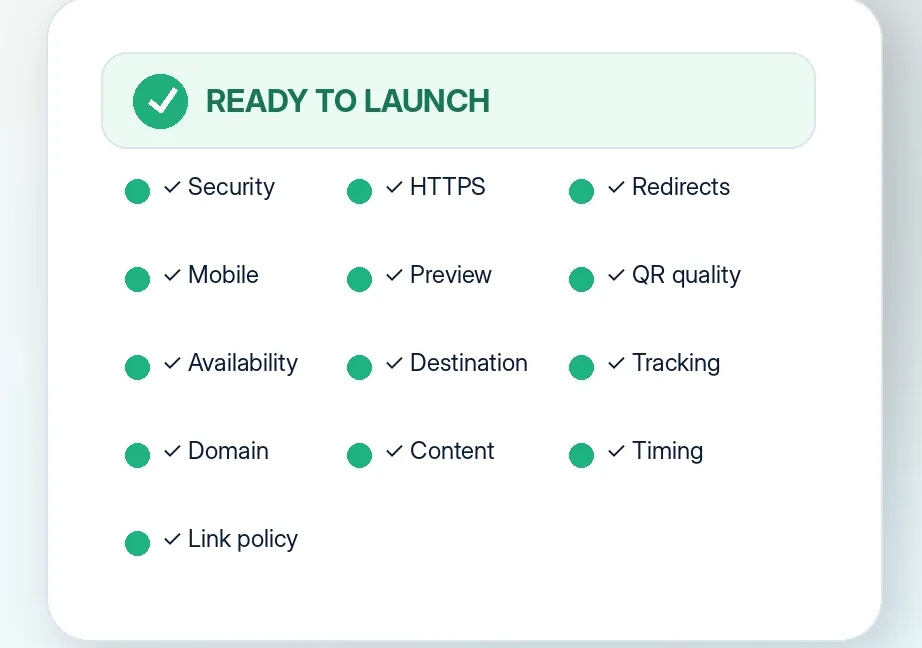
BN Shortener’s Launch Check tests the whole path before you send a link. Its redirect-chain check fails on loops (more than 10 hops) and on HTTPS-to-HTTP downgrades, warns on repeated URLs and 4 or more hops, and notes when visitors end up on a different domain. It runs automatically on every new link; read more on the Launch Check feature page.
How do you check which redirect a link uses?
Three quick ways, from most to least technical:
- Command line.
curl -sIfetches only the headers and does not follow the redirect:
curl -sI https://b1.lc/AbC9Look at the first line for the status code and at Location for the next address. An illustrative answer:
HTTP/2 301
location: https://www.example.com/spring-sale
cache-control: no-store
Add -L to follow every hop and see the full chain.
-
Browser developer tools. Open the Network tab, tick “Preserve log”, paste the link and press Enter. Each hop appears as its own row with its status code.
-
Without opening the link. Add a
+to the end of any BN Shortener link (https://b1.lc/AbC9+) to see its status and destination without being redirected, and without the visit being counted. For any other URL, the free Link Checker tests redirects, HTTPS and the destination in one pass.
What about meta refresh and JavaScript redirects?
Sometimes you cannot set a status code, for example on a static host. Google documents how it reads the alternatives:
- An instant meta refresh (0 seconds) is treated as a permanent redirect.
- A delayed meta refresh is treated as a temporary redirect.
- A JavaScript redirect is followed only if rendering succeeds, so Google advises using it only when server-side or meta refresh redirects are impossible.
A server-side 301 or 302 is always the clearest signal.
Redirect checklist
Before you publish a redirect, run through this list:
- Is the move permanent (301 or 308) or temporary (302 or 307)?
- Will the URL ever receive a POST? Then use 307 or 308.
- Does it point straight at the final URL, with the right protocol and host (
https://www.or not)? - For a short link: is it cached? Editable links need
no-store. - For a site move: will the redirects stay in place for at least a year?
- Have you tested it with
curl -sIor a link checker on both desktop and mobile? - If you changed a short link’s code, did you keep the old code working? BN Shortener’s “Keep old code as redirect to new code” option does this in one click.
For more habits that keep links healthy over years, see short link best practices and how to prevent link rot.
Choose the redirect per link
The right redirect depends on the link, not on the tool. If you want to choose it per link, with analytics that count people and a check of the full path before you send, you can start free at b1.lc. Every plan includes every redirect type, branded short links on your own domain and Launch Check; see the branded links feature page for the details.
Sources
- Redirects and Google Search, Google Search Central, 2026-04-14. Checked 2026-10-23.
- How HTTP status codes, and network and DNS errors affect Google Search, Google Search Central, 2026-02-04. Checked 2026-10-23.
- Site moves with URL changes, Google Search Central, 2026-08-20. Checked 2026-10-23.
- Redirections in HTTP, MDN Web Docs, 2026-08-27. Checked 2026-10-23.
- RFC 9110: HTTP Semantics, section 15.4, IETF, 2022-06. Checked 2026-10-23.