Firebase Dynamic Links alternatives: what shut down and how to migrate
Firebase Dynamic Links shut down on 25 August 2025. What it did, which jobs need a replacement, a migration checklist, and where app links and smart links fit.
Key takeaways
- Firebase's FAQ says Dynamic Links shut down on 25 August 2025; clicked links return HTTP 404 and page.link domains are no longer available.
- Dynamic Links did five jobs: short links, social preview metadata, store routing with a web fallback, deferred deep linking and click analytics. List which ones you used.
- Universal Links and Android App Links, verified on a domain you own, are Google's recommended path for opening an installed app.
- BN Shortener App Links open your app at a chosen screen, fall back to the web, the store or a custom URL, and report opened-in-app versus fell-back; they do not restore a screen after a fresh install.
- Old page.link URLs cannot be redirected, so update them in app code, emails and print, and put the new links on your own domain.
Firebase Dynamic Links was the free way to make one link that opened your app when it was installed and the right store or web page when it was not. It is gone now, and every link that depended on it returns an error. If you are still cleaning up, or you are choosing a replacement for a new app, this guide sets out what shut down, which jobs you need to replace, and a migration checklist you can work through.
What happened to Firebase Dynamic Links?
Firebase’s deprecation FAQ is the authoritative source. The key points, as published on 23 October 2026:
| Item | What Firebase says |
|---|---|
| Status | “Firebase Dynamic Links is deprecated and shouldn’t be used in new projects.” |
| Shutdown date | 25 August 2025; error responses were phased in from that date and reached 100% |
| Existing links | Return an HTTP 404 to the person who clicks |
| page.link domains | No longer available; URL prefix domains were deleted after 25 August 2025 |
| Custom domains | Links hosted on custom domains stopped working too |
| Your data | You can retrieve your Dynamic Links metadata, including the links, using Firebase’s export guide |
| Recommended path | Android App Links and iOS Universal Links for deep linking; other providers for the remaining features |
There is a historical irony here. When Google wound down its goo.gl shortener in 2018, it pointed developers to Firebase Dynamic Links as the replacement. Both have now been shut down; the goo.gl story is in what happened to goo.gl links.
Which jobs did Dynamic Links do for you?
Firebase lists the capabilities to look for in an alternative. Before you pick one, mark which of these you actually used:
- Short links on page.link or your own domain.
- Social metadata, so a shared link showed a title, description and picture.
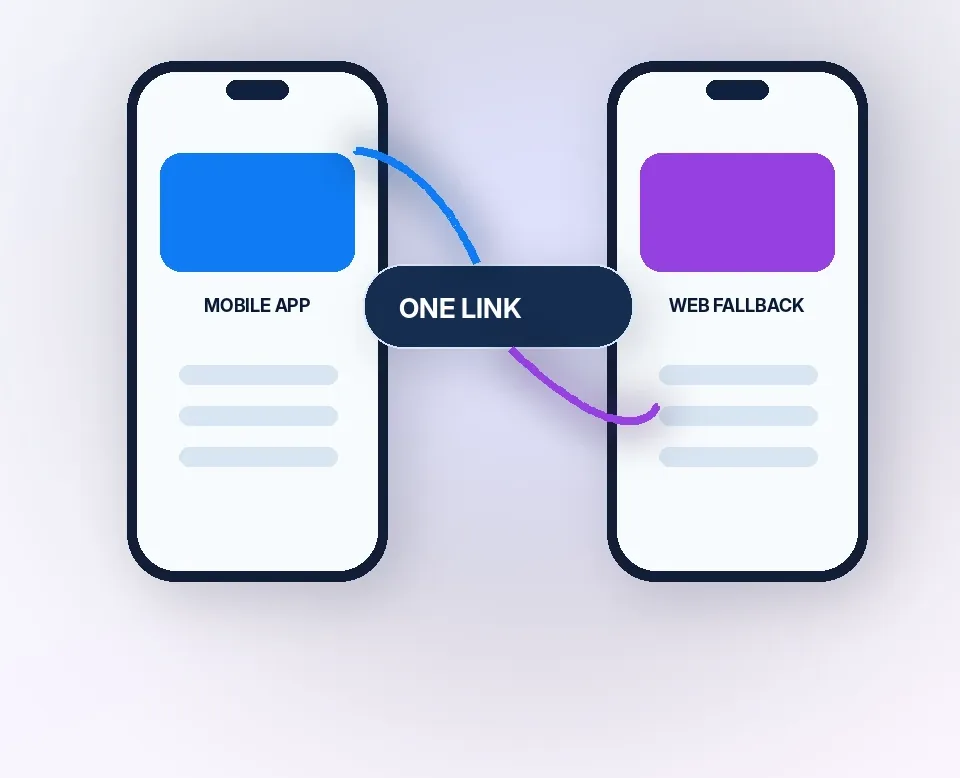
- Platform routing: one click goes to the app, the App Store, Google Play or a web page, with a web fallback.
- Deferred deep linking: after a fresh install, the app opens on the screen the person originally wanted.
- Click analytics for link events.
Most teams used 1, 2, 3 and 5 heavily and 4 only for install campaigns. That matters, because deferred deep linking is the one job that needs an SDK inside your app.
What replaces each job?
| Dynamic Links job | Platform standard | What BN Shortener does today |
|---|---|---|
| Open the installed app at the right screen | iOS Universal Links and Android App Links on a verified domain | Serves the apple-app-site-association and assetlinks.json files for your links on your own custom domain (never on b1.lc), and opens the chosen screen in the app |
| Fall back when the app is missing | Your own web page | Per platform: the web page, the store page built from your app’s IDs, or a custom URL; plus a desktop fallback |
| Route by device or country | None built in | Smart rules on device type, OS, country, language, time and more |
| Social preview | Open Graph tags on your page | A Social tab per link with title, description and image; social crawlers get that card whatever the redirect type (search crawlers too, so leave it off links where a 301 matters for SEO) |
| Short links | None built in | Short links on b1.lc or your own domain |
| Click analytics | None built in | People-only click analytics, plus opened in the app versus fell back and the open rate |
| Deferred deep linking | None built in; needs an SDK | Not offered; use a mobile measurement provider for links that must survive an install |
How the platform standards work
iOS. Apple’s documentation says universal links let an app “present content in place of all or part of its website”, and that people without the app see the same content in the browser. You publish a file named apple-app-site-association at https://<your domain>/.well-known/apple-app-site-association. Apple requires it to be served over https:// with a valid certificate and no redirects, and since iOS 14 the requests come from an Apple-managed CDN rather than the device.
Android. Google describes Android App Links as deep links to your own website that are verified, so they open the app “without requiring the user to select your app from a disambiguation dialog.” They work on Android 6 and later on devices with Google services. Verification uses a Digital Asset Links file at https://<your domain>/.well-known/assetlinks.json, served over HTTPS as application/json with no 301 or 302 redirects.
Both depend on a domain you control. That is the big structural change from Dynamic Links: your links no longer live on someone else’s page.link subdomain.
How BN App Links fit
BN Shortener (the service behind Shortlen, at b1.lc) has an App Links feature where you register up to 20 apps with their iOS bundle ID, Team ID, App Store ID and URL scheme, and their Android package name, scheme and SHA-256 certificate fingerprints. On a link or a dynamic QR code you choose the app and the screen path, for example product/42.
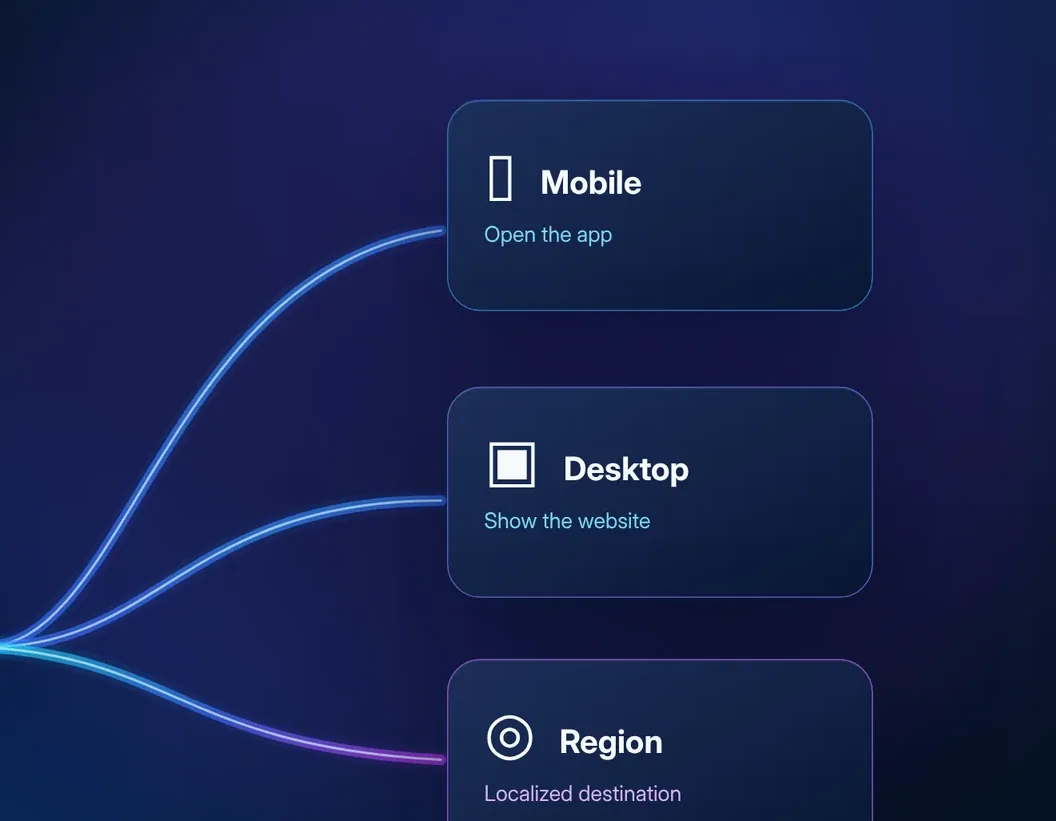
On a phone click, the redirect page tries to open the app at that screen (a custom scheme on iOS, an intent URL on Android so Chrome opens the app or the fallback itself) and falls back after 1.8 seconds. On your own domain, BN hosts the association files so Universal Links and App Links verify. Results show attempts, opened in the app, fell back and the open rate per app and per link.
Two honest limits. First, no deferred deep linking: a BN link opens the app when it is installed and otherwise follows your fallback; it does not restore the screen after an install. Second, App Links are never used for bots, previews or messaging links. More detail is in deep links explained and on the App Links feature page.
What should the fallback be?
The fallback is what most people see, so choose it per audience rather than by habit:
- Marketing and acquisition links: the store page. Someone who taps an ad for your app wants the app.
- Content and sharing links (a product, an article, a playlist): the same content on the web. A person who does not have the app still gets what was shared, and the page can offer the app.
- Transactional links (order status, password reset, account emails): the web version of the same screen. Sending someone to a store page in the middle of a task is a dead end.
- Desktop visitors: always a web page; nobody installs a phone app from a laptop link.
Set fallbacks per platform: iOS, Android and desktop can each go somewhere different.
Migration checklist
Work through this in order. The first three steps are worth doing even if you have not chosen a provider.
- Export your Dynamic Links metadata using Firebase’s export guide, so you have every link and its parameters.
- Find every place a page.link or Dynamic Links URL appears: app code and remote config, email templates, push notification payloads, QR codes in print, help-centre articles, partner sites and ads.
- List the jobs each link did (open app, store fallback, social card, analytics, deferred deep link).
- Pick a link domain you own, such as
link.yourapp.com, and point it at your new provider. - Set up Universal Links: Associated Domains entitlement in the app, association file served over HTTPS with no redirects.
- Set up Android App Links: intent filters with verification, assetlinks.json with the signing certificate fingerprints from Play Console if you use Play App Signing.
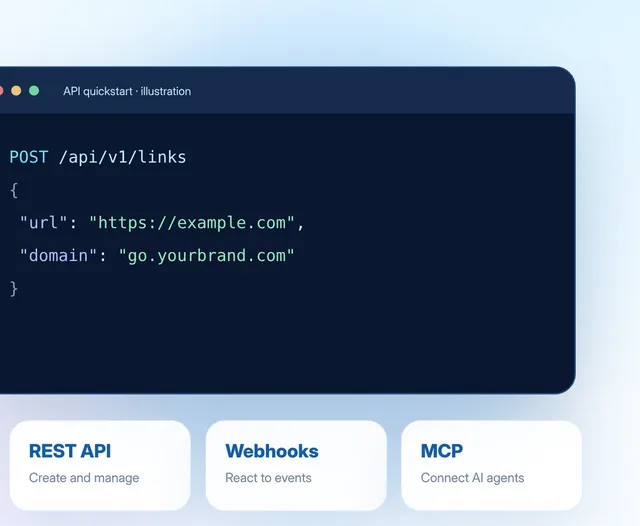
- Recreate the links on the new domain with the same destinations and fallbacks, in bulk through the API if you have many. See using a URL shortener API.
- Recreate social previews; the Open Graph tag generator helps if your landing pages lack them.
- Add routing rules where one link served different platforms or countries; see smart links by device and country.
- Decide on deferred deep linking: if install campaigns need it, add a mobile measurement provider’s SDK for those links only.
- Test on real devices: app installed, app not installed, desktop, and inside in-app browsers such as Instagram and Gmail.
- Ship an app update that uses the new links, and keep a web fallback for people on old versions.
- Replace printed codes at the next print run with dynamic QR codes on your domain.
Common migration mistakes
- Redirecting the association file. Apple and Android both say the files must be served with no redirects. A domain that redirects
/.well-known/towwwbreaks verification. - Using the wrong certificate fingerprint. Android’s documentation warns that with Play App Signing, the fingerprint from your local
keytoolwill usually not match the one on users’ devices. Copy the snippet from Play Console under Release > Setup > App signing. - Testing only with the app installed. Most broken journeys are the fallback path.
- Assuming the old domain will redirect. page.link domains no longer exist, so old links cannot be pointed anywhere. Only editing the places they appear fixes them.
- Putting new links on another shared domain. If the provider changes course, you are back here. Use your own; see use your own domain for short links.
Start free
You can start free at b1.lc and set up App Links on a custom domain: the Free plan includes one custom domain and click analytics, and the REST API is available on every plan. Developer docs, including the App Links guide, are at b1.lc/docs.
Sources
- Dynamic Links Deprecation FAQ, Firebase, updated 2026-10-22. Checked 2026-10-23.
- Supporting associated domains, Apple Developer Documentation, undated. Checked 2026-10-23.
- About Android App Links, Android Developers, undated. Checked 2026-10-23.
- Configure website associations (Digital Asset Links), Android Developers, undated. Checked 2026-10-23.
- Transitioning Google URL Shortener to Firebase Dynamic Links, Google Developers Blog, 2018-03-30. Checked 2026-10-23.