How to bulk shorten links from a CSV or spreadsheet
Shorten hundreds of URLs at once from a CSV or spreadsheet: the column layout that works, a dry run before anything is created, and the API, CLI and QR options.
Key takeaways
- A clean CSV needs one column only, the long URL; title, tags, alias, campaign and expiry are optional extra columns.
- Always run a dry run first: it shows which rows will be created, renamed or skipped before anything happens.
- BN Shortener imports up to 1,000 rows per file; split bigger lists into several files.
- Every imported link counts toward your plan's new links per month, so check the allowance before a large import.
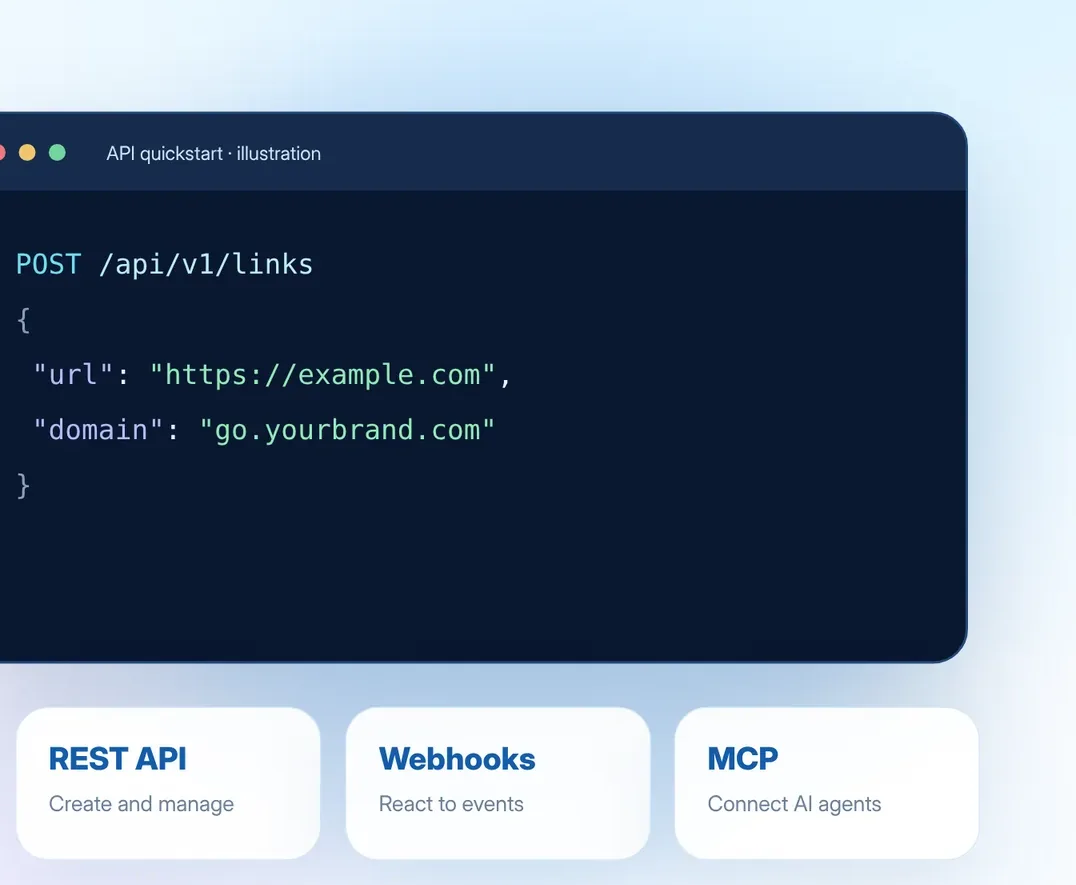
- For code, POST /api/v1/links/bulk takes up to 1,000 links per request; the bn command line turns a file of URLs into a CSV of short links in one command.
- Need printed codes too? Bulk QR creates up to 2,000 dynamic QR codes (URL or vCard) from one CSV and exports them as ZIP files with a codes.csv.
To bulk shorten links, put your long URLs in a CSV file, one per row, and import it into your shortener instead of pasting them one at a time. This guide shows the CSV layout that works first time, the import steps in BN Shortener (the service behind Shortlen), and the three other routes: the API, the bn command line and bulk QR codes.
Which bulk method should you use?
| Your situation | Best route | Limit per run |
|---|---|---|
| A spreadsheet of URLs, no code | Dashboard import | 1,000 rows |
| Moving from Bitly, Rebrandly, Short.io, TinyURL or Dub | Dashboard import of their CSV export | 1,000 rows |
| A script, a product feature or a nightly job | API POST /api/v1/links/bulk | 1,000 links per request |
| A terminal or CI job | bn bulk urls.csv | one file |
| Printed codes for each URL | Bulk QR from CSV | 2,000 rows |
| A handful of URLs while you are chatting with an assistant | MCP tool bulk_create_links | 100 URLs per call |
All of them create normal short links: each destination is threat-scanned, each link gets a 4-character code (a link like b1.lc/AbC9) or the alias you asked for, and each counts toward your plan’s new links per month (100 on Free, 1,000 on Pro, 10,000 on Business).
How should the CSV be laid out?
Use a header row and one link per row. Only the destination is required:
url,title,tags,alias,campaign
https://shop.example.com/shoes?color=red,Red shoes,spring,red-shoes,Spring 2026
https://shop.example.com/bags,Bags,spring,,Spring 2026
"https://shop.example.com/search?q=boots,winter",Boots search,winter,,
What the columns mean, and the other names the import recognises:
| Column | Also recognised as | Notes |
|---|---|---|
url (required) | destination, long_url | Full address with https://, up to 2,048 characters |
title | Leave empty and the page title is used | |
tags | labels | Used for filtering in My Links |
alias | back-half, slug, slashtag | 3 to 50 letters, digits, - or _; leave empty for a random code |
campaign | group, folder | Campaigns are created by name if they do not exist |
expiry | Leave empty for links that never expire | |
notes | Internal notes |
Rules that prevent most failed imports:
- Quote any field that contains a comma, as in the third row above. That is the CSV standard (RFC 4180): fields containing commas, double quotes or line breaks go inside double quotes, and a double quote inside a field is written twice.
- Save as UTF-8. In Excel choose CSV UTF-8 in the Save as type list; in Google Sheets use File > Download > Comma-separated values. BN handles a UTF-8 byte-order mark, and comma, semicolon or tab separators.
- Keep the full URL, including
https://. A bareshop.example.com/shoesis not a valid destination. - Add UTM tags before you import if you want them. Build one template link with the UTM builder and copy the pattern down the column, so every row uses the same spelling.
- Aliases are case-insensitive and must be unique.
Red-Shoesandred-shoesare the same code. Reserved words such asadmin,loginorpricingcannot be used.
How do I import a CSV in BN Shortener? Step by step
- Sign in at b1.lc (or start free; no card is needed).
- Open the import. In the dashboard go to Settings, Data & Privacy, Move Your Links. The public switch page explains the same flow for people moving from another shortener.
- Upload the CSV. Up to 1,000 rows per file. Column names are matched automatically.
- Read the dry run. Before anything is created you see a preview: which rows will be created, which codes are kept, which will be renamed, which will be skipped and why. Fix the file and upload again if anything looks wrong; nothing has been created yet.
- Choose what happens on a conflict. Old codes are kept when they are free (the default). If a code is taken, choose a new code or skip the row.
- Import. Every destination is threat-scanned; dangerous ones are refused.
- Download the mapping file, a CSV of old code to new short link. Paste the short links back into your spreadsheet or hand the file to whoever is building the email, the print run or the ad set.
- Run Launch Check on the batch. Imports are not checked automatically. Select the new links (or the campaign) and run a bulk Launch Check: up to 200 links per run, three at a time, and it keeps running on BN’s servers if you close the tab.
Moving from another shortener
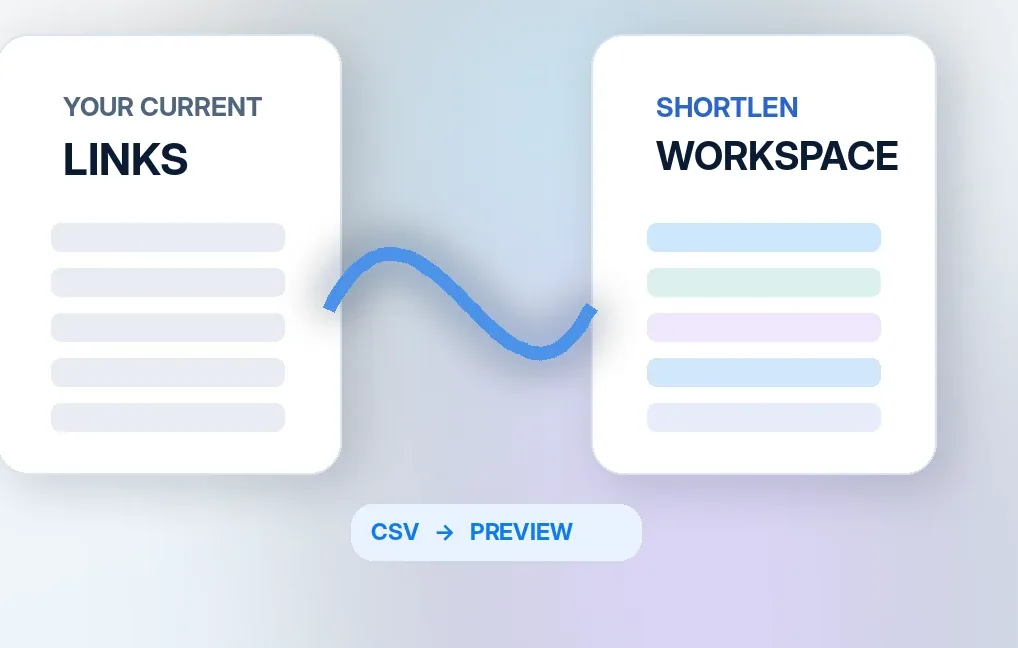
The same import reads the CSV exports of Bitly, Rebrandly, Short.io, TinyURL and Dub without editing. Tags, titles, campaigns (by name) and expiry dates come along, and the original creation date is kept in each link’s notes. Click history stays with the old service. If your old links were on your own domain, add the domain in BN Shortener before you move its DNS, so the old codes keep working on it.
How do I bulk shorten links with the API?
For SDKs, the n8n node and the command line, see the integrations page. POST /api/v1/links/bulk takes a links array of up to 1,000 objects, each with the same fields as creating a single link (url, custom_code, domain, title, tags, and so on). The answer has one result per item, in order, with index, success and, when it worked, data.short_url. One bad URL does not fail the whole request.
This Python script reads a CSV with a url column (and optional title), sends it in chunks of 1,000 and writes the results to a new CSV:
import csv, json, os, time, uuid, requests

API = "https://b1.lc/api/v1/links/bulk"
HEADERS = {"X-API-Key": os.environ["BN_API_KEY"]}

with open("urls.csv", newline="", encoding="utf-8-sig") as f:
    rows = [r for r in csv.DictReader(f) if r.get("url")]

with open("short-links.csv", "w", newline="", encoding="utf-8") as out:
    writer = csv.writer(out)
    writer.writerow(["url", "short_url", "status"])
    for start in range(0, len(rows), 1000):
        chunk = rows[start:start + 1000]
        links = [{"url": r["url"], **({"title": r["title"]} if r.get("title") else {})} for r in chunk]
        idem = str(uuid.uuid4())                      # reused if this chunk is retried
        while True:
            resp = requests.post(API, json={"links": links},
                                 headers={**HEADERS, "Idempotency-Key": idem}, timeout=120)
            if resp.status_code == 429:
                time.sleep(int(resp.headers.get("Retry-After", 30)))
                continue
            resp.raise_for_status()
            break
        for item in resp.json()["data"]["results"]:
            source = chunk[item["index"]]["url"]
            if item["success"]:
                writer.writerow([source, item["data"]["short_url"], "created"])
            else:
                writer.writerow([source, "", json.dumps(item)])
Three things make it safe to run on a real list:
- Idempotency-Key per chunk. If the connection drops after BN created the links, resending with the same key returns the first answer instead of creating 1,000 more. Stored answers are kept for 24 hours.
- Retry-After on 429. Bulk endpoints have their own limit (50 requests a minute), separate from your plan’s general API tier.
- Failures are reported per item, so you can fix and resend only those rows.
To import another shortener’s CSV export by API instead, send it to POST /api/v1/links/import, first with ?dry_run=1 to get the same preview as the dashboard. keep_codes and on_conflict (new_code or skip) control what happens to old codes. The import reference has the full request. For keys, errors and rate limits, see our URL shortener API guide.
How do I bulk shorten from the command line?
The bn command line is a single file you can download today from b1.lc/cli/bn (Python 3.9+, Linux, macOS and Windows, with a published checksum). After bn login:
bn bulk urls.csv > links.csvThe input is either one URL per line or a CSV with url,title,tags,code columns; the output is a CSV of short links. Add --json for machine-readable output. Because it sets exit codes, it fits in CI: run bn check on a link afterwards and the job fails when a link is not ready.
How do I create QR codes in bulk?
If each URL also needs a printed code (shelf labels, event badges, one poster per store), use bulk QR in the QR Codes section of the dashboard:
- Prepare a CSV with a name column (
nameorlabel) and a URL column (url,link,destinationorwebsite). Up to 2,000 rows. Rows can also be vCard contacts (first and last name, email and phone columns), and a folder column files each code. - Upload it. Each URL row becomes a dynamic QR code, so you can change the destination after printing and every scan is counted.
- Optionally copy the design of an existing code so the whole batch matches your colours and logo.
- Download up to 200 codes at once as a ZIP, or export up to 5,000 as a ZIP prepared in the background; every ZIP includes a codes.csv listing each code. Formats are PNG, JPEG, WebP, SVG, PDF or EPS; use SVG, PDF or EPS for print, they are true vector files.
Up to 10 ZIP exports an hour are allowed per account. For design and print tips, see dynamic QR codes.

What should I do after a bulk import?
The links exist; now make them easy to manage and report on:
- Group them. Select up to 500 links in My Links and use the bulk bar to add or remove tags, set a campaign, set or remove an expiry, disable, enable or move to Trash. Every change is written to each link’s history.
- Put them in a campaign if you did not use a
campaigncolumn, so clicks roll up into one report. See UTM builder and campaigns. - Check them before you send. Run Launch Check on the batch (step 8 above). It catches broken destinations, redirect loops, missing UTM tags and weak QR contrast before your audience does.
- Keep the mapping file. It is the only record that ties each original URL to its short link outside BN.
The developer docs also describe a spreadsheet round-trip for editing existing links in bulk (download your links as CSV, change cells, upload with a dry run); see the import and export guide.
Common bulk import errors and fixes
| Symptom | Likely cause | Fix |
|---|---|---|
| Row skipped: invalid URL | Missing https://, spaces, or a cell split by an unquoted comma | Add the scheme; quote fields with commas |
| Row renamed | The alias is already taken on b1.lc | Accept the new code, choose another alias, or skip |
| Row refused for security | The destination is on a threat list | Check the URL; do not force it through |
| Strange characters in titles | File not saved as UTF-8 | Re-save as CSV UTF-8 |
| Only part of the file imported | Over 1,000 rows | Split into several files |
| Plan limit reached | The import would pass your new links for the month | Import fewer rows or wait for the next month |
| Brand-new account stops at 25 | A safety cap of 25 new links a day applies in an account’s first 7 days | Import the rest over the following days |
Other tools offer similar routes; Short.io, for example, documents an API bulk endpoint of up to 1,000 URLs per call plus CSV and Google Sheets imports (checked 23 October 2026). What to compare is the dry run, how codes are kept on a migration, and whether every destination is scanned.
Start with one file
Create a free account at b1.lc, export your spreadsheet as CSV and run the dry run: you will see exactly what would be created before a single link exists. The Free plan includes 100 new links a month; Pro (1,000) and Business (10,000) are available now, listed on the pricing page.
Sources
- Import and export (guide), BN Shortener developer docs, undated. Checked 2026-10-23.
- Bulk Create Links (API reference), BN Shortener developer docs, undated. Checked 2026-10-23.
- Import Links (API reference), BN Shortener developer docs, undated. Checked 2026-10-23.
- bn command line, BN Shortener developer docs, undated. Checked 2026-10-23.
- RFC 4180: Common Format and MIME Type for Comma-Separated Values (CSV) Files, IETF / RFC Editor, 2005-10. Checked 2026-10-23.
- How to shorten or create links in bulk, Short.io Docs, undated. Checked 2026-10-23.