
How to make a QR code for a PDF (and swap the file without reprinting)
Three ways to put a PDF behind a QR code: your own site, Google Drive or Dropbox, or a file link. Avoid the sharing traps and update the PDF without reprinting.
Key takeaways
- A QR code stores a link to the PDF, not the file, so the PDF must be hosted somewhere a phone can open without signing in.
- Cloud drives work but have traps: files are private until you change General access, and work accounts may block sharing outside the organization.
- Point the QR code at a short link you control, not the file address, so a new version of the PDF never needs a new code.
- Keep the PDF small and readable on a phone: the first page should make sense at phone width.
- BN Shortener file links (Pro and higher) add a password, an expiry date and a download limit to a hosted PDF.
People scan a QR code on a menu, a brochure or a product label and expect a document to open on their phone. Making that work takes two pieces: a public home for the PDF and a QR code that points to it. This guide compares the free routes, shows the sharing traps that break most PDF codes, and explains how to replace the file later without touching the print.
Can a QR code hold a PDF?
No. A QR code stores text: the largest version, at the lowest error correction level, holds 2,953 bytes, and a typical PDF is many times bigger than that. What the code holds is the address of the PDF. When someone scans it, the phone opens that address and the browser shows or downloads the file.
So the real question is where the PDF lives, and whether the address can stay the same when the document changes.
Which hosting route should you use?
| Route | Cost | Works without sign-in | Swap the PDF later | Watch out for |
|---|---|---|---|---|
| Your own website | Usually free if you have a site | Yes | Overwrite the file at the same address, or use a short link | Content systems often rename uploads |
| Google Drive | Free | Only with Anyone with the link | Manage versions keeps the same link | Restricted by default; work accounts may block outside sharing; your name is shown as owner |
| Dropbox | Free tier | Yes, with a shared link | Depends on how you replace the file | Newer links carry an rlkey parameter that must be kept |
| BN Shortener file link | Pro and higher | Yes, unless you set a password | Point a dynamic code at it and change the destination | A size limit per file type |
Whichever you pick, put a dynamic QR code or a short link in front of the file address. That one step is what makes the code future-proof.
How do you make a QR code for a PDF, step by step?
- Prepare the PDF for phones. Put the key information on page one, use a readable font size at phone width, and compress large images.
- Upload it to a public host. Pick one of the routes above.
- Copy the address and test it in a private browser window. If it asks you to sign in or request access, fix the sharing first.
- Make a dynamic QR code or short link that points to that address. In BN Shortener, a dynamic QR code holds a short
b1.lc/qr/address that you can repoint at any time, and it counts every scan. - Download the code as a vector file (SVG, PDF or EPS) for print, or PNG for screens.
- Add a line of text next to it that says what people get, such as “Scan for the full price list (PDF, 2 MB)”. The Nielsen Norman Group advises telling people what a code leads to, since a code alone gives no reason to scan.
- Test the printed proof with an iPhone and an Android phone, on mobile data, from the real distance.
If you only need a quick static code for a file that will never change, our free QR code generator makes one in the browser. Just know that a static code points to the file address forever.
How do you share a PDF from Google Drive for a QR code?
Google’s help page sets out the steps: select the file, click Share, open the dropdown under General access, choose Anyone with the link, pick the Viewer role, and copy the link. Three traps follow from the same page:
- Restricted is the starting point. Until you change General access, only people you named can open the file. Everyone else who scans gets an access request screen. This is the most common reason a PDF code “does not work”.
- Work and school accounts may not allow it. Google notes that you might not be able to share outside your organization, and that administrators can limit sharing. Test from a personal phone that is not signed in to your work account.
- Your identity is visible. Google says your name and email appear as the file’s owner when you share a link. Use a shared business account if that matters.
Google also notes that viewers can download the file by default; the owner can change that setting.
Updating a Drive PDF without changing the link
Drive’s version history lets you replace a PDF in place. On a computer, open the file’s More menu, choose Manage versions and Upload new version. The link stays the same, so the printed code keeps working. Google’s help says older versions may be deleted after 30 days or once there are 100 newer versions, unless you mark them Keep forever. This applies to PDFs and other uploaded files, not to Google Docs, which have their own history.
How do you share a PDF from Dropbox for a QR code?
Create a shared link to the file and use that address. Dropbox’s help center documents two useful parameters: adding dl=1 makes the browser download the file, and raw=1 skips the preview page and renders the file directly. It also notes that newer links include an rlkey parameter, and the whole rlkey must be kept for the link to grant access. If you edit the address by hand, change only the dl value and leave everything else intact.
For a PDF, the default preview page is usually fine on phones. Use dl=1 only if you are sure people want the file saved rather than read.
What about a hosted file link with a password or expiry?
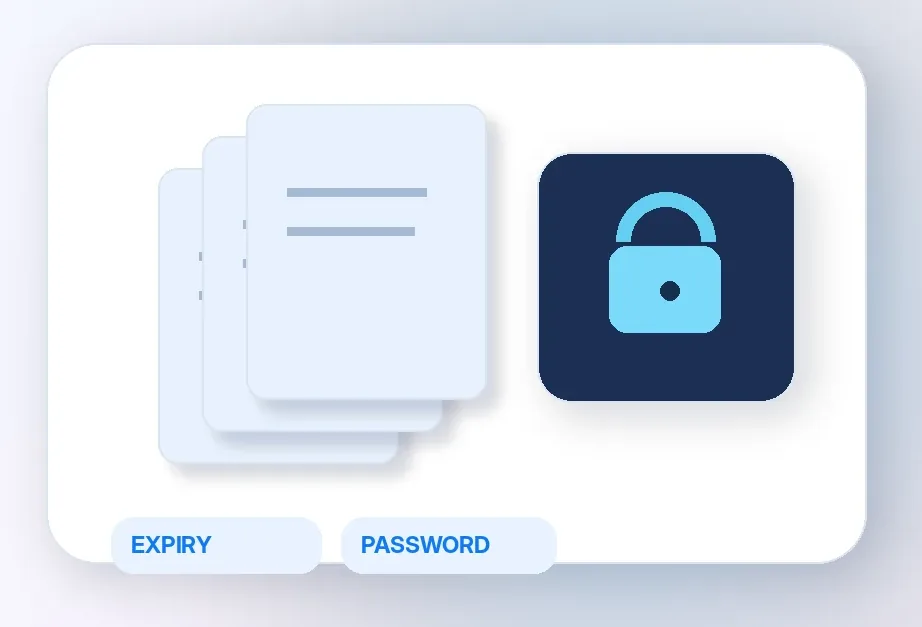
BN Shortener includes file sharing links on Pro and higher. You upload the PDF in the dashboard and get a short link such as b1.lc/AbC9 (and a direct download address). Documents (pdf, doc, docx, xls, xlsx, ppt, pptx) are accepted, each file type with its own size limit. Each file link can have:
- a title,
- a password,
- an expiry date,
- a maximum number of downloads,
- a download log and counter.
That suits documents you do not want circulating forever: a price list for trade partners, an event pack that should close after the event, or a sample chapter limited to the first 500 downloads. Our guide to expiring and password-protected links explains when each control helps.
How do you change the PDF later without reprinting?
This is where most PDF codes go wrong. A brochure goes to print with a code pointing at yoursite.com/files/menu-v3.pdf. Two months later the menu changes, someone uploads menu-v4.pdf, and the printed code still opens the old prices, or a “not found” page once v3 is deleted.
The fix is to never print the file address. Print a code for an address you control and can repoint:
- Make a dynamic QR code (or a short link such as
go.yourbrand.com/menu) that points at the current PDF. - When the PDF changes, upload the new file wherever you like.
- Change the destination of the dynamic code to the new file. Every printed copy now opens the new version.
- Keep the old file online for a few days in case anyone saved its direct address.
The static vs dynamic QR codes guide explains the difference in more depth. A side benefit: a dynamic code holds a short address, so the printed pattern is simpler and scans more reliably at small sizes, which the QR code size guide explains.
How do you make the PDF pleasant on a phone?
A QR code is scanned on a phone, often on mobile data, standing up. A PDF designed for A4 or letter paper can be painful at that size.
- Keep it small. Compress photos and remove unused pages. A file of a few megabytes opens quickly; a 20 MB print-ready file does not.
- Put the answer on page one. If people scan for opening hours or prices, show them first.
- Use a big enough font. Text that is fine on paper can be unreadable when the page is scaled to a phone screen.
- Give the file a clear name and title. It appears in the browser and in the downloads folder.
- Consider a web page instead. For long or often-changing content, a mobile web page usually reads better than a PDF. A dynamic code lets you switch from PDF to page later without reprinting.
Can you see how many people opened the PDF?
With a static code pointing at a file, no: the phone goes straight to the host, and most hosts do not show you who opened a public file. With a dynamic code, every scan is counted. BN Shortener’s scan analytics show total scans, unique visitors, mobile versus desktop, top countries, browsers and device types for each code. File links add their own download counter and log. Our guide on how to track QR code scans shows how to read those numbers.
Checklist before you print a PDF QR code
- The PDF opens in a private browser window without signing in.
- On Google Drive, General access is Anyone with the link, role Viewer.
- The code points to a dynamic code or short link, not the raw file address.
- The PDF is compressed and readable at phone width.
- A short line next to the code says what the PDF is.
- The code is at least 2 x 2 cm, dark on light, with a blank margin.
- The printed proof works on two phones over mobile data.
- You know who can change the destination, and you have that login.
Start free
You can put your first PDFs behind editable, tracked codes today: BN Shortener’s free plan includes 5 dynamic QR codes and 100 new links a month, and file links come with Pro ($15 a month) and Business. Start free at b1.lc, or compare plans on the pricing page.
Sources
- Share files from Google Drive, Google Drive Help, undated. Checked 2026-10-23.
- Check activity and file versions, Google Drive Help, undated. Checked 2026-10-23.
- How to force a shared link to download or render, Dropbox Help Center, undated. Checked 2026-10-23.
- QR code character capacities by version, Thonky.com, undated. Checked 2026-10-23.
- 13 QR-Code Usability Guidelines, Nielsen Norman Group, 2024-02-09. Checked 2026-10-23.