
QR code scams (quishing): the real patterns and how to protect yourself
How quishing works: fake parking-meter stickers, QR codes in phishing emails and parcel tricks. What the FTC, FBI and NCSC advise, and what firms should do.
Key takeaways
- Quishing hides a phishing link inside a QR code, because people distrust strange links but scan codes without reading them.
- The patterns named in public advisories: stickers over real codes in car parks and on meters, emails about account, security or delivery problems, and codes on parcels you did not order.
- The UK NCSC notes that email security tools do not always scan images, so a QR code can slip past filters that would catch the same link.
- For individuals: read the address, do not pay or sign in from an unexpected code, and use the scanner built into your phone.
- For businesses: inspect printed codes for stickers, check payment codes go where they should, and use a branded short domain customers can recognize.
QR codes became part of daily life: menus, parking, tickets, parcels. That is exactly why scammers use them. A code hides its destination until you scan it, and many people tap the result without reading it. This guide describes the patterns that public agencies have warned about, how to check a code in seconds, and what a business should do to keep its own codes from being hijacked.
What is quishing?
Quishing is phishing through a QR code. Instead of a suspicious link in an email or text, the victim gets a code to scan. The code opens a fake page that asks for a login, card details or a payment, or it offers a download that installs malware.
The FBI’s Internet Crime Complaint Center described the mechanics in a January 2022 public service announcement: criminals tamper with digital and physical QR codes to send victims to malicious sites that ask for login and financial information, and some codes embed malware that can expose location and personal data. The UK National Cyber Security Centre, writing in February 2024, said it was seeing an increase in quishing attacks.
Why do scammers use QR codes?
Three reasons, all from the advisories:
- People read links but not codes. The NCSC notes that criminals put QR codes in phishing emails because people have become wary of suspicious links and shortened URLs. A code hides the address until after the scan.
- Filters may miss them. Some email security tools do not scan images, so a code can reach an inbox that would have blocked the same link written out as text.
- Phones are softer targets. Scanning moves the victim from a managed work computer to a personal phone, which may lack the same protections.
What do QR code scams look like?
| Pattern | How it works | Named by |
|---|---|---|
| Sticker over a real code | A fake code is stuck over the genuine one on a parking meter, sign or poster, leading to a lookalike payment page | FTC (2023), FBI (2022), UK NCSC (2024) |
| Account problem email | A message claims your account has an issue and asks you to scan to confirm your details | FTC (2023) |
| Security alert email | A message reports suspicious activity and tells you to scan to change your password | FTC (2023), UK NCSC (2024) |
| Failed delivery notice | A message says a parcel could not be delivered and asks you to scan to reschedule | FTC (2023) |
| Code on a parcel you did not order | An unexpected package carries a code, sometimes with a gift note, that leads to a phishing page or malware | FTC (2025) |
| Swapped payment code | A business’s payment code is replaced so customers pay the criminal | FBI (2022) |
| Payment demand by code | An email says a payment failed and insists you pay by scanning a code | FBI (2022) |
The FTC’s December 2023 alert sums up the common thread: these messages invent a problem to create a sense of urgency. The NCSC adds that most QR fraud it sees happens in open public spaces such as stations and car parks, often combined with other social engineering, such as a follow-up call from someone posing as bank staff.
How do you check a QR code before trusting it?
The advice from the FTC, the FBI and the NCSC fits in one routine:
- Use the scanner built into your phone’s camera. The FBI and the NCSC both advise against downloading third-party scanner apps for this.
- Read the address before you tap. The FTC says to inspect the URL when a code appears in an unexpected place, and to look for misspellings or switched letters. The FBI adds that fake domains often differ from the real one by a single typo.
- Ask whether the code belongs there. A sticker on a meter, a code in an email you were not expecting, a parcel you did not order: each is a reason to stop.
- Do not pay or sign in through the page. The FBI advises avoiding payments through a site reached from a QR code and typing a known address instead.
- Verify through a channel you trust. If a message seems real, contact the company using a phone number or website you already know, as the FTC recommends.
- Install apps from the app store only, never from a code.
If you want to see what a code contains without opening anything, photograph it and use our free QR code scanner or the BN Shortener QR Code Decoder. It reads the image in your browser, never uploads it, and for web links offers a check of the destination. Our guide to scanning QR codes shows how to do this on every device, and the URL parser splits a suspicious address into its parts so the real domain stands out.
Why do short links in QR codes need extra care?
Many legitimate codes hold a short link, because short links keep the printed pattern simple and let the owner track scans. The catch is that a short address on a shared, generic domain tells you nothing about the destination. A scammer can use the same kind of link as a parking operator.
Three things help you judge a short link before you open it:
- Whose domain is it? A short link on the company’s own domain, such as
go.citypark.com/pay, is a far stronger signal than a generic one. - Can you preview it? Many shorteners let you see the destination without visiting it. For BN Shortener links, add a plus sign to the end of the address, such as
b1.lc/AbC9+, to see the status (active, disabled, expired, protected or blocked), the destination and the creation date, with nothing counted. Links that BN has blocked for safety show the safety notice instead. - Does the destination match the context? A parking code that ends on a domain unrelated to the operator, or a bank code that asks you to install an app, is a reason to stop.
Our guide on whether URL shorteners are safe explains how responsible shorteners screen destinations and why some do it better than others.
What should you do if you already scanned and typed something?
Act quickly. The FTC’s 2025 alert says that if you entered a username and password after scanning, change the password right away and turn on two-factor authentication. Then:
- Change the same password anywhere else you used it.
- Check bank and card statements for charges you did not make, and call your bank if you see any.
- If you installed something the code offered, remove it and run your phone’s security updates.
- In the US, report it to the FBI’s Internet Crime Complaint Center at ic3.gov, as the FBI’s announcement recommends. If you think your identity was stolen, the FTC points to IdentityTheft.gov.
Are some QR codes safer than others?
Context matters more than the code. The NCSC says codes in pubs and restaurants are probably safe to scan, because they sit in supervised places where a stranger is unlikely to swap them. Codes on unattended street furniture, in car parks and in unexpected messages carry more risk. A code that leads to a page asking for a payment or a password deserves the most care, wherever it is.
What should businesses do to protect their QR codes?
If customers scan your codes, you are a target too: a criminal who covers your code with theirs borrows your trust. The FBI’s announcement gives two direct instructions for businesses: check that physical codes have not been tampered with, for example by a sticker over the original, and verify that payment codes lead to the intended site. Build on those:
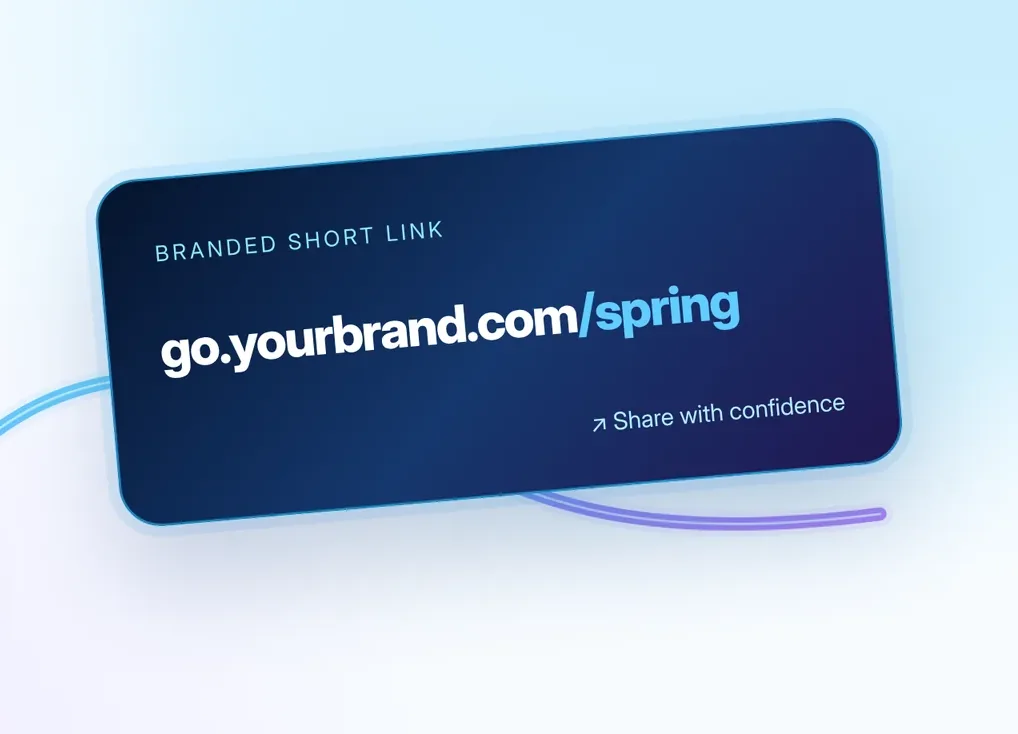
Make your codes recognizable. Print a short, branded address under every code, such as pay.yourbrand.com/lot4, and tell customers what the code does. A customer who knows your domain can spot a fake. A branded short link on your own domain also means the address the camera shows is yours, not a generic one. Our guide to using your own domain for short links explains the setup.
Make tampering hard and visible. Place codes behind glass or inside the premises where you can, print them into the sign rather than onto a separate label, and give staff a routine to check public codes. A sticker on top of a printed code is easy to see if someone looks.
Watch what your codes point to. A dynamic code lets you see scans and change the destination if something goes wrong. BN Shortener scans every destination when a link is created and on every change, rescans active links daily against PhishTank, URLhaus, SURBL, urlscan.io and AlienVault OTX, and blocks dangerous destinations with a warning page. Launch Check includes a security reputation check before you print, and Link Guardian on Pro and higher watches the destination every 15 minutes.
Give people a way to report. Put a contact on signs with payment codes. If you find a fake code that uses a BN Shortener short link, report it at b1.lc/abuse.html; every report triggers an immediate scan, and links confirmed dangerous are disabled straight away.
Check your email security. The NCSC’s point about image scanning applies to your staff: ask whether your email security tools look inside images, and include QR codes in phishing awareness training.
Business checklist for safe QR codes
- Every public code shows a branded short address and a line saying what it does.
- Payment codes are checked on a schedule and after any report.
- Codes in public places are behind glass, printed into the sign, or checked daily.
- Staff know what your real codes look like and what to do if they find a sticker.
- Destinations are scanned and monitored, and you can change them without reprinting.
- Customers have a way to report a suspicious code.
- Phishing training covers QR codes in email.
If you also send links by text or email, our guide to checking a link before you send it covers the same checks from the sender’s side.
Start free
You can give your printed codes a branded address and a safety check today. BN Shortener’s free plan includes 1 custom domain, 5 dynamic QR codes and Launch Check; start free today at b1.lc, and upgrade to Pro or Business when you need more codes.
Sources
- Scammers hide harmful links in QR codes to steal your information, Federal Trade Commission, 2023-12-06. Checked 2026-10-23.
- Scam alert: QR code on an unexpected package, Federal Trade Commission, 2025-01-23. Checked 2026-10-23.
- Cybercriminals Tampering with QR Codes to Steal Victim Funds (I-011822-PSA), FBI Internet Crime Complaint Center, 2022-01-18. Checked 2026-10-23.
- QR codes: what's the real risk?, National Cyber Security Centre (UK), 2024-02-08. Checked 2026-10-23.
- QR Code Decoder, BN Shortener, undated. Checked 2026-10-23.