How to add a link to your TikTok bio: who can, and what to link
TikTok's own rules for profile links: 1,000 followers or a Verified Business Account, the steps, why the option may be missing, and how to track bio clicks.
Key takeaways
- TikTok's help centre sets the rule: at least 1,000 followers, or a Verified Business Account.
- Add the link under Profile > Edit profile > Links > Add; it opens in TikTok's in-app browser.
- TikTok no longer supports links that open or log people into other social apps, but you can link to those platforms' websites.
- TikTok limits browsing through external link chains for safety and recommends direct links, so keep your path short.
- If you are not eligible yet, build the bio page and short link now, and use them everywhere else until the Links field appears.
TikTok does not let every account post a clickable website link, and the rules have changed several times, so most guides you find are out of date. This one uses TikTok’s own help centre, opened on 23 October 2026, and then covers what to link and how to measure it.
Who can add a link to their TikTok bio?
TikTok’s help page “Adding a website link to your profile” sets the rule in one sentence: “You can add a link to a website on your TikTok profile if you have at least 1,000 followers, or if you have a Verified Business Account.”
The same page adds:
- Where available, you can also add a Lemon8 account to your profile.
- “When you tap a link on someone’s profile, our in-app browser will open the page.”
- TikTok “no longer supports links that open or log you into other social media apps”, but “you can still add links to your profile that direct people to those platforms’ websites.”
| Your account | Can you add a website link? |
|---|---|
| 1,000 followers or more | Yes |
| Verified Business Account, any follower count | Yes |
| Fewer than 1,000 followers, not a Verified Business Account | No |
What we could not confirm from TikTok’s own pages: whether the rule differs by country, and exactly what verification a business account needs. If either matters to you, check in the app or ask TikTok support.
How do I add a link to my TikTok bio?
TikTok’s steps:
- In the TikTok app, tap Profile at the bottom.
- Tap Edit profile.
- Next to Links, tap Add.
- Follow the steps to link your website.
Before you paste anything, decide what the link should be. The URL you put there will be printed in screenshots, shared in duets and quoted in comments for as long as the account exists, so it pays to use one you can change later (see below).
Why is the Links option missing?
Check, in order:
- Follower count. Under 1,000 followers, TikTok’s rule only allows a link for a Verified Business Account.
- Account type. A business account needs to be a Verified Business Account to skip the threshold.
- App version. Update the app; profile options change between versions.
- The link itself. If TikTok refuses a specific URL, the problem may be the link’s reputation; see why links get flagged on social media.
- Still stuck? TikTok’s help centre offers a “Chat with us” option.
What if I am not eligible yet?
You cannot add a clickable website link until you meet the rule, and we found no official workaround on TikTok’s pages. What you can do is prepare, so the link works from day one when the field appears:
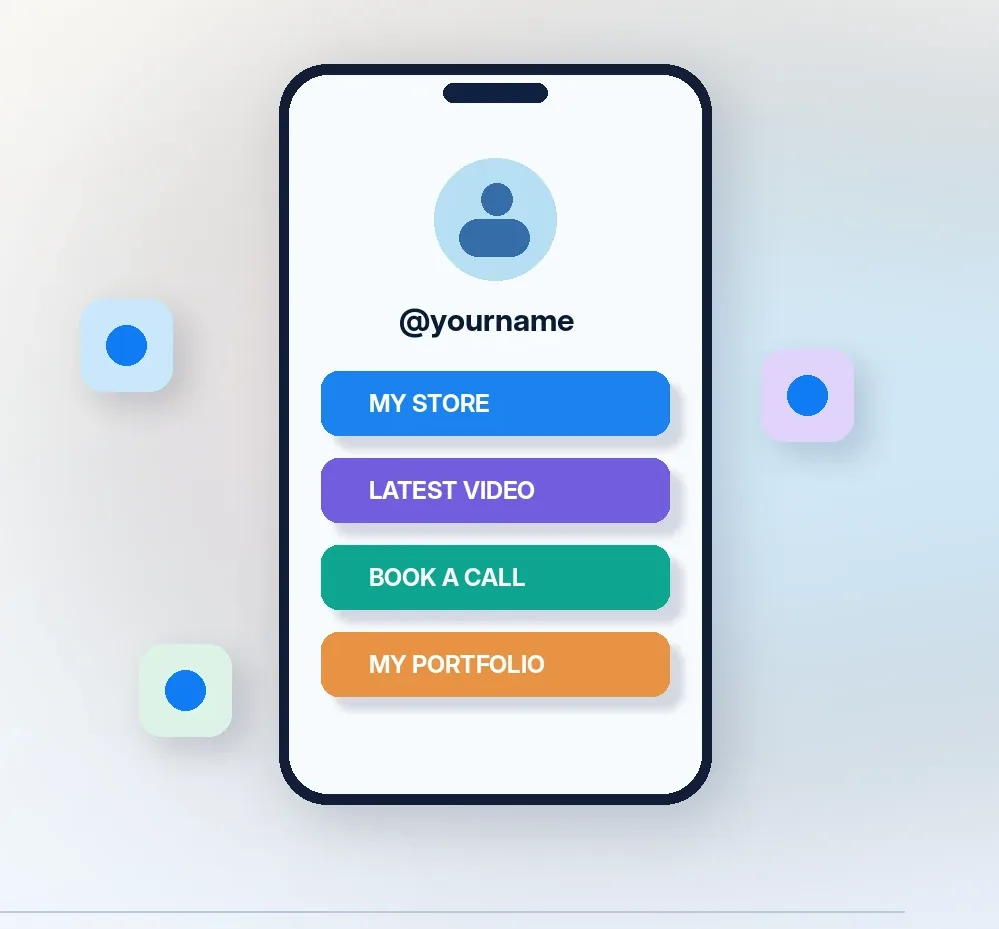
- Build your bio page now. A simple page with your three to five most important destinations. Our step-by-step guide: how to make a link-in-bio page.
- Create one short link for TikTok, pointing at the bio page, such as
go.yourbrand.com/tiktok. - Use the bio page everywhere else in the meantime: your Instagram bio, YouTube channel, email signature.
- Mention the destination in videos by name (“search Your Brand recipes”) rather than reading out long URLs.
- When you pass 1,000 followers, paste the TikTok short link into the Links field. Nothing else has to change, and because the link has been in use elsewhere, you already know the page works on phones.
What should my TikTok bio link point to?
You get one website link, so the choice matters. Three common patterns:
| Pattern | Best when | Watch out for |
|---|---|---|
| Straight to one page | One clear goal: a shop, an app, a single offer | Every new campaign means editing the profile, unless the link is a short link you can re-point |
| A bio page with several buttons | You make different kinds of content, or sell and publish | One extra tap before people reach the destination |
| A short link that changes with your current campaign | You run one campaign at a time | Old videos that mention “link in bio” may now point somewhere else |
TikTok’s own advice leans toward fewer steps: “We recommend that creators add direct links so people can access the intended site in just a few steps.” It also says it limits browsing through “external link chains” inside its in-app browser for safety. In practice:
- Use one redirect at most between your profile and the page: the short link straight to the bio page or destination, not through several tracking domains.
- On a bio page, link each button directly to its final page.
- Use HTTPS everywhere and a destination that matches what your videos promise.
How do I track clicks from my TikTok bio?
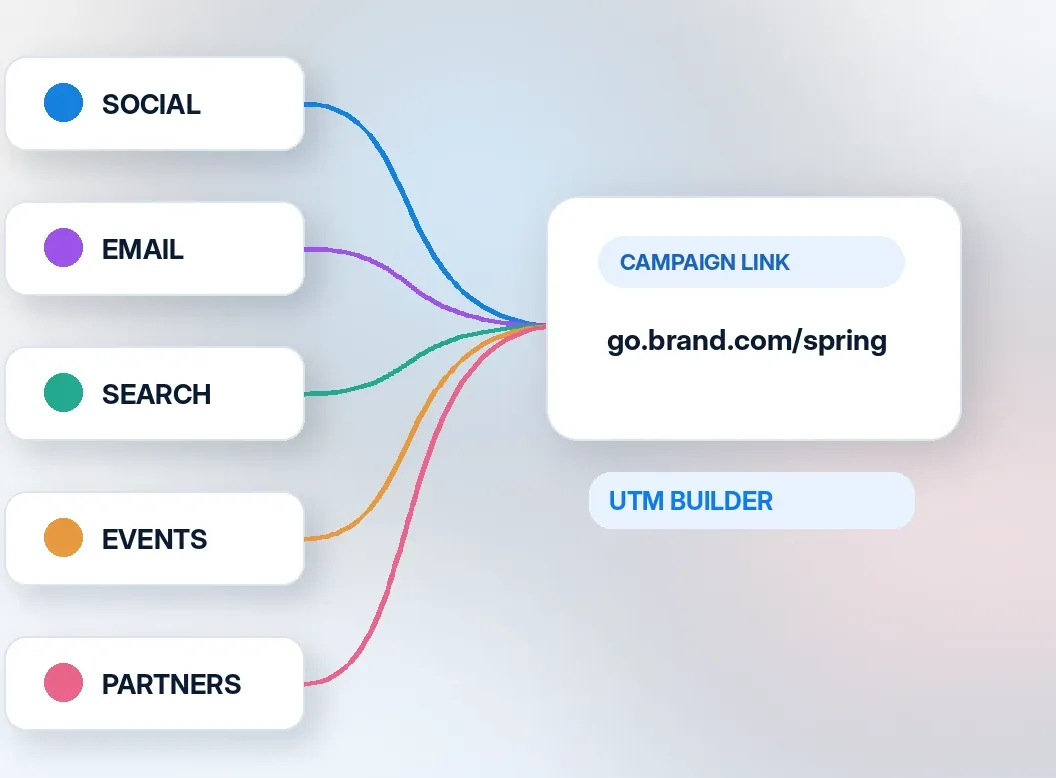
Give TikTok its own link and its own tags. Then the numbers for TikTok are never mixed with Instagram’s or YouTube’s.
- Tag the destination with the free UTM builder:
utm_source=tiktok,utm_medium=social,utm_campaign=bio. If the destination is a bio page, tag each button’s link too, withutm_source=tiktokand autm_contentvalue per button. Our UTM naming conventions keep spellings consistent. - Create a short link with that tagged URL as the destination, and use it only on TikTok.
- Read the short link’s analytics for taps, devices, countries and time of day, and your web analytics for what those visitors did.
With BN Shortener (the service behind Shortlen, at b1.lc), the analytics count people by default and record bots and link previews separately, and each bio page has its own analytics: views, clicks, click-through rate, sign-ups, the top blocks by clicks, and the top countries, devices and referrers. That tells you not just how many people came from TikTok, but which button they chose.
For the full method, see link in bio for social media and how to track clicks on a short link.
Which GA4 channel will TikTok visits land in?
Check this once in your own reports. Google’s documentation of the GA4 default channel group names TikTok, with YouTube and Vimeo, as an example of a video site for the Organic Video channel, while a medium of social matches the Organic Social rule. Which one a TikTok visit ends up in depends on how GA4 applies its rules to your tags. Open Traffic acquisition, filter the source for tiktok and see which channel it shows. Then keep the same tags for every TikTok link, so the numbers stay comparable month to month.
How should I write the bio around the link?
The link only gets tapped if the bio gives a reason. A few habits that help:
- Say what is behind the link in the bio text: “Recipes and the shopping list below” beats a bare arrow.
- Match the link to what your videos promise. If most videos end with “full guide in my bio”, the first thing on the page should be the guides.
- Change the page, not the profile. When a new campaign starts, update the bio page or re-point the short link; the profile stays the same.
- Keep the page fast. People arrive from a video, on mobile data, often inside TikTok’s in-app browser. A heavy page loses them.
- Mention it in the video. “Link in my profile” at the end of a video is still the clearest prompt TikTok allows.
How do I report a suspicious link on someone’s profile?
The same TikTok help page explains it. Tap the link on the creator’s profile, tap the More options (…) button at the top, tap Report and follow the steps. TikTok also advises that before entering personal information on an external site, you check that the site is legitimate and secure. If you are a creator, this is a reason to keep your own links on a domain people recognise.
Why use a short link instead of the page address?
- You can change where it goes. Every video that says “link in bio” keeps working when you move from one shop or page to another.
- It is readable. On your own domain, such as
go.yourbrand.com/tiktok, people see your brand before they tap. The Free plan includes one custom domain. - It survives tool changes. If you move from one bio page tool to another, re-point the short link and nothing on TikTok has to change.
- It counts taps even when the destination is not your site.
- It keeps the path to one hop. A short link that goes straight to the page fits TikTok’s advice on direct links. Avoid chaining one shortener into another, or a tracking redirect into a second one, because every extra hop is one more place for TikTok’s safety checks, or a slow server, to stop the visitor.
Start free
Once you have 1,000 followers or a Verified Business Account, adding the link takes a minute; making it measurable takes five. Start free at b1.lc: the Free plan includes a bio page, 100 new short links a month, one custom domain and analytics that count people. Pro ($15 a month) adds 10 bio pages, smart links and pixels; see the pricing page and the bio pages feature page.
Sources
- Adding a website link to your profile, TikTok Support, undated. Checked 2026-10-23.
- [GA4] Default channel group, Google Analytics Help, undated. Checked 2026-10-23.
- Setting up your profile, TikTok Support, undated. Checked 2026-10-23.