
How to create a WhatsApp link (wa.me) with a ready message
The wa.me link formats WhatsApp documents, a pre-filled message, a WhatsApp button for your website in HTML, a QR code, why links break and how to count clicks.
Key takeaways
- WhatsApp's own format is https://wa.me/<number>, with the number in international format and no +, zeros, brackets or dashes.
- Add ?text= with URL-encoded words to pre-fill the first message; https://wa.me/?text=... with no number lets people pick the contact.
- Most broken WhatsApp links come from a leading +, a local trunk zero, spaces in the message or a number that has no WhatsApp account.
- WhatsApp says its own business QR codes and short links come with no analytics, so a tracked short link in front of wa.me is how you count clicks.
- Put the short link on your own domain and give each placement its own link, so you can see which flyer, post or page starts the most chats.
A WhatsApp link opens a chat with your number in one tap, with no need to save a contact first. WhatsApp calls the feature click to chat, and it works on phones and on WhatsApp Web. This guide gives you the exact formats WhatsApp documents, the mistakes that break them and a way to see how many people actually tap.
What is the WhatsApp link format?
WhatsApp’s help page “How to use click to chat” gives one format for a chat link:
https://wa.me/<number>
The number is “a full phone number in international format”, and WhatsApp says to “omit any zeroes, brackets, or dashes”. Its own example is https://wa.me/1XXXXXXXXXX, and the example it marks as wrong is https://wa.me/+001-(XXX)XXXXXXX.
In practice that means four rules:
- Start with the country code (1 for the US and Canada, 44 for the UK, 971 for the UAE).
- Drop the plus sign and any international dialling prefix such as 00.
- Drop the trunk zero of the local number (UK 07700 900123 becomes 447700900123).
- Remove spaces, brackets, dots and dashes. Digits only.
| You have | Write it as | Link |
|---|---|---|
| +1 (555) 123-4567 | 15551234567 | https://wa.me/15551234567 |
| 07700 900123 (UK mobile) | 447700900123 | https://wa.me/447700900123 |
| 00971 50 123 4567 (UAE) | 971501234567 | https://wa.me/971501234567 |
The numbers above are illustrative. The free WhatsApp link generator cleans the number for you and shows the finished link.
How do I add a pre-filled message?
Add ?text= after the number, then the message in URL-encoded form. WhatsApp’s documented pattern is:
https://wa.me/whatsappphonenumber?text=urlencodedtext
and its example reads https://wa.me/1XXXXXXXXXX?text=I'm%20interested%20in%20your%20car%20for%20sale.
URL encoding replaces characters that are not allowed in a link. The ones you meet most often:
| Character | Encoded |
|---|---|
| space | %20 |
? | %3F |
& | %26 |
# | %23 |
| line break | %0A |
' | %27 (often left as is) |
The & and # matter most. An unencoded & ends the message early, because the browser reads what follows as a new parameter. An unencoded # cuts the message off at that point. If you write messages by hand, run them through the URL encoder first.
The text only fills the chat box. The visitor still taps send, and can edit or delete your words before they do. Keep it short and useful: “Hi, I’d like to book a table for Friday” works better than a paragraph.
Can I make a link with a message but no number?
Yes. WhatsApp documents https://wa.me/?text=urlencodedtext for a link that carries only a message. When someone taps it, WhatsApp shows their contact list so they can choose who gets it. This is the format for “share this with a friend” buttons: a referral offer, an event invitation or an article.
What about api.whatsapp.com links?
You will see older links in the form api.whatsapp.com/send?phone=...&text=.... WhatsApp’s help page documents only wa.me. When we tested on 23 October 2026, https://wa.me/15551234567?text=Hi%20there answered with a redirect to https://api.whatsapp.com/send/?phone=15551234567&text=Hi+there&type=phone_number&app_absent=0, so the two forms end in the same place today.
Our advice: publish wa.me links. It is the format WhatsApp documents, it is shorter, and if WhatsApp changes what happens behind it, that is WhatsApp’s job to keep working.
What about WhatsApp Business short links and QR codes?
The WhatsApp Business app has its own short link. WhatsApp’s help page says you find it under the Tools tab, then Short link, where you can share the link or tap View QR Code to share a code. Meta’s developer documentation adds the details:
- Business short links look like
https://wa.me/message/followed by a random code. - The pre-filled message attached to the link “can be edited or deleted at any time”, and the random code “masks the phone number”.
- One business phone number can have up to 2,000 QR codes and short links.
- A QR code scan can start a pre-filled message of up to 140 characters.
- “Analytics are not available for QR Codes and Short Links”, which Meta says is to limit what it logs.
That last point is why many businesses put their own short link in front of a WhatsApp link: WhatsApp will not tell you how many people tapped.
Why do WhatsApp links break?
When a click-to-chat link fails, the cause is almost always in the link itself. Work down this checklist:
- A plus sign or 00 before the country code. Remove it. Digits only.
- A leading zero after the country code.
4407700...will not work;447700...will. - Spaces, brackets or dashes in the number. Remove them.
- The number has no WhatsApp account. WhatsApp says click to chat works when the person has “an active WhatsApp account”. A landline or a number registered only for SMS will not open a chat.
- Unencoded characters in the message. An
&,#or raw line break cuts the message short or breaks the link. - A copied link with smart quotes or a trailing full stop. Word processors and chat apps sometimes add them. Paste the link into a browser to check.
- The number changed. A printed flyer with a wa.me link keeps pointing at the old number forever.
The last one is the hardest to fix, because a printed link cannot be edited. That is the main reason to print a short link or a dynamic QR code instead of the raw wa.me address.
How do I track clicks on a WhatsApp link?
Put a short link in front of it. The short link is what you publish; its destination is your wa.me link. Every tap goes through the short link first, so it can be counted, then lands in WhatsApp.
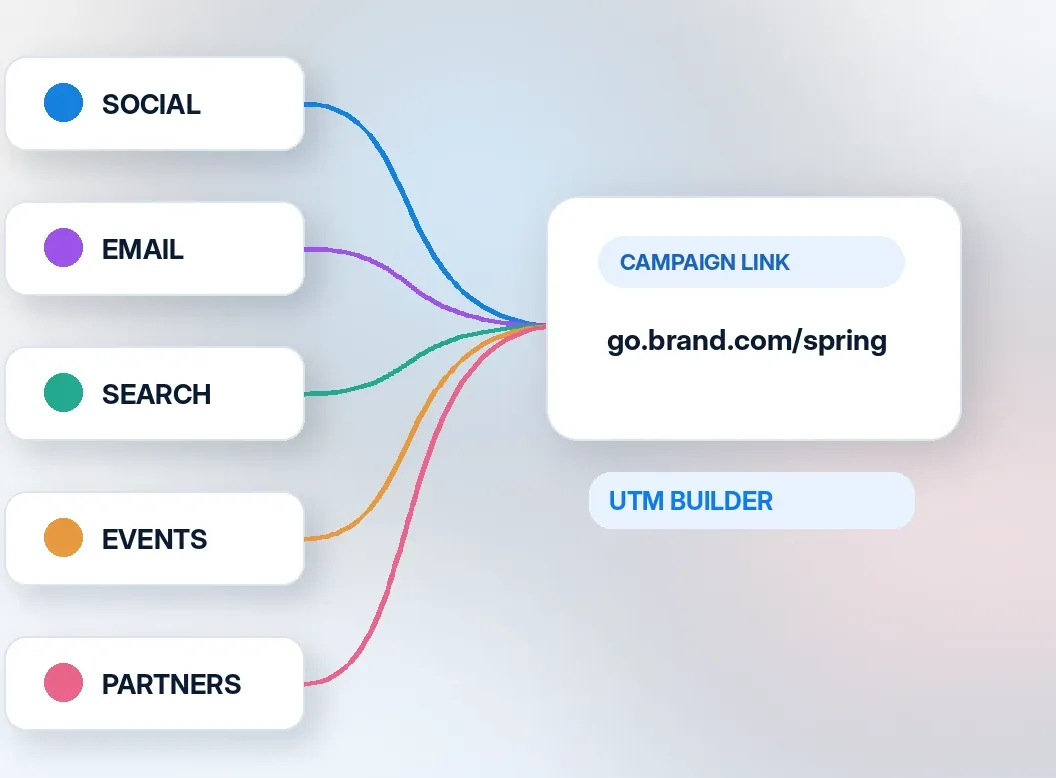
With BN Shortener (the service behind Shortlen, at b1.lc), that looks like this:
- Build the wa.me link with the WhatsApp link generator.
- In BN Shortener, create a short link with the wa.me link as its destination. Give it a readable alias, such as
b1.lc/chat-spring(aliases can be 3 to 50 characters). - Make one short link per placement: one for the website footer, one for Instagram, one for the shop window. They can all share the same destination.
- Read the analytics. BN Shortener counts people by default and records bots, crawlers and link previews separately, so the WhatsApp preview robot that fetches your link when someone pastes it into a chat does not inflate the count. You see countries, devices, referrers and time of day for each link.
Two details matter for WhatsApp links in particular:
- UTM tags do nothing here. UTM parameters are read by web analytics on a web page. A wa.me link opens an app, so there is no page to read them. Count with the short link instead, and use UTM tags on the short links that lead to your website.
- You can change the number without reprinting. If the business number changes, edit the short link’s destination. Every printed card, sticker and QR code that uses the short link follows. BN Shortener keeps a history of each change, so you can roll back.
Several people answer chats? In BN Shortener, a link’s Rotation tab can send each new visitor to a different WhatsApp number with your pre-filled message (round robin, random or weighted), only during opening hours, with a daily cap per number. See link rotation.
If you want the link to show your name rather than a shared domain, put it on your own domain, such as chat.yourbrand.com/sales. The Free plan includes one custom domain. Our guide to using your own domain for short links walks through the DNS records.
How do I add a WhatsApp link to my website (HTML button)?
A WhatsApp button is an ordinary link whose address is your wa.me link. Paste this where you want the button and change the number and message:
<a href="https://wa.me/15551234567?text=Hi%2C%20I%27d%20like%20to%20book"
   target="_blank" rel="noopener"
   style="display:inline-block;padding:12px 20px;border-radius:8px;background:#25D366;color:#fff;font-weight:600;text-decoration:none">
  Chat on WhatsApp
</a>- On phones, the link opens the WhatsApp app with the chat and your message ready. On a computer, it opens WhatsApp’s own page, which hands over to the desktop app or WhatsApp Web.
- Encode the message. Spaces become
%20, commas%2C, apostrophes%27. The WhatsApp link generator does it for you, or use the URL encoder. - In WordPress, Wix, Squarespace or Shopify, you do not need code: add a button block and paste the wa.me link as its URL.
- For a floating button in the corner of every page, most site builders and themes have a setting or plugin; check what it loads and whether it slows the page.
- To count taps, use a short link as the button’s address (next section explains why). The button then works the same, and every tap is counted per page.
WhatsApp’s help page asks businesses that show a WhatsApp button to use its official button design unchanged, so if you use the WhatsApp logo, use the version WhatsApp provides.
How do I make a WhatsApp QR code?
Encode the link in a QR code. You have two choices:
| Static QR code | Dynamic QR code | |
|---|---|---|
| What the code holds | The wa.me link itself | A short link that points to the wa.me link |
| Change the number or message later | No, reprint | Yes, edit the destination |
| Count scans | No | Yes |
| Size of the pattern | Larger, the whole message is inside | Smaller, the code holds a short address |
The free QR code generator makes a static WhatsApp code. In BN Shortener, the QR builder has a WhatsApp content type (phone number and pre-filled message) and makes dynamic codes by default; the Free plan includes 5 dynamic QR codes. Our guide on static vs dynamic QR codes explains when each one makes sense.
One practical note from WhatsApp’s own help page: the camera inside WhatsApp “can only scan official WhatsApp QR codes”. Your customers will scan a code you made yourself with their phone’s normal camera, which handles any link.
Where should you use a WhatsApp link?
Places that work well:
- Website contact page and footer, as a “Chat on WhatsApp” button. WhatsApp’s help page asks businesses to use its official button design unchanged.
- Instagram and TikTok bio, or as one button on a bio page (see the Instagram link shortener guide). See link in bio for social media.
- Printed material: menus, receipts, packaging and shop windows, as a QR code.
- Email signatures and order confirmation emails.
- Ads that send people to a chat instead of a form.
For each one, use its own short link. After a month you will know which placements start conversations, which is more useful than a single total.
Start free
You can build a wa.me link in seconds with the WhatsApp link generator. To count who taps it and keep printed links editable, start free at b1.lc: the Free plan includes 100 new short links a month, 5 dynamic QR codes, one custom domain and click analytics. Pro is $15 a month ($144 a year) and Business $49 a month ($468 a year); see the pricing page for what each includes.
Sources
- How to use click to chat, WhatsApp Help Center, undated. Checked 2026-10-23.
- QR Codes and Short Links, Meta for Developers (WhatsApp Business Platform), 2026-05-21. Checked 2026-10-23.
- How to share your WhatsApp Business QR code, WhatsApp Help Center, undated. Checked 2026-10-23.