
BN Shortener vs TinyURL (2026): free links, analytics and prices
TinyURL vs BN Shortener, checked 23 October 2026: what the free plan allows, Pro and Bulk prices, link editing, analytics, expiry rules and how to switch.
Key takeaways
- TinyURL Free (as published 23 October 2026): 30 links a month, custom aliases and links that never expire, but no click tracking, no destination editing and no deleting.
- TinyURL Pro starts at $9 a month billed yearly ($108 a year) or $11 monthly for 125 links a month, with unlimited tracked clicks, 3 branded domains and 2 years of analytics.
- TinyURL's Bulk 50K plan ($69 a month yearly, $83 monthly) makes links expire after 90 days by default; Enterprise starts at $3,999 a year.
- BN Shortener Free includes 100 new links a month, people-only click analytics, editing, 1 custom domain, 5 dynamic QR codes and 1 bio page.
- TinyURL remains the fastest way to make a single short link with a custom alias; BN Shortener fits anyone who needs to measure or change links later.
TinyURL has shortened links since 2002, and for a quick one-off link it is still hard to beat: paste, pick an alias, done. The questions start when you want to know who clicked, or need to change where the link goes. BN Shortener, the product behind shortlen.com, is built for links you measure and maintain. We read TinyURL’s pricing page and feature breakdown in both monthly and yearly mode on 23 October 2026; every TinyURL figure below comes from its own pages.
TinyURL vs BN Shortener at a glance
| TinyURL (as published 23 Oct 2026) | BN Shortener | |
|---|---|---|
| Free plan | 30 links a month, custom aliases, no click tracking | 100 new links a month, analytics, 1 custom domain, 5 dynamic QR codes, 1 bio page |
| Entry paid plan | Pro: $9 a month yearly ($108) or $11 monthly, at 125 links a month | Pro: $15 a month or $144 a year |
| Volume plan | Bulk 50K: $69 a month yearly ($828) or $83 monthly | Business: $49 a month or $468 a year, 10,000 links a month |
| Enterprise | Custom, starts at $3,999 a year | Custom |
| Tracked clicks | None on Free; unlimited on Pro; 50,000 a month on Bulk | Every click from people, every plan |
| Edit destination | Pro and up | Every plan |
| Delete links | Pro and up | Every plan (30-day Trash) |
| Default link expiry | Never on Free and Pro; 90 days on Bulk | Never, unless you set a date or click limit |
| Branded domains | 3 on Pro and Bulk; 1 kept if you downgrade to Free | 1 on Free, 3 on Pro, 10 on Business |
| Analytics history | 2 years on paid plans | Views of 7 days to 1 year and all time |
| Analytics detail | Referrer, geography, language, days and times, device, OS, browser | Same, plus city, ISP, UTM tags, VPN and bot detection, AI assistants |
| Bot filtering | Not published on its site as of 23 October 2026 | People by default; bots shown separately |
| QR codes | Dynamic QR codes listed as a feature | 5 / 250 / 2,500 dynamic codes in PNG, JPEG, WebP, SVG, PDF and EPS |
| Link-in-bio | Not published on its site as of 23 October 2026 | Bio pages: 1 / 10 / 50 |
| API | OpenAPI with a token from your account | REST API on every plan, MCP server, webhooks from Pro |
| Teams | Not listed on its pricing page | 5 seats with roles on Business; SSO and SCIM on Enterprise |
| Uptime SLA | 99.9% on Enterprise | Not published |
What does TinyURL’s free plan allow?
TinyURL’s homepage has a shorten form with an optional alias of at least 5 characters, and a QR code tab. A free account, per the feature breakdown, allows 30 links a month, custom aliases, renaming aliases and links that never expire. What it leaves out matters:
- No tracked clicks and no analytics dashboard.
- No editing the destination. If the page moves, the free link keeps pointing at the old address.
- No deleting links, no tags and no expiry dates.
- No branded domain, except that users who downgrade can keep 1 domain active.
BN Shortener’s Free plan includes 100 new links a month, people-only click analytics, destination editing with history and rollback, 1 custom domain, 5 dynamic QR codes, 1 bio page, and the 13-point Launch Check. A standard link, b1.lc/AbC9, is 10 characters in total, shorter than a tinyurl.com link.
How much do TinyURL’s paid plans cost?
TinyURL prices Pro on a slider by monthly link volume; the figures below are its starting point.
| TinyURL plan | Billed yearly | Paid monthly | Links a month | Tracked clicks |
|---|---|---|---|---|
| Free | $0 | $0 | 30 | none |
| Pro (125 links) | $9 a month ($108 a year) | $11 a month | 125, more for a fee | unlimited |
| Bulk 50K | $69 a month ($828 a year) | $83 a month | 50,000, more for a fee | 50,000 a month, more for a fee |
| Enterprise | from $3,999 a year | custom | custom | custom |
TinyURL notes that its listed prices exclude taxes. Both paid plans include 3 branded domains, link editing, deletion, tags, expiry dates and 2 years of analytics. One rule to read before you buy Bulk: its default link expiration is 90 days, while Free and Pro links never expire.
BN Shortener’s price list is Free $0, Pro $15 a month ($144 a year, 1,000 links a month), Business $49 a month ($468 a year, 10,000 links a month) and Enterprise on request. Plan limits only restrict creating new links: after a downgrade, every existing link keeps working and stays editable.
How do the analytics compare?
TinyURL’s paid analytics cover total clicks, clicks over time, referrers, geography, device language, popular days and times, device type, operating system and browser, with 2 years of history. That is a solid set. TinyURL does not publish how it treats bots or link previews.
BN Shortener counts people by default and keeps bots, crawlers and link previews (WhatsApp, Slack, social cards, carrier scanners) as a separate number. On every plan you also get city and region, internet provider, VPN detection, UTM source, medium and campaign, a click log, comparison with the previous period, shareable stats pages, scheduled email reports and a “From AI assistants” card.
How do QR codes compare?
TinyURL lists dynamic QR codes you can edit after printing, tied to a TinyURL link and tracked from the dashboard; since editing and tracking are paid features, plan on a paid plan for that.
BN Shortener’s QR codes are dynamic by default, editable after printing and counted per scan, with 5 on Free. You can design them (patterns, eyes, colours, logo, frames), download PNG, JPEG, WebP, SVG, PDF or EPS, create up to 2,000 from a CSV, protect them with a password, expiry or scan limit, and use GS1 Digital Link for product packaging. Launch Check flags low contrast or an oversized logo before you print.
When is TinyURL the better choice?
- You need one short link right now, with a memorable alias and no setup.
- You want links that never expire on a free plan and never need to change them.
- You want a household name. TinyURL has run since 2002 and says it is used by millions.
- You need very high volume with an SLA: Enterprise lists custom volumes and a 99.9% uptime guarantee.
When is BN Shortener the better choice?
- You need to know who clicked without paying first.
- You need to fix a link after sharing it. Edit the destination on any plan, with a full history and one-click rollback.
- You want your own domain on the free plan.
- You care about link safety. Every destination is scanned against PhishTank, URLhaus, SURBL, urlscan.io and AlienVault OTX when created and rescanned daily.
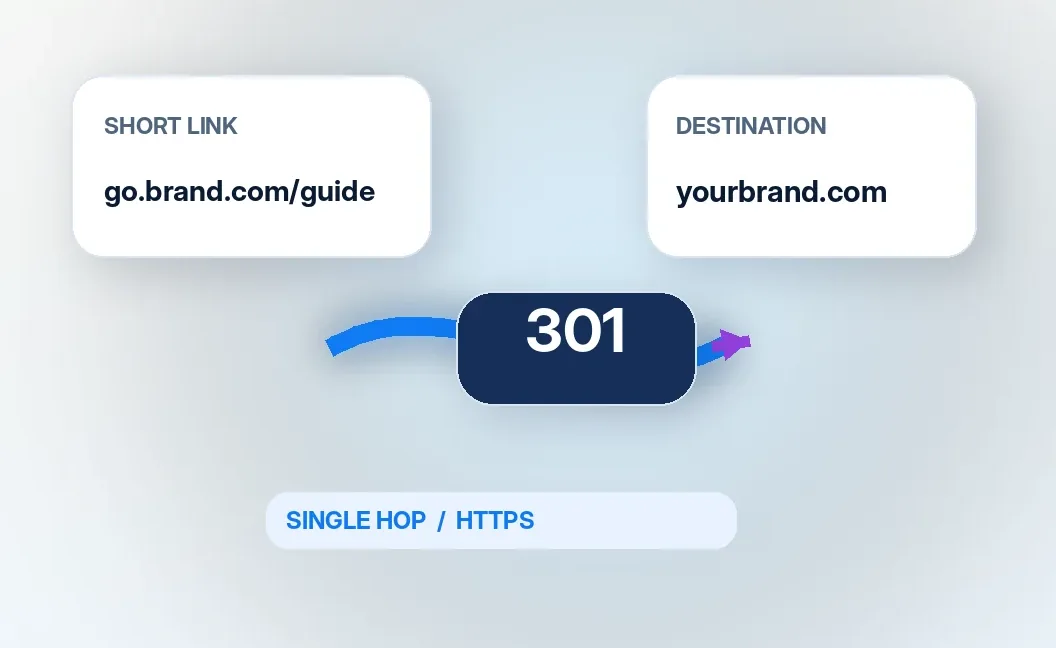
- You use 301 redirects for SEO. Choose 301, 302, 307 or the standard redirect per link; see whether short links hurt SEO.
How do I switch from TinyURL to BN Shortener?
- Collect your links in a CSV. Use TinyURL’s dashboard, its API (
GET /urls/{type}returns a list of your TinyURLs), or a spreadsheet you already keep. - Create a free account at b1.lc. If your TinyURL links use your own branded domain, add it (a CNAME to
b1.lcand a TXT record at_bn-verify.<your domain>). - Upload the CSV on the switch page. Destination and alias columns are recognised automatically; up to 1,000 rows per import.
- Check the dry run, keep your aliases where they are free, and import.
- Download the mapping file and repoint your domain to b1.lc.
Which should you pick?
Pick TinyURL for a fast, free, never-expiring link you will not need to measure or change, or for a large enterprise contract with an SLA. Pick BN Shortener when the link matters after you share it: analytics on Free, edits on every plan, your own domain, QR codes for print, and checks before you send. See the best URL shorteners in 2026 for the wider field.
Start free at b1.lc and make your next link one you can measure, fix and keep.
Sources
- TinyURL plans and feature breakdown, TinyURL, 2026-10. Checked 2026-10-23.
- TinyURL OpenAPI (developer documentation), TinyURL, 2026-10. Checked 2026-10-23.
- Dynamic QR Code Generator, TinyURL, 2026-10. Checked 2026-10-23.
- BN Shortener pricing, BroadNet Technologies, 2026-10-22. Checked 2026-10-23.
- Switch to BN Shortener, BroadNet Technologies, 2026-10-22. Checked 2026-10-23.